
Stable Video by Stability AI

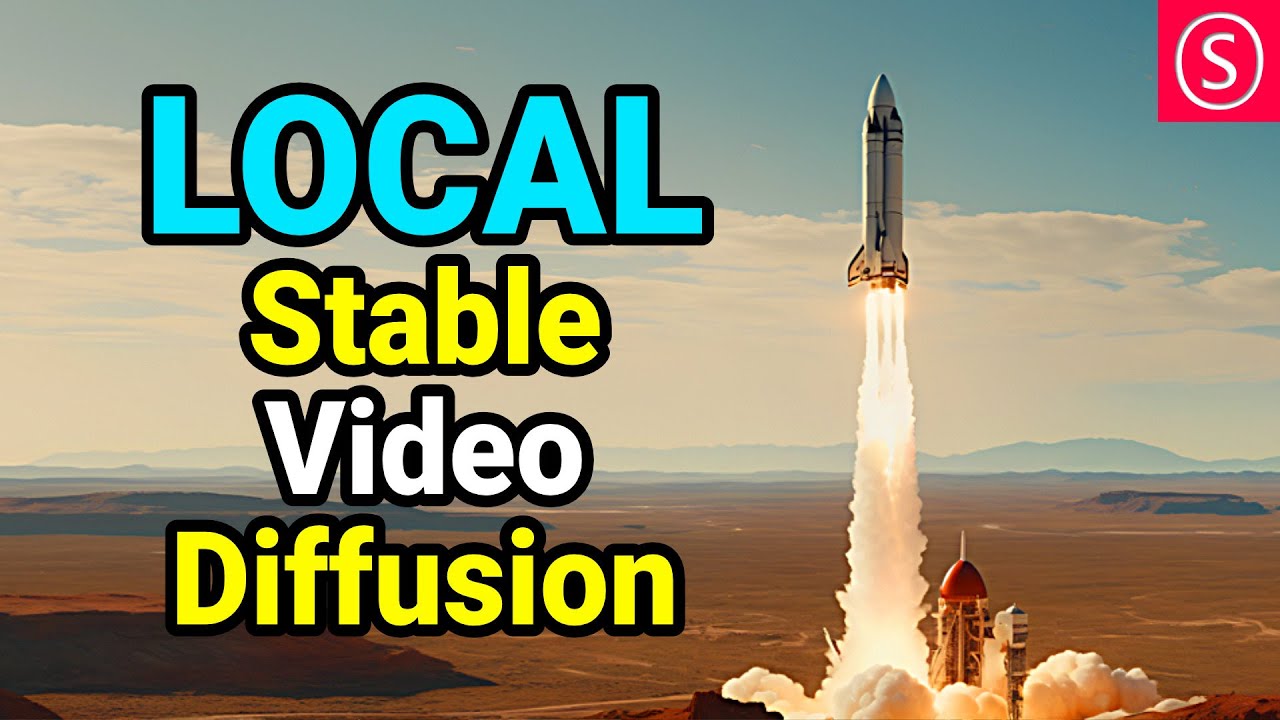
Stable Video Diffusion is an open-source generative AI model from Stability AI that creates short videos from text prompts or input images using latent diffusion techniques. It builds on the Stable Diffusion image model, extending it to video synthesis with variants like SVD for 14-frame outputs and SVD-XT for 25 frames at resolutions up to 576×1024. The tool processes generations in under 2 minutes, supporting frame rates from 3 to 30 fps, making it suitable for quick prototypes.
Key features include Text-to-Video for prompt-based creation, Image-to-Video for animating static images, and customizable motion parameters that control intensity and direction. Deployment options range from local self-hosting via Hugging Face to cloud APIs through Stability AI’s platform, ensuring flexibility for various setups. Technical specifications require a GPU with at least 8GB of VRAM for efficient operation and output in MP4 format, with options for looping.
Users appreciate the high temporal consistency that keeps elements stable across frames, reducing jitter common in early video AIs. The open-source nature allows for fine-tuning with tools like LoRA for custom styles and integration into workflows, such as ComfyUI, for advanced control. Recent updates, such as SVD 1.1, improve motion smoothness and reduce artifacts in dynamic scenes based on community feedback.
Compared to competitors, Runway ML provides longer clips of up to 16 seconds but relies on proprietary cloud access with tiered subscriptions that start higher than Stability’s free local option. Pika Labs excels in stylized effects yet often lacks the photorealism Stable Video Diffusion achieves through its diffusion-based denoising. Kling AI performs better in some tests when handling complex actions, but it requires more computational resources without the same level of open accessibility.
Potential drawbacks include a limited clip length, requiring extensions for narratives exceeding 5 seconds, and occasional hallucinations in crowded compositions. Hardware demands can be a barrier to entry for non-technical users, though lightweight versions mitigate this. Overall, the tool empowers rapid iteration with outputs that rival paid services in quality for short-form content.
For practical use, start with simple prompts that focus on single subjects to build familiarity, then layer in motion directives. Test on low frame rates first to optimize compute and use upscaling tools post-generation for higher resolutions. This approach maximizes output reliability while minimizing frustration.
Video Overview ▶️
What are the key features? ⭐
- Text-to-Video: Generates dynamic video clips directly from descriptive text prompts using latent diffusion for coherent motion.
- Image-to-Video: Animates static images into short videos preserving details while adding realistic movement and transitions.
- Custom Frame Rates: Supports 14 or 25 frames at rates from 3 to 30 fps allowing tailored pacing for different creative needs.
- Fast Processing: Produces videos in 2 minutes or less on compatible hardware enabling quick iterations during prototyping.
- Model Variants: Offers SVD and SVD-XT for varying lengths and quality balancing speed with output fidelity.
Who is it for? 🤔
Examples of what you can use it for 💭
- Indie Filmmaker: Uses Image-to-Video to animate storyboards turning static sketches into motion tests for scene planning.
- Social Media Marketer: Generates Text-to-Video clips for quick ad prototypes featuring product animations tailored to brand prompts.
- Educational Content Creator: Creates short explanatory videos from diagrams animating concepts like scientific processes for engaging lessons.
- Game Developer: Produces asset previews by converting concept art into looping motion clips for UI or environmental tests.
- Visual Artist: Experiments with abstract Text-to-Video generations to explore surreal movements and evolving forms in digital installations.
Pros & Cons ⚖️
- Fast generation
- Open-source free
- High consistency
- Customizable motion
- Short clips only
- GPU needed








