logo-darklogo-darklogo-darklogo-dark
  • Tool Categories
    • ๐ŸŽจArt & Creative Design505
    • ๐ŸขBusiness Management644
    • ๐Ÿ’ปCoding & Development515
    • ๐Ÿ‘ฎDetection83
    • ๐Ÿง General Use727
    • ๐ŸฅHealth & Wellness55
    • ๐Ÿ“ทImage & Photo Analysis100
    • ๐Ÿ–ผ๏ธImage Generation & Editing618
    • ๐Ÿ“Interior & Architectural Design37
    • ๐ŸŽ“Learning & Education483
    • โš–๏ธLegal & Finance90
    • ๐ŸŽญLifestyle & Entertainment236
    • ๐Ÿ“ขMarketing & Advertising627
    • ๐ŸŽงMusic & Audio138
    • ๐Ÿ‘”Office & Workplace1,014
    • ๐Ÿ”ฌResearch & Data Analysis372
    • ๐Ÿ‘ฅSocial Media245
    • ๐ŸŽฅVideo Generation & Editing426
    • ๐Ÿ‘ง๐ŸปVirtual Companion135
    • ๐ŸŽคVoice Generation & Editing381
    • โœ๏ธWriting & Editing808
    • All Categories
    • AI Use Cases
  • News
  • Events
    • Academic Conferences
    • Developer Conferences
    • Expos / Trade Shows
    • Industry Summits
    • Workshops / Training
    • All Events
    • Past Events
  • Saved Tools
  • Suggest a Tool
โœ•
Home › General Use › Assistant› 1min.AI
1min.AI

1min.AI

Create high-quality videos quickly and efficiently with the help of AI

1min.AI is a cool AI tool designed to help users create high-quality videos quickly and efficiently. It does that by simplifying the video creation process by allowing users to transform text into videos in just a minute. This, in turn, can be particularly useful for content creators, marketers, and educators who need to produce visual content rapidly.

1min.AI focuses on automating the most time-consuming aspects of video production, such as editing, voiceover, and animations. Users can input their text (prompt), select from various templates, and the AI will do the rest — generating a professional-looking video ready for distribution. This makes it an excellent tool for those looking to streamline their content creation process.

The tool is designed to cater to various industries and use cases, from social media marketing to educational videos. It provides options to customize the video’s style, tone, and pacing — ensuring that the final product aligns with the user’s brand or message.

All in all, 1min.AI can be a useful resource for anyone needing to create videos quickly and effectively. By leveraging AI, the tool reduces the barriers to video production — making it accessible even to those without extensive technical skills. And it is this democratization of video content creation that allows more people to engage audiences with compelling visual stories. Check it out.

Visit 1min.AI ↗
Categories
๐Ÿง  General
๐Ÿค– Assistant ๐Ÿ’ฌ Chatbot ๐Ÿง  Large Language Model โœ… Productivity
โœ๏ธ Writing
๐Ÿค– Writing Assistant
๐Ÿ–ผ๏ธ Image
๐Ÿ–ผ๏ธ Image Generation
๐ŸŽค Voice
๐Ÿ“ข Text-to-Speech
๐ŸŽฅ Video
๐Ÿ“น Video Generation

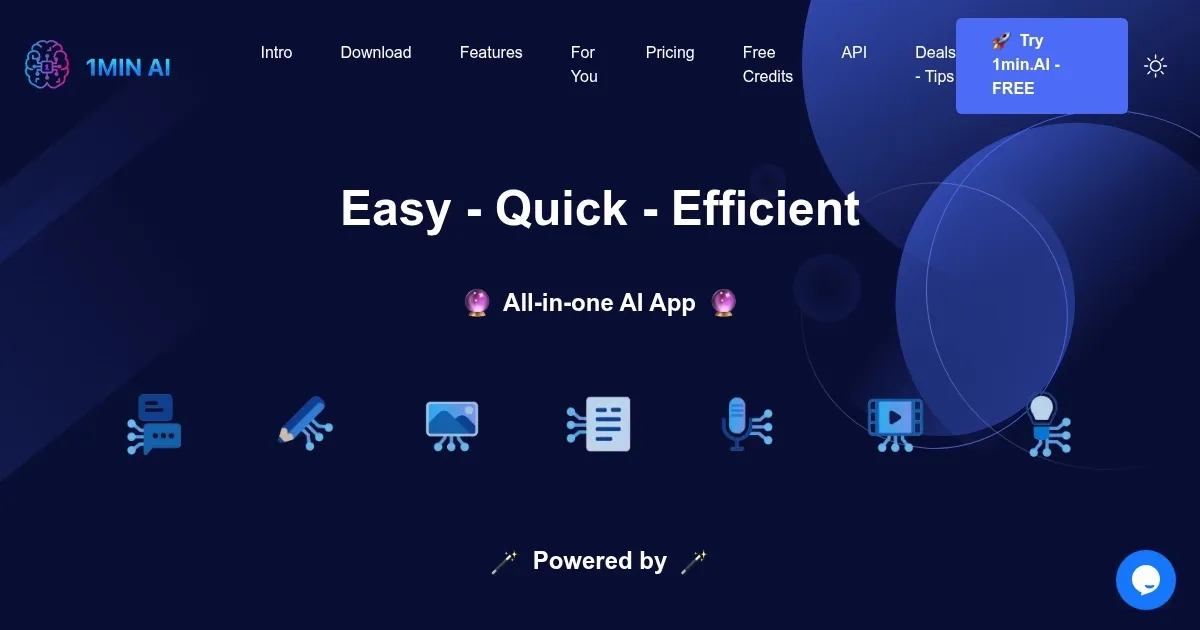
Homepage Screenshot 📸

1min.AI screenshot

Video Overview 🎬

1min.AI - Video Overview

What are the key features? ✨

  • AI-powered video creation: Generate videos from text using advanced AI algorithms that automatically create visuals and narration.
  • Templates: The tool offers a variety of templates to tailor videos to different needs - enhancing the flexibility of the final product.
  • Multi-language support: 1min.AI supports video creation in multiple languages, broadening its usability across different regions.
  • Quick turnaround: The tool can generate professional-quality videos in just one minute.
  • User-friendly interface: It is designed for ease of use, making video creation accessible even for those without technical skills.

Who is it for? 🤔

1min.AI is aimed at marketers, educators, content creators, and businesses who need to produce professional videos quickly and efficiently. It also appeals to individuals looking for an easy way to create personalized video content without requiring technical skills. Furthermore, the platform's speed makes it an attractive option for anyone needing high-quality video output on short notice.

Examples of what you can use it for 💡

  • Create quick, engaging marketing videos for social media or websites
  • Educators or trainers can use it to generate instructional videos quickly
  • Bloggers, influencers, and other content creators get help in producing professional-looking videos with minimal effort
  • Create polished, branded videos for business presentations
  • Also suitable for personal use, such as creating birthday greetings, event invitations, or personal announcements

Pros & Cons ⚖️

  • Allows anyone to create fancy videos
  • Templates make all the difference
  • Quick turnaround time - get your videos fast
  • For fine-tuning, you may need a tool like Adobe Premiere

FAQs 💬

What exactly does 1min.ai do?
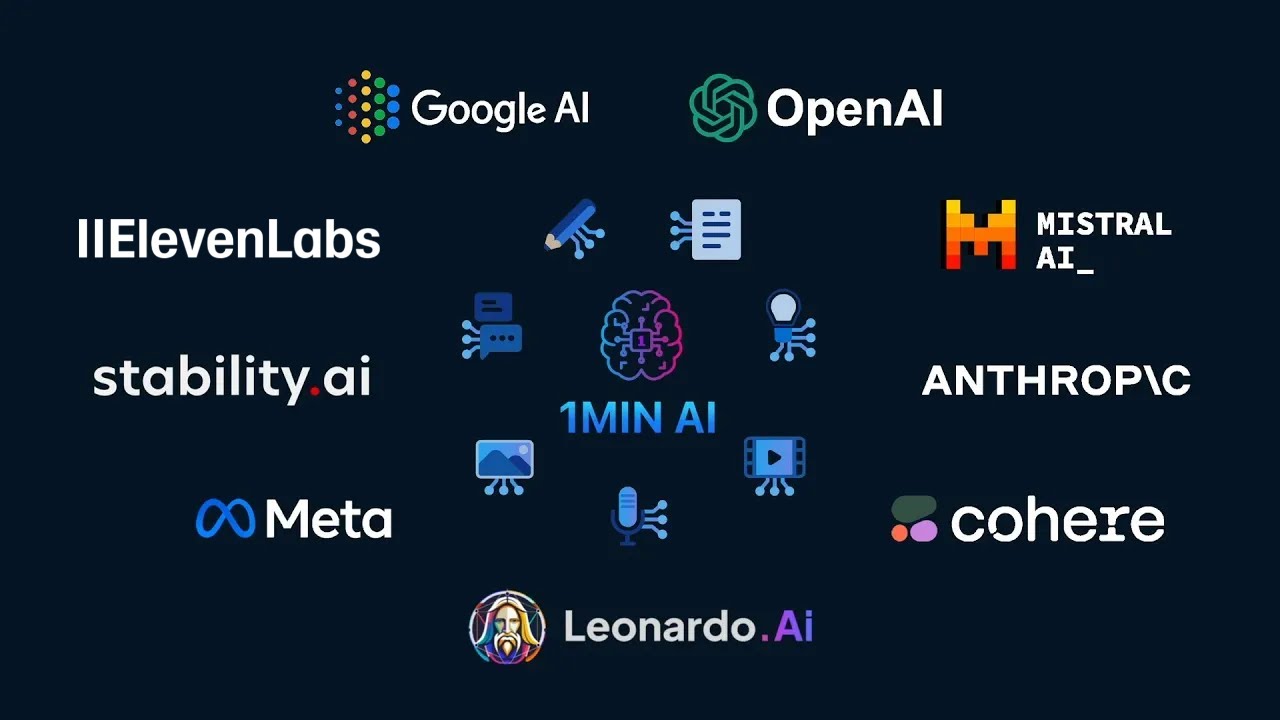
1min.ai acts as an all-in-one hub that combines access to multiple top AI models for tasks like chatting, writing content, generating and editing images, processing audio, transcribing or creating voiceovers, chatting with documents, and making short videos.
Which AI models can I access through 1min.ai?
You get access to a wide range including GPT variants, Claude models, Gemini, Llama, Mistral, Perplexity, and specialized ones for image, audio, and video generation like DALLยทE, Midjourney-style tools, Suno, and Luma.
Is 1min.ai suitable for beginners?
Yes, the interface is designed to be user-friendly and intuitive, so beginners can start quickly without needing advanced technical knowledge, though it rewards clear prompts for best results.
Can I use 1min.ai for commercial projects?
Commercial use is allowed, and many users rely on it for professional work like marketing content, social media assets, client deliverables, and business tools.
Does 1min.ai have a free option to try it?
Yes, there is a free tier with daily credits that never expire, letting you test core features like multi-model chat, basic image generation, and text tools before deciding on more usage.
How does chatting with multiple AIs work?
The multi-assistant chat lets you send one prompt to several models at once and see responses side-by-side, which helps compare answers, get diverse ideas, or pick the best output fast.
Can I upload files like PDFs or images?
Yes, you can upload PDFs to chat with documents for summaries or insights, and images for editing tasks like background removal, object replacement, upscaling, or generating variations.
Is my data private on 1min.ai?
The platform states clearly that user data isn't used to train AI models and remains private, which many users appreciate for sensitive work.
Does 1min.ai work on mobile or desktop?
It runs on web browsers plus dedicated installable apps for iOS, Android, Mac, Windows, and Chrome, so you can use it across devices with synced access.
How often does 1min.ai add new features?
New capabilities roll out weekly, with updates shared through their newsletter and public roadmap, keeping the platform current with the latest AI advancements.

Ready to try 1min.AI?

Create high-quality videos quickly and efficiently with the help of AI

Visit 1min.AI ↗

1min.AI alternatives 🔗

  1. ChatGPT ChatGPT All-round AI assistant generating human-like responses to user queries and tasks
  2. Gemini Gemini Generates responses from text, images, audio, and video inputs using advanced multimodal AI
  3. Claude Claude Assists users in reasoning, coding, writing, and analyzing data with advanced AI models
  4. Grok Grok Delivers witty, real-time AI responses with advanced reasoning and image generation
  5. DeepSeek DeepSeek Delivers advanced AI models for coding and reasoning at low costs
  6. Perplexity Perplexity Delivers cited AI answers from web searches instantly
Share
1min.AI screenshot enlarged
Promote 1min.AI
light badge
Copy Embed Code
dark badge
Copy Embed Code
neutral badge
Copy Embed Code
Best AI Tools

Discover the best AI tools for any use case

Explore
  • Tool Categories
  • AI Use Cases
  • AI Events
  • AI News
  • Saved Tools
Company
  • About Us
  • Contact Us
  • Media & Partnerships
  • Suggest a Tool
Legal
  • Privacy Policy
  • Terms of Service
Copyright © 2026 Best AI Tools 415 Mission Street, 37th Floor, San Francisco, CA 94105