
Visla AI Video Generator

Visla AI Video Generator offers a suite of video creation and editing options designed to simplify and enhance the process for a wide range of users, from businesses to individual creators.
Its features include the conversion of ideas, text, scripts, blogs, and audio into high-quality videos. However, its main focus is on generating engaging video content swiftly and efficiently with features such as video montage making, narrated visual storytelling, an AI step recorder, auto subtitle generation, and an automatic video editor.
Further extending its utility, Visla AI Video Generator integrates several editing functionalities like background music addition, filler word removal, scene-based editing, video transitions, voice-overs, and text graphics, among others. It is also made for collaboration with features like screen and video recording, teleprompting, and direct video sharing.
In a nutshell, Visla AI Video Generator is an all-encompassing solution for creating promotional, educational, or entertainment video content.
Video Overview ▶️
What are the key features? ⭐
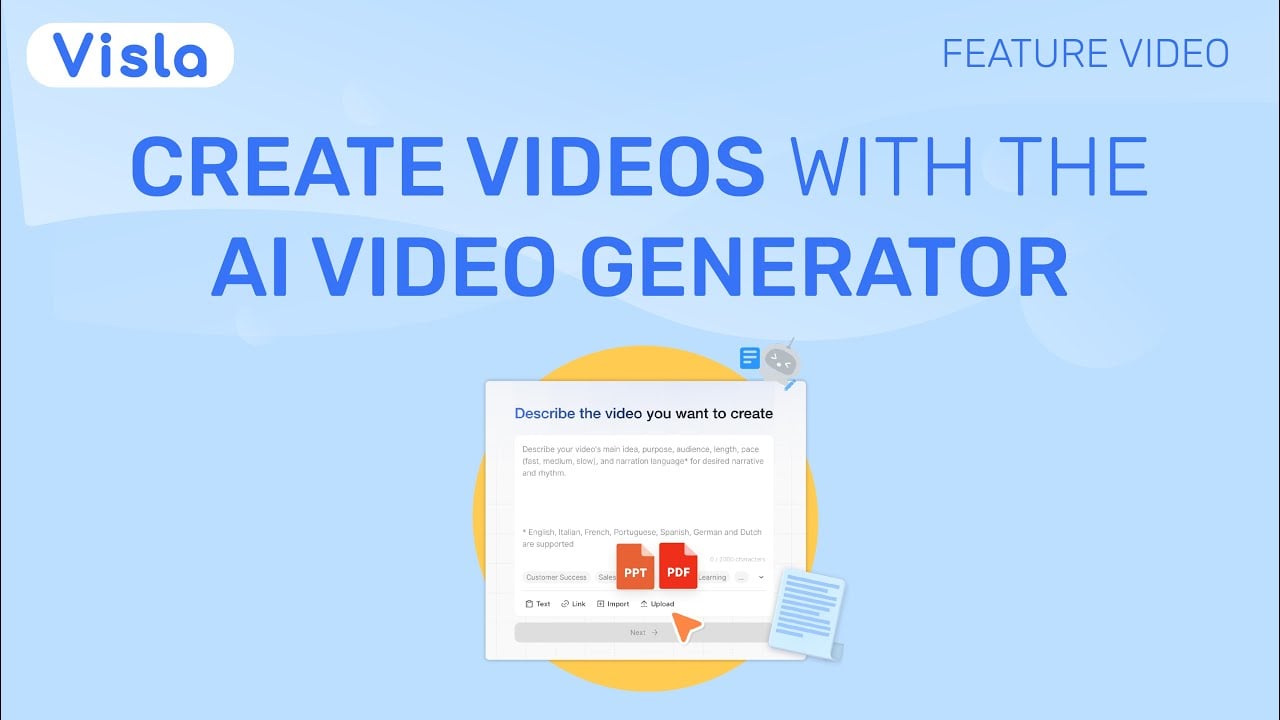
- AI Video Generator: Automatically creates full videos from text, scripts, URLs, audio, PDFs, or footage with voice, visuals, and music.
- Scene-Based Video Editor: Allows intuitive rearranging, swapping, and fine-tuning of video scenes without complex timelines.
- Custom AI Avatars: Generates personalized on-screen presenters from photos or prompts with customizable appearance and voice.
- Branding Tools: Applies consistent fonts, colors, logos, intros, and outros using brand kits across all videos.
- Voiceovers & Subtitles: Produces natural AI narration in multiple languages and automatically adds synchronized subtitles.
Who is it for? 🤔
Examples of what you can use it for 💭
- Marketing teams: Quickly convert blog posts, campaign ideas, or webpages into branded promotional or explainer videos for social media and email.
- Educators: Transform lesson scripts, PDFs, or lecture audio into engaging instructional videos with visuals and subtitles for online courses.
- Sales professionals: Create personalized pitch videos from product details or customer case studies using custom avatars and voiceovers.
- HR departments: Repurpose policy documents or training recordings into polished onboarding or compliance videos for employees.
- Customer success teams: Turn meeting notes or support transcripts into short highlight or tutorial videos to share with clients.
Pros & Cons ⚖️
- Fast content repurposing
- Intuitive scene editor
- Strong branding options
- Flexible input types
- Free tier limits credits
- Occasional generic visuals








