
logo-darklogo-darklogo-darklogo-dark
  • Home
  • Browse
    • Assistant
    • Coding
    • Image
    • Productivity
    • Video
    • Voice
    • Writing
    • All Categories
    • AI Use Cases
  • Events
  • My Favorites
  • Suggest a Tool
✕
Home › Video Generation & Editing›
Published by Dusan Belic on July 21, 2024

Wondershare Virbo

Wondershare Virbo
Wondershare Virbo Homepage
Categories Video Generation & Editing
An AI-driven video creation tool designed to generate engaging videos quickly & efficiently

Wondershare Virbo

Wondershare’s Virbo is an AI-powered video creation tool designed to generate engaging videos quickly and efficiently. By transforming text into videos with lifelike avatars and natural voiceovers, Virbo drastically simplifies the video production process.

Users can select from over 300 AI avatars and 460 voices in 90 languages, making it useful for various applications — including marketing, education, and customer service.

The platform offers an easy-to-grasp interface, allowing users to input scripts, customize settings, and enhance videos with backgrounds, music, and text. It also integrates with ChatGPT for AI script generation, further streamlining content creation.

Furthermore, Virbo supports translation in over 40 languages, making it suitable for global audiences. It also includes advanced features like lip-syncing, dynamic subtitles, and the ability to export videos with green screen or transparent backgrounds for easy integration into other projects.

All in all, Wondershare’s Virbo is useful for anyone looking to create professional-quality videos with minimal effort. Its AI-driven capabilities, customization options, and a range of avatars and voices make it a good option for enhancing digital content and communication strategies.

Wondershare Virbo Homepage
Categories Video Generation & Editing

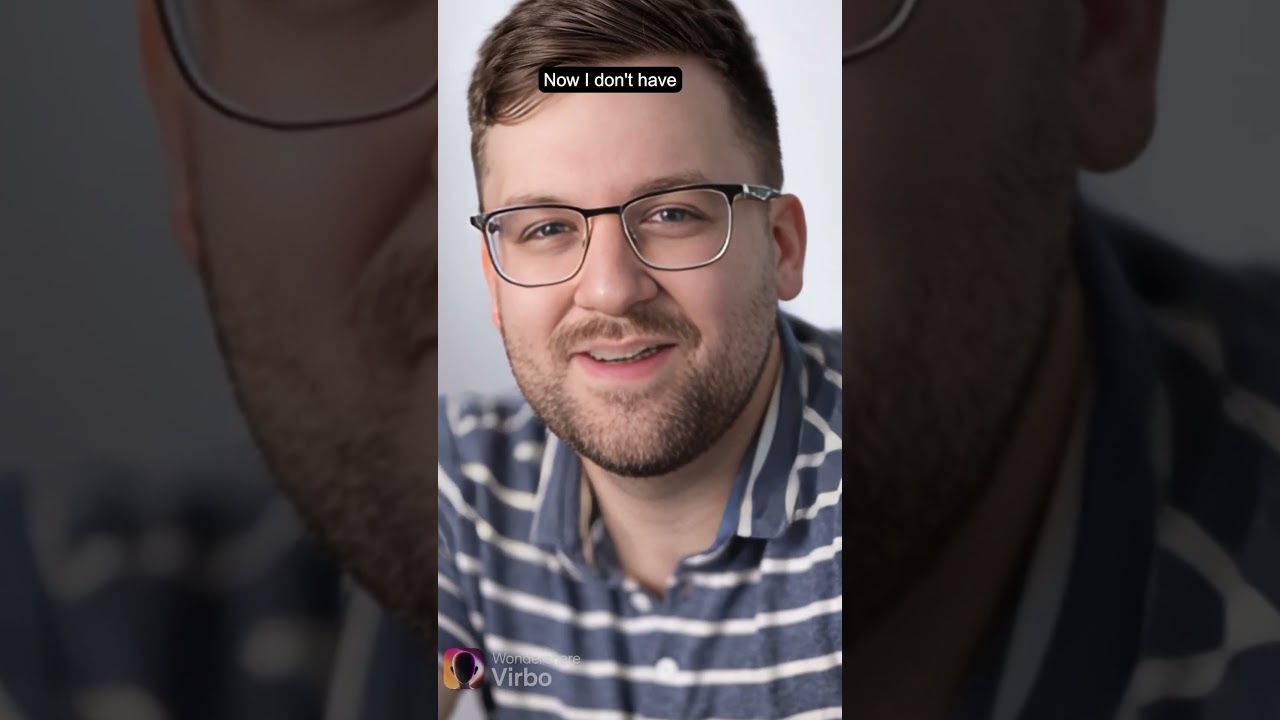
Video Overview ▶️

Wondershare Virbo - Video Overview

What are the key features? ⭐

  • AI video generation: Wondershare Virbo converts text into engaging videos using AI, featuring lifelike avatars and voiceovers.
  • Customizations: The tool offers a broad range of customization options, including backgrounds, music, text effects, and more.
  • Multilingual support: It provides voiceovers in more than 90 languages, ensuring global reach and inclusivity.
  • Script generation: Integrates with ChatGPT to generate contextually appropriate scripts.
  • Realistic avatars: Features over 300 customizable AI avatars for a personalized video experience.

Who is it for? 🤔

Wondershare Virbo is made for businesses, marketers, educators, content creators, and anyone looking to quickly and easily produce high-quality videos. Its multilingual capabilities cater to a global audience and are particularly useful for those who want to leverage AI to enhance their video content without requiring extensive technical skills.

Examples of what you can use it for 💭

  • Create promotional videos for products, services, or brand campaigns
  • Develop instructional videos for online courses and tutorials
  • Generate explainer videos for customer service and troubleshooting
  • Produce engaging content for platforms like YouTube, TikTok, and Instagram
  • Create training materials and onboarding videos for employees

Pros & Cons ⚖️

  • Allows anyone to create videos
  • Multi-language support
  • Advanced features like lip-syncing, subtitles, and more
  • Fine-tuning may require other (professional) software

FAQs 💬

What is Wondershare Virbo mainly used for?
Wondershare Virbo creates AI avatar videos from text scripts, photos, or links, ideal for marketing, education, training, and promotional content with realistic talking characters.
How many AI avatars does Virbo provide?
It offers over 350 lifelike AI avatars with diverse ethnicities, styles, and expressions for professional-looking spokesperson videos.
Does Virbo support multiple languages?
Yes, it supports over 80 languages for translation, dubbing, and voiceovers, with some features extending to hundreds of voices and accents for global reach.
Can I create videos from a single photo?
Absolutely. The talking photo feature lets you upload a still image, add a script, and generate a speaking video with lip-sync and natural movements.
Is Virbo suitable for beginners?
Yes, it features an intuitive interface with templates and drag-and-drop options, so you don't need video editing experience to produce quality results quickly.
Does Virbo allow custom avatars?
Yes, you can create custom AI avatars by cloning yourself or generating personalized ones for brand-specific, authentic-looking videos.
What types of content work best with Virbo?
It excels at explainer videos, product promotions, training materials, social media posts, and any content needing a human presenter without actual filming.
How realistic are the voices and lip-sync?
Voices sound natural with options for emotions and accents, while lip-sync aligns well with speech for engaging, professional delivery.
Can Virbo translate existing videos?
Yes, its video translator feature dubs content into multiple languages with AI voices, subtitles, and synchronized lip movements.
Is Virbo available on mobile devices?
Yes, it works across web, desktop, and mobile apps for creating and editing videos on the go.
Visit Wondershare Virbo

Related tools ↙️

  1. Tango Tango Creates interactive how-to guides from screen captures in minutes.
  2. Cloudinary Cloudinary Manages, transforms, optimizes, and delivers images and videos with AI-powered features
  3. Nullface Nullface Generates AI-powered faceless videos for TikTok and YouTube effortlessly
  4. Verbalate Verbalate Translates and dubs videos into multiple languages using voice cloning and lip sync for global reach
  5. Choppity Choppity Transforms long videos into engaging short clips using AI automation
  6. WarpVideo WarpVideo Transforms videos through AI-powered face swapping and style restyling
Last update: January 14, 2026
Share
Promote Wondershare Virbo
light badge
Copy Embed Code
dark badge
Copy Embed Code
neutral badge
Copy Embed Code
About Us | Contact Us | Suggest an AI Tool | Privacy Policy | Terms of Service

Copyright © 2026 Best AI Tools
415 Mission Street, 37th Floor, San Francisco, CA 94105