YouTube Dubbing

Using YouTube Dubbing feels like having a personal translator whispering in your ear. Popping the extension onto Chrome was a breeze — download, pin, done. I fired up a Korean cooking tutorial on YouTube, clicked the plugin, and chose English with a female voice. The result? A perfectly synced voiceover that made me feel like I was watching a native production. The AI subtitles popped up cleanly, and I could toggle them off when I just wanted to listen. It’s not flawless, mind you, some phrases sounded a bit robotic, but the experience was immersive enough to keep me glued.
What struck me was the voice variety. I switched to a British male accent for a Japanese anime clip, and it felt oddly authentic, like the characters had always spoken that way. The plugin’s ability to preserve background music, a premium feature, added depth to the audio, though I didn’t have access to test it fully. I also tried the webpage text-to-speech feature on a blog post, and it was surprisingly handy for multitasking. The plugin supports platforms like Bilibili and Udemy, which is great for learners, but I noticed a slight lag when testing on Bilibili, probably due to uncached subtitles.
Compared to HeyGen or Descript, YouTube Dubbing feels more tailored for real-time viewing. HeyGen’s strength lies in professional video production, while Descript focuses on editing and transcription, not live dubbing. The free version’s five-video limit stung when I got carried away, and I’d wager heavy users will feel the same. Some Reddit users mentioned occasional translation hiccups with slang-heavy content, which I noticed too. The premium voices via Azure TTS sound promising, but I didn’t get to try them.
The interface is intuitive, with sliders for volume and dropdowns for language and voice. I love how it detects multiple speakers, though assigning voices manually is a premium perk. For someone like me, who dabbles in global content, it’s a fun tool, but the free cap might push you to upgrade. If you’re curious, give it a spin on a short video first.
My tip: Experiment with different voices on a cached video for instant results. If you’re learning a language, keep subtitles on to cross-check translations. Stick to major platforms to avoid sync issues.
Video Overview ▶️
What are the key features? ⭐
- One-Click Dubbing: Translates and plays dubbed audio with a single click for seamless viewing.
- AI Subtitles: Generates accurate, synchronized subtitles for videos, with 400,000+ pre-cached.
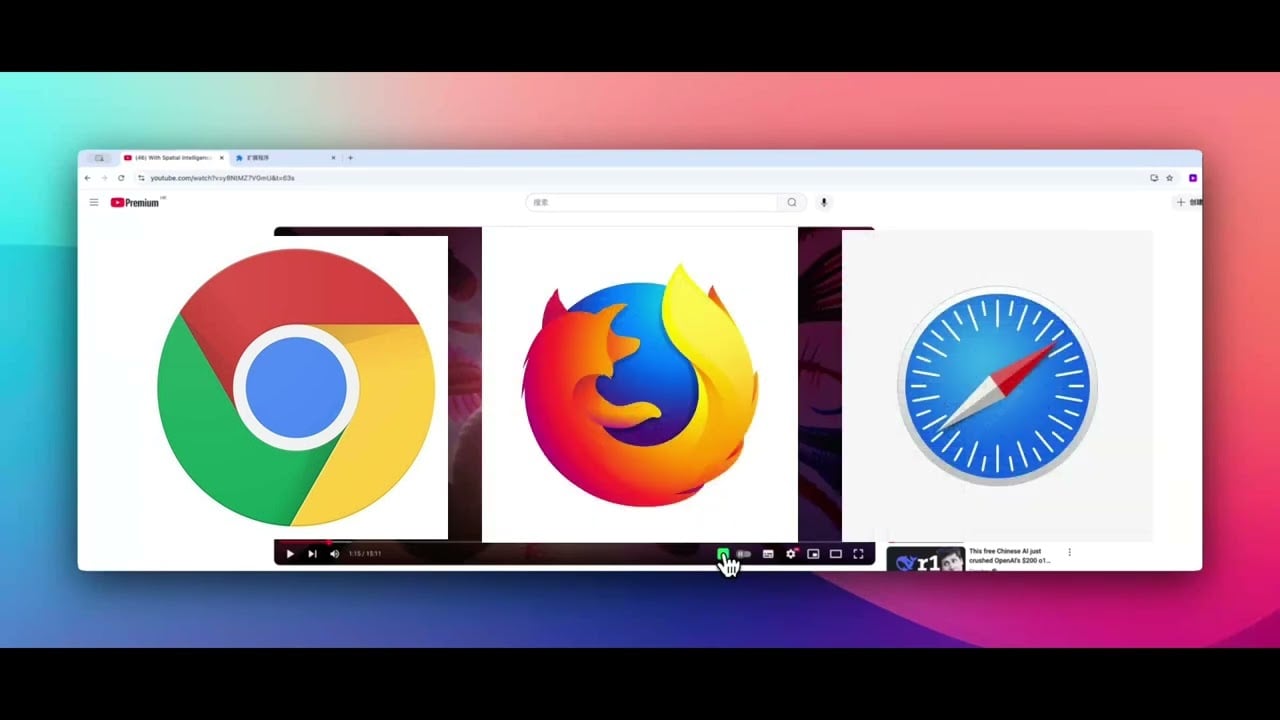
- Multi-Platform Support: Works on YouTube, Bilibili, Udemy, and more, across Chrome, Firefox, and Safari.
- Voice Customization: Offers male, female, and regional accent options for personalized audio.
- Webpage Text-to-Speech: Converts selected webpage text into spoken audio for hands-free use.
Who is it for? 🤔
Examples of what you can use it for 💭
- Language Learner: Uses the plugin to watch French tutorials in English while keeping subtitles for vocabulary practice.
- Content Creator: Dubs their YouTube videos into Spanish to reach a broader audience without manual editing.
- Student: Accesses Udemy courses in Japanese, dubbed into German, for seamless learning.
- Traveler: Watches Bilibili travel vlogs in Chinese, translated to Portuguese, to plan a trip.
- Multitasker: Converts webpage articles to audio while working on other tasks.
Pros & Cons ⚖️
- Seamless one-click dubbing
- Supports 138 languages
- Accurate AI subtitles
- Free version limits 5 videos/day
- Sync issues on non-YouTube sites