AI Hug


I spent a lazy afternoon fiddling with AI Hug, uploading a grainy photo of my old college buddy and me from a road trip, half-expecting some awkward robot tango. Instead, it spun out this video of us locking in a bear hug at sunset, the kind that makes you chuckle at how the AI nailed his goofy grin mid-laugh. Wasn’t even a full day of tinkering, just enough to get the hang of prompting it with simple lines like add a beach breeze or soften the edges, and suddenly I’ve got this clip that’s equal parts nostalgic and nifty. There’s something quietly thrilling about watching pixels pulse with life, like peeking behind the curtain of a magic show you half-suspect is real.
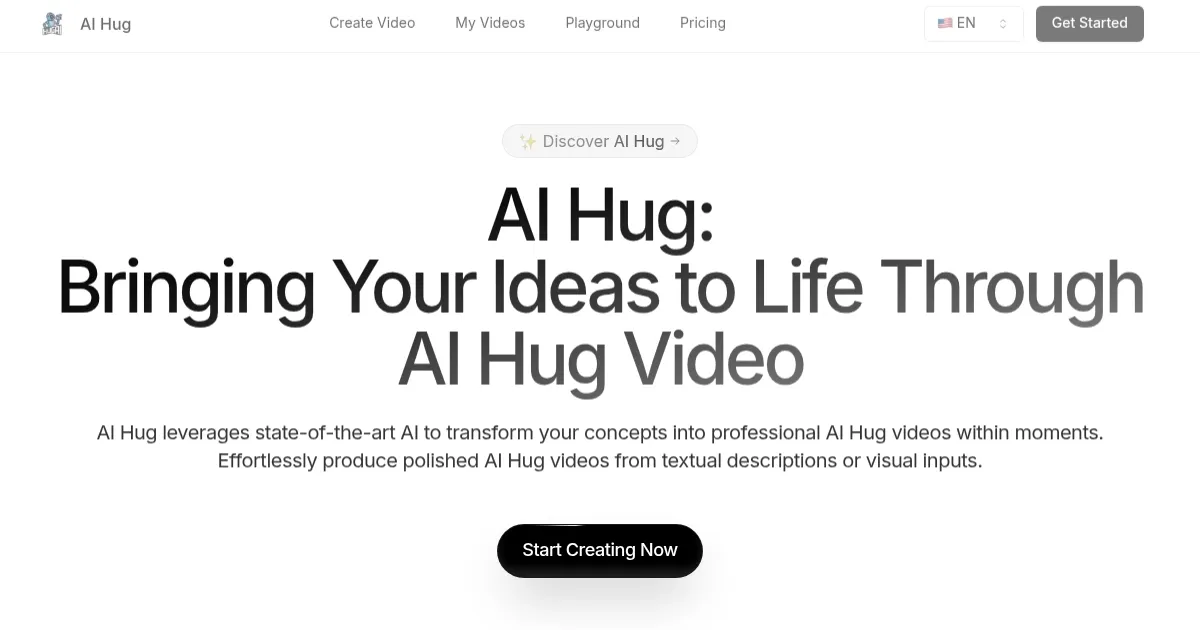
The interface hit me like a well-brewed coffee, straightforward without the bloat that plagues fancier apps. Drop in text or pics, tweak a setting or two, and it churns out hugging scenes that feel plucked from a feel-good flick. I tossed in a description for a family reunion vibe, and out came elders chuckling in an embrace, arms folding just so, with that warm filter that evokes backyard barbecues. Folks online echo this, one Reddit thread buzzing about how it outshines Vidu Studio for quick emotional hits, though Vidu edges out on wilder animations if you’re chasing sci-fi flair. Then there’s Runway, slick for pros but credit-hungry; AI Hugs lighter touch on resources let me iterate without sweating the bill.
What caught me off guard was the raw feels it stirs up, like generating a hug for a distant aunt who’s been under the weather, the video landing in her inbox like an unexpected postcard from home. Users on X gush about similar surprises, turning solo selfies into duo delights that bridge oceans. But lets keep it real, my first try glitched on mismatched poses, arms clipping like poorly synced dancers, forcing a redo that ate a few credits. And while the realism wows, it occasionally overcooks expressions into uncanny valley territory, eyes lingering a beat too long. Hedging here, but I suspect more training data will iron those quirks soon.
Under the hood, it’s leaning on diffusion models fine-tuned for gesture flow, mapping faces with eerie precision so embraces don’t look staged. I played with the Versatile Input Options, blending a scribbled note with a snapshot, and it wove them into a seamless loop that’s oddly addictive to loop. Surprise element? It handles group hugs decently too, though pairs shine brightest, opening doors to quirky content like celebrity mashups that go viral on a whim. Compared to competitors general plans, AI Hugs credit system feels nimble, scaling with your whims without locking you into monthlies.
If you’re like me, dipping into this for a lark but sticking around for the spark it ignites, here’s my two cents: pair it with clear uploads and vivid prompts to dodge the duds. Next time you’re scrolling for inspiration, fire up a test clip of folks you miss, tweak till it sings, and hit share. You might just craft something that lingers longer than the tech behind it.
What are the key features? ⭐
- AI-Powered Video Creation: Converts text or images into premium hugging animations using sophisticated machine learning models.
- Intuitive Interface: Allows simple input of descriptions or photo uploads for effortless video generation without editing skills.
- Automated Processing: Handles full conversion from static inputs to dynamic clips, ensuring natural motion and expressions.
- Authentic Quality: Produces high-fidelity videos with realistic effects suitable for professional or personal use.
- Versatile Inputs: Supports diverse creative options from written prompts or visual references for customized outputs.
Who is it for? 🤔
Examples of what you can use it for 💭
- Content Creator: Generates viral hugging clips from celebrity photos to boost social media engagement.
- Marketer: Produces promotional videos showing product endorsements through animated embraces.
- Educator: Creates illustrative scenes of empathy and relationships for classroom discussions.
- Family Member: Animates old photos into hug videos to share warmth with distant relatives.
- Social Media User: Turns selfies into fun duo animations for trending challenges and posts.
Pros & Cons ⚖️
- Fast generation
- Realistic animations
- User-friendly design
- Versatile applications
- No free trial
- Input quality sensitive