logo-darklogo-darklogo-darklogo-dark
  • Tool Categories
    • 🎨Art & Creative Design505
    • 🏢Business Management644
    • 💻Coding & Development515
    • 👮Detection83
    • 🧠General Use727
    • 🏥Health & Wellness55
    • 📷Image & Photo Analysis100
    • 🖼️Image Generation & Editing618
    • 📐Interior & Architectural Design37
    • 🎓Learning & Education483
    • ⚖️Legal & Finance90
    • 🎭Lifestyle & Entertainment236
    • 📢Marketing & Advertising627
    • 🎧Music & Audio138
    • 👔Office & Workplace1,014
    • 🔬Research & Data Analysis372
    • 👥Social Media245
    • 🎥Video Generation & Editing426
    • 👧🏻Virtual Companion135
    • 🎤Voice Generation & Editing381
    • ✍️Writing & Editing808
    • All Categories
    • AI Use Cases
  • News
  • Events
    • Academic Conferences
    • Developer Conferences
    • Expos / Trade Shows
    • Industry Summits
    • Workshops / Training
    • All Events
    • Past Events
  • Saved Tools
  • Suggest a Tool
✕
Home › Lifestyle & Entertainment › Recipe› Flavorish
Flavorish

Flavorish

Imports recipes from social media, images, and websites for easy cooking organization

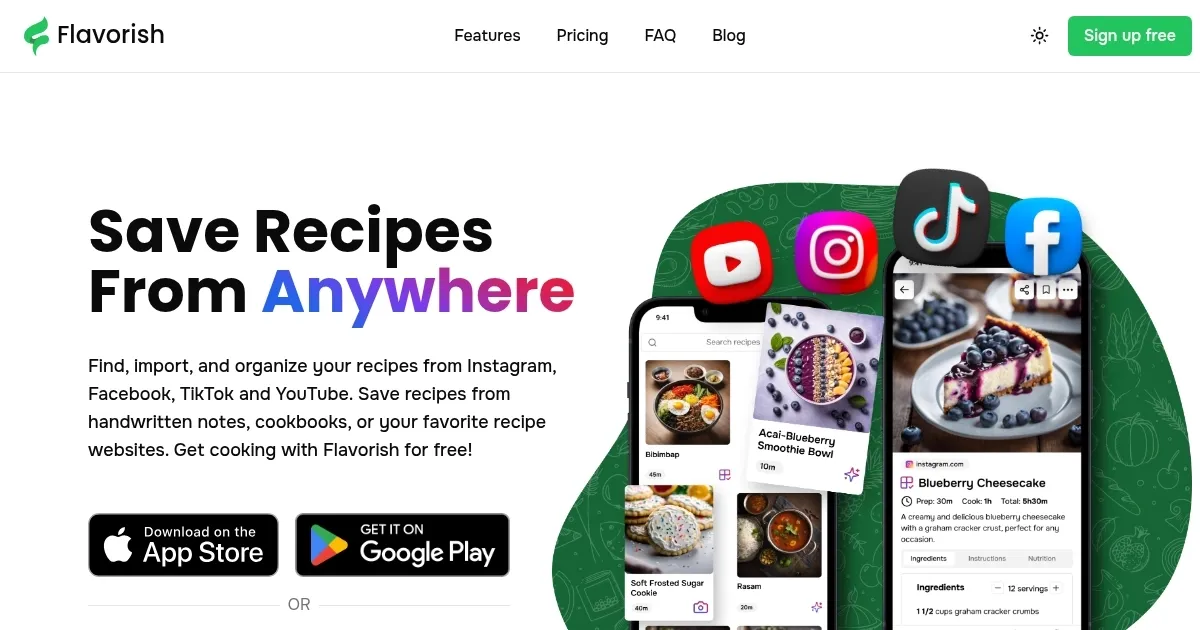
Flavorish is an AI-powered recipe organizer that imports, generates, and manages recipes across devices. It supports saving from social media platforms including Instagram, Facebook, TikTok, and YouTube, as well as from images of handwritten notes or cookbooks and from recipe websites. The app provides nutritional information for imported recipes and uses AI to create personalized suggestions based on ingredients, dietary needs, or preferences. Grocery lists generate automatically from selected recipes and organize by aisle or recipe. Cloud sync works across iOS, Android, and web versions.

Key features include unlimited recipe storage and collections in the free Basic plan, with limits on social media imports, image processing, and AI generations at five each. The Premium plan, at $4.99 per month, removes these limits and adds unlimited access to those functions. Users access an ad-free interface with no data selling. The app scales recipes for different serving sizes and supports various diets like vegan, low-carb, and allergy-friendly options.

Flavorish competes with tools like Paprika, which offers one-time purchases per platform but lacks built-in AI generation and social media imports. AnyList excels in collaborative lists yet provides fewer import options from images or videos. Yummly focuses on discovery but includes ads in its free version and less emphasis on custom collections. Flavorish’s pricing remains lower for subscription users compared to Paprika’s cumulative costs across devices.

Users report reliable syncing and quick imports, with some noting occasional inaccuracies in image extractions for complex handwriting. The AI produces practical recipes with step-by-step instructions and images. Grocery list organization reduces shopping time, as confirmed in app store reviews from 2025. The web version allows desktop access without additional fees.

For best results, users import recipes via share sheets on mobile or URL pasting on web. Organize into collections immediately after import to maintain structure. Test the free plan with five AI generations to evaluate fit before upgrading. Export options exist for backups, though manual for now.

Visit Flavorish ↗
Categories
🎭 Lifestyle
🥘 Recipe 👨‍🍳 Cooking Assistant
🧠 General
🤖 Assistant

Homepage Screenshot 📸

Flavorish screenshot

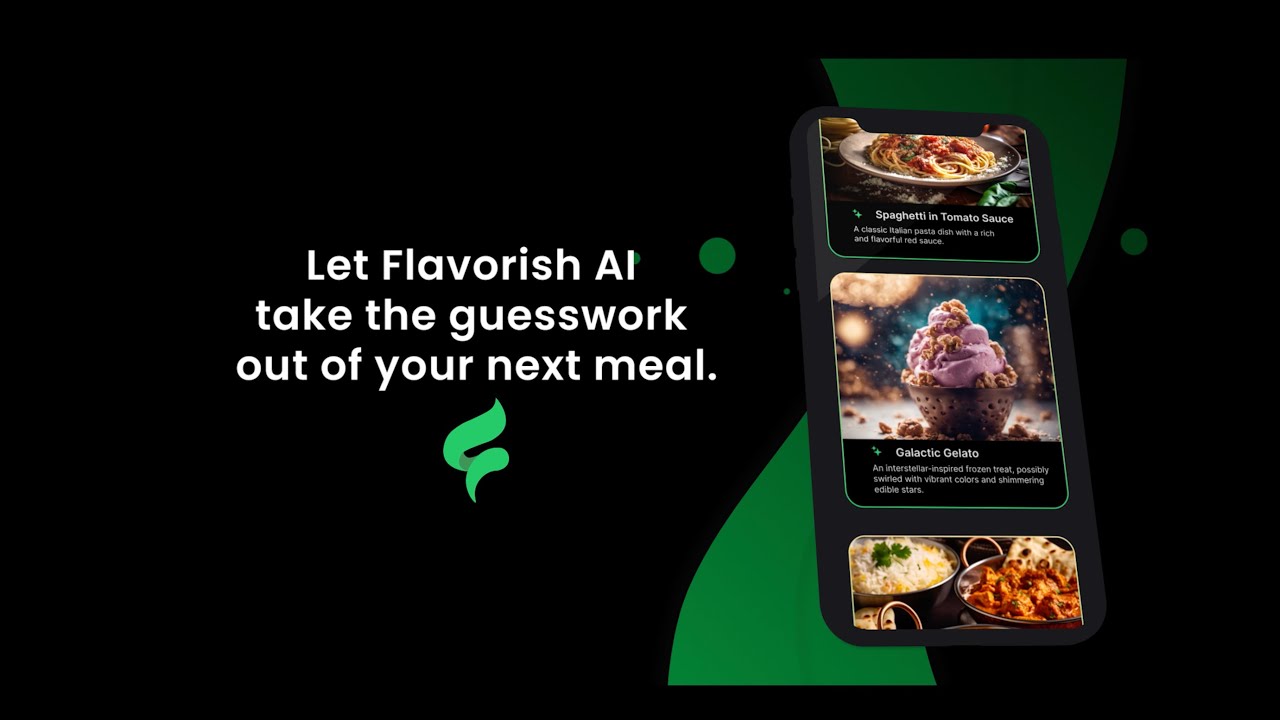
Video Overview 🎬

Flavorish - Video Overview

What are the key features? ✨

  • Social Media Imports: Pulls full recipes from Instagram, Facebook, TikTok, and YouTube shares for instant saving.
  • Image Recipe Extraction: Converts photos of handwritten notes or cookbooks into editable digital formats with ingredients and steps.
  • AI Recipe Generation: Creates custom recipes based on user inputs like ingredients, diets, or cravings, including visuals and nutrition.
  • Grocery List Builder: Auto-generates organized lists from recipes, sorted by aisle for efficient shopping trips.
  • Custom Collections: Allows grouping recipes into personalized categories for easy access and meal planning.

Who is it for? 🤔

Flavorish suits busy home cooks juggling social media inspirations with family favorites, adventurous eaters exploring global flavors via AI, and health-focused users tracking nutrition without extra hassle. It's ideal for beginners digitizing old recipes or pros streamlining weekly prep, especially those tired of scattered bookmarks and endless scrolls.

Examples of what you can use it for 💡

  • Busy Parent: Imports quick TikTok dinners and generates grocery lists sorted by store sections to fit tight schedules.
  • Health Enthusiast: Uses AI to craft low-carb meals from pantry items while checking instant nutritional breakdowns for balanced eating.
  • Food Blogger: Saves Instagram reels and website clips into themed collections for easy reference during content creation.
  • Family Archivist: Snaps photos of handwritten heirloom recipes to digitize and share across devices for generations.
  • Weekend Experimenter: Inputs random ingredients for AI-suggested global dishes to try new cuisines without waste.

Pros & Cons ⚖️

  • Generous free tier
  • Seamless cross-device sync
  • Ad-free user experience
  • Strong AI personalization
  • Quick social imports
  • Import limits on free
  • Occasional extraction errors

FAQs 💬

What platforms does Flavorish support for imports?
It works with Instagram, Facebook, TikTok, YouTube for shares, plus websites and images in the app.
Is there a free version of Flavorish?
Yes, the Basic plan offers unlimited recipe saves, collections, and web imports, with limits on social and AI features.
How does the AI recipe generation work?
Input ingredients, dietary preferences, or cravings, and it creates tailored recipes with steps, nutrition, and images.
Can I sync Flavorish across devices?
Cloud sync is automatic and free for unlimited devices on iOS, Android, and web.
Does Flavorish provide nutritional info?
Yes, it calculates calories, macros, and details for imported and AI-generated recipes instantly.
How much is the Premium plan?
It's $4.99 per month, unlocking unlimited imports and AI uses, with cancel anytime.
Can I organize recipes into folders?
Create unlimited custom collections to categorize by meal type, cuisine, or personal tags.
Does it support scaling recipes?
Adjust servings easily, and it recalculates ingredients and nutrition accordingly.
Is Flavorish ad-free?
Both plans are completely ad-free with no data selling.
How do I import from images?
Snap or upload a photo of a recipe, and the app extracts text into a structured format, up to five free.

Ready to try Flavorish?

Imports recipes from social media, images, and websites for easy cooking organization

Visit Flavorish ↗

Flavorish alternatives 🔗

  1. PictureThis PictureThis Identifies plants from photos, offering care tips and species info
  2. Mr. Cook AI Recipe Generator Mr. Cook AI Recipe Generator AI meal planning that creates recipes based on available ingredients and dietary preferences
  3. Cal AI Cal AI Snap a photo and the app estimates calories, protein, carbs, and fat in seconds
  4. AI Meal Planner AI Meal Planner Create a delicious and nutritious weekly meal plan based on your preferences and allergies
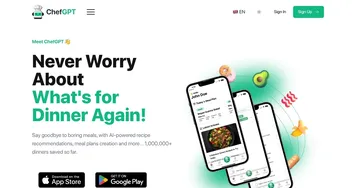
  5. ChefGPT ChefGPT A mobile app featuring AI-powered recipe recommendations, meal plans creation, and more
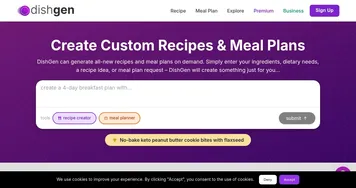
  6. DishGen DishGen Using AI to craft unique recipes based on your ingredients and preferences
Share
Flavorish screenshot enlarged
Promote Flavorish
light badge
Copy Embed Code
dark badge
Copy Embed Code
neutral badge
Copy Embed Code
Best AI Tools

Discover the best AI tools for any use case

Explore
  • Tool Categories
  • AI Use Cases
  • AI Events
  • AI News
  • Saved Tools
Company
  • About Us
  • Contact Us
  • Media & Partnerships
  • Suggest a Tool
Legal
  • Privacy Policy
  • Terms of Service
Copyright © 2026 Best AI Tools 415 Mission Street, 37th Floor, San Francisco, CA 94105