AnyLearn
Creates personalized AI-driven courses from any online content
AnyLearn is an AI-powered platform that transforms online content into personalized learning paths, including micro-lessons, quizzes, and flashcards. Users input a URL or upload a file, and the AI processes it to create structured educational materials. The tool supports various content types, such as YouTube videos, podcasts, articles, and PDFs, making it versatile for self-learners. It’s designed to enhance knowledge retention through active learning, offering features like Smart Learning Plans and AI-generated quizzes.
The Smart Learning Plans feature analyzes input content to identify key concepts and organizes them into a structured learning flow. Each lesson is concise, typically under 10 minutes, and paired with quizzes to test comprehension. The platform also generates flashcards for quick review, which users can access on mobile devices. Bookmarking allows users to save progress and return to materials later. Multilingual support is available, though primarily for English content, with ongoing improvements for other languages.
Compared to EdX and FutureLearn, AnyLearn offers unique flexibility by allowing users to create courses from any online source. EdX and FutureLearn provide high-quality, pre-built courses from universities, but they lack the ability to customize content from external sources. AnyLearn’s free tier includes basic features, while premium plans unlock advanced personalization and multilingual capabilities, aligning with pricing models of competitors.
The tool excels in ease of use, with a clean interface that works well on desktop and mobile. However, its effectiveness depends on the quality of the input content — poorly structured sources can lead to less accurate lessons. Some users may find the AI’s summaries overly simplified, especially for technical topics. Additionally, niche subjects may not be handled as precisely as mainstream ones.
To use AnyLearn effectively, select high-quality source material, such as well-produced videos or detailed articles. Test the free version to explore its features before committing to a paid plan. Focus on topics with clear, accessible content to maximize the tool’s potential.
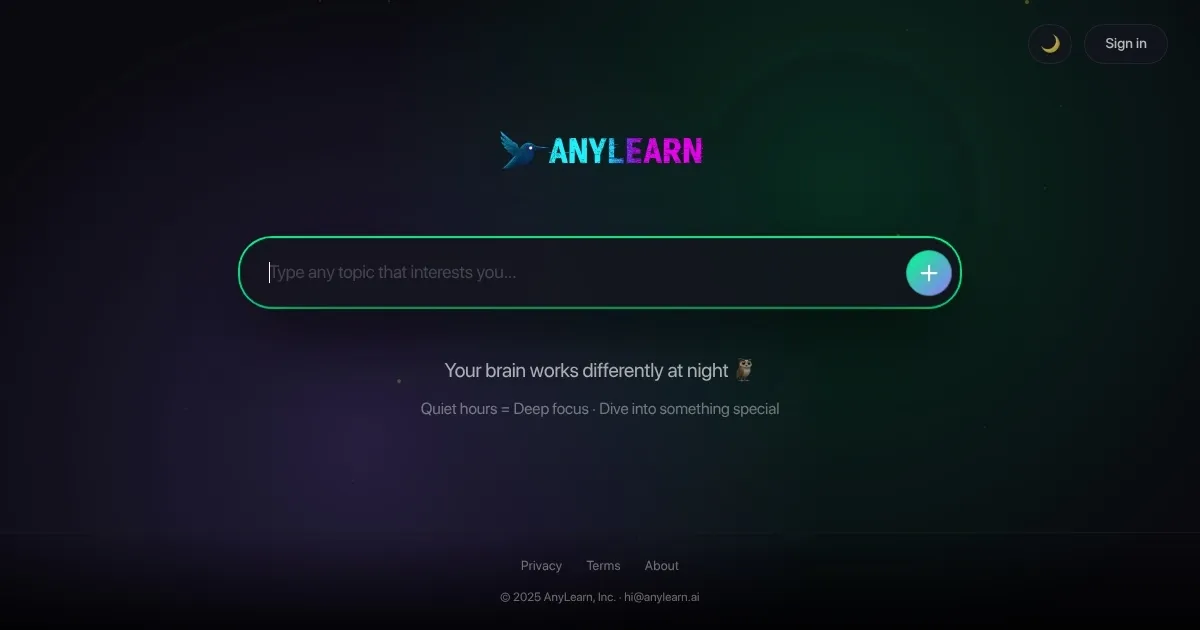
Homepage Screenshot 📸
What are the key features? ✨
- Smart Learning Plans: Creates structured micro-lessons from user-input content.
- AI-Generated Quizzes: Tests comprehension with tailored questions after each lesson.
- Smart Flashcards: Generates flashcards to reinforce key concepts for quick review.
- Bookmark and Track Progress: Saves learning materials and tracks user progress.
- Mobile-Friendly Interface: Allows access to lessons and flashcards on any device.
Who is it for? 🤔
Examples of what you can use it for 💡
- Student: Uses AnyLearn.ai to create a study plan from lecture videos for exam prep.
- Hobbyist: Turns YouTube tutorials into lessons to learn photography techniques.
- Professional: Converts industry articles into courses for career development.
- Lifelong Learner: Builds a learning path from podcasts to explore new topics.
- Educator: Creates quizzes from online resources to supplement teaching materials.
Pros & Cons ⚖️
- Quick course creation
- Free tier available
- Personalized learning paths
- Simplifies complex topics
- Limited niche topic support
FAQs 💬
Ready to try AnyLearn?
Creates personalized AI-driven courses from any online content
Visit AnyLearnAnyLearn alternatives 🔗