
Imagine Explainers

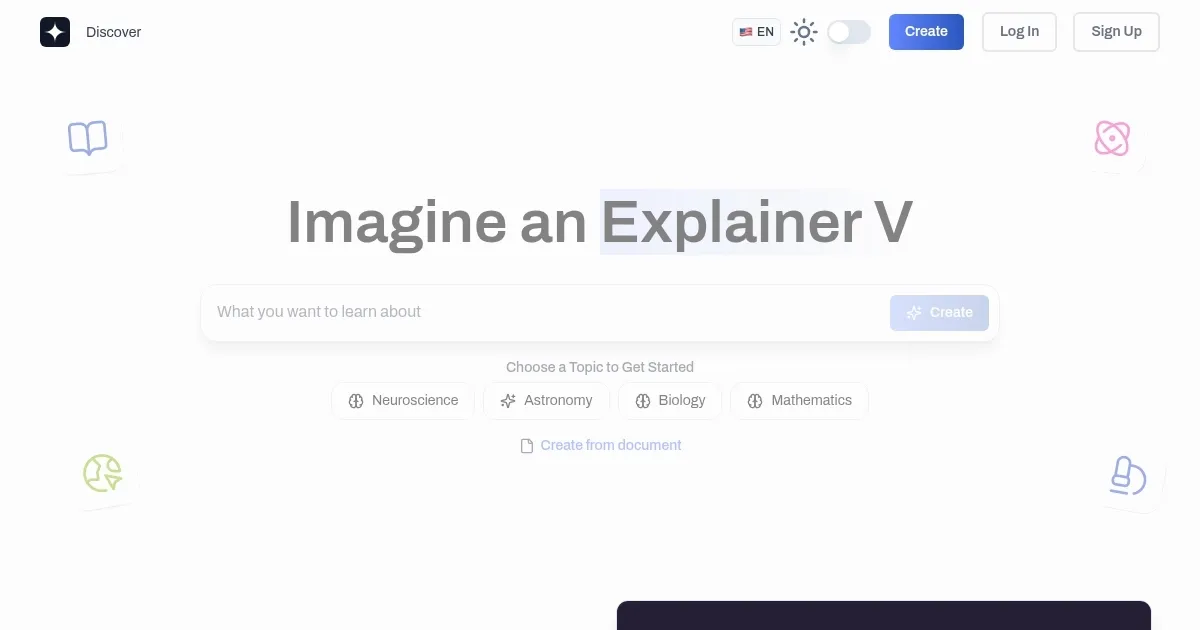

So, I spent a morning messing around with Imagine Explainers, and let me tell you, it’s like handing a kid a box of crayons and saying, “Go wild.” This AI-powered tool promises to take any topic — say, the intricacies of photosynthesis — and spin it into an animated video that’s clear, engaging, and, frankly, kind of fun. I typed “explain neural networks” into the dashboard, hit the “Real Time Web Search” button, and in about five minutes, I had a video with colorful visuals and a voiceover that didn’t sound like a robot reading a textbook. It’s not perfect, mind you, but it’s a solid start for something that took less effort than brewing my coffee.
The interface is clean, almost too simple, with a text box front and center and options to tweak video length or upload a PDF. I tried uploading a dense research paper, and the AI did a decent job pulling out key points, though it stumbled on some jargon-heavy sections, resulting in a slightly muddled script. The community library is a standout, brimming with videos from other users on topics like data science and environmental policies. It’s like stumbling into a candy store of knowledge, you can’t help but browse. The “My Videos” page neatly stores your creations, and the “Regenerate” button is a lifesaver when the AI’s first attempt feels off. I also tweeted at @createexplainer, and boom, a video popped up based on my tweet. That’s some next-level responsiveness.
Not everything sparkled, though. The visuals sometimes felt disjointed, like the AI couldn’t decide if it was making a cartoon or a corporate slideshow. One video had overlapping assets, which was distracting, and I couldn’t find a support contact to vent my frustration. Compared to Supercreator, which nails short-form social media videos, or Munch, great for repurposing long content, Imagine Explainers carves a niche in education. It’s less about flashy TikTok clips and more about breaking down complex ideas for classrooms or training sessions. The freemium pricing is approachable, with paid plans unlocking extras like custom templates, which feels fair compared to competitors.
What surprised me was the API option. It’s not something I’d use, but for tech-savvy folks, it’s a neat way to integrate video creation into other tools. The cloud-based system meant I could work from my creaky old laptop without a hitch. Still, I’d love more control over visual styles to match my branding. If you’re curious, try it with a simple topic first, use the community library for inspiration, and don’t expect Hollywood-level polish. It’s a time-saver, but you might need to hit “Regenerate” a few times to get it right.
What are the key features? ⭐
- AI Video Generation: Creates animated explainer videos from text or PDFs in minutes.
- Real-Time Web Search: Pulls current data to enhance video content relevance.
- Community Library: Offers a shared hub to discover and share user-generated videos.
- Customizable Templates: Provides templates for tailoring videos to specific branding needs.
- API Integration: Enables embedding video creation into other platforms or services.
Who is it for? 🤔
Examples of what you can use it for 💭
- Teachers: Create animated lessons to explain complex subjects like calculus.
- Students: Generate visual study aids from textbooks or lecture notes.
- Corporate Trainers: Produce onboarding videos to clarify company processes.
- Marketers: Craft product demo videos to engage potential customers.
- Technical Writers: Convert documentation into accessible video explanations.
Pros & Cons ⚖️
- Simplifies complex topics fast.
- Free tier available.
- API for custom integration.
- Visual assets may overlap.
- Inconsistent video quality.








