MeetGeek


MeetGeek is an AI-powered meeting assistant that automates the recording, transcription, and summarization of online meetings. By integrating with platforms like Zoom, Google Meet, and Microsoft Teams – it ensures that every meeting is accurately documented, allowing participants to focus on the discussion without the distraction of manual note-taking.
MeetGeek is especially good at generating AI-driven summaries that highlight key points, action items, and decisions made during meetings. This functionality enables everyone involved to quickly grasp essential information and follow up on tasks. Moreover, the platform offers a conversation repository — providing a centralized, searchable archive of past meetings, recordings, transcripts, and highlights.
MeetGeek also provides team collaboration tools that allow users to define sharing rules for meeting content, ensuring that relevant information is accessible to the appropriate team members. The platform offers meeting templates, which are meant to help users set up and conduct meetings more effectively. Plus, for those seeking a personalized experience, MeetGeek offers custom branding options, allowing businesses to tailor the meeting interface to align with their brand identity.
When it comes to security, MeetGeek prioritizes data protection by implementing end-to-end encryption for both data at rest and in transit. This commitment to security is there to ensure that sensitive meeting information remains confidential and protected from unauthorized access.
In summary, with its comprehensive suite of features and emphasis on security – MeetGeek serves as a valuable tool for organizations looking to streamline their meeting processes and enhance team collaboration.
Video Overview ▶️
What are the key features? ⭐
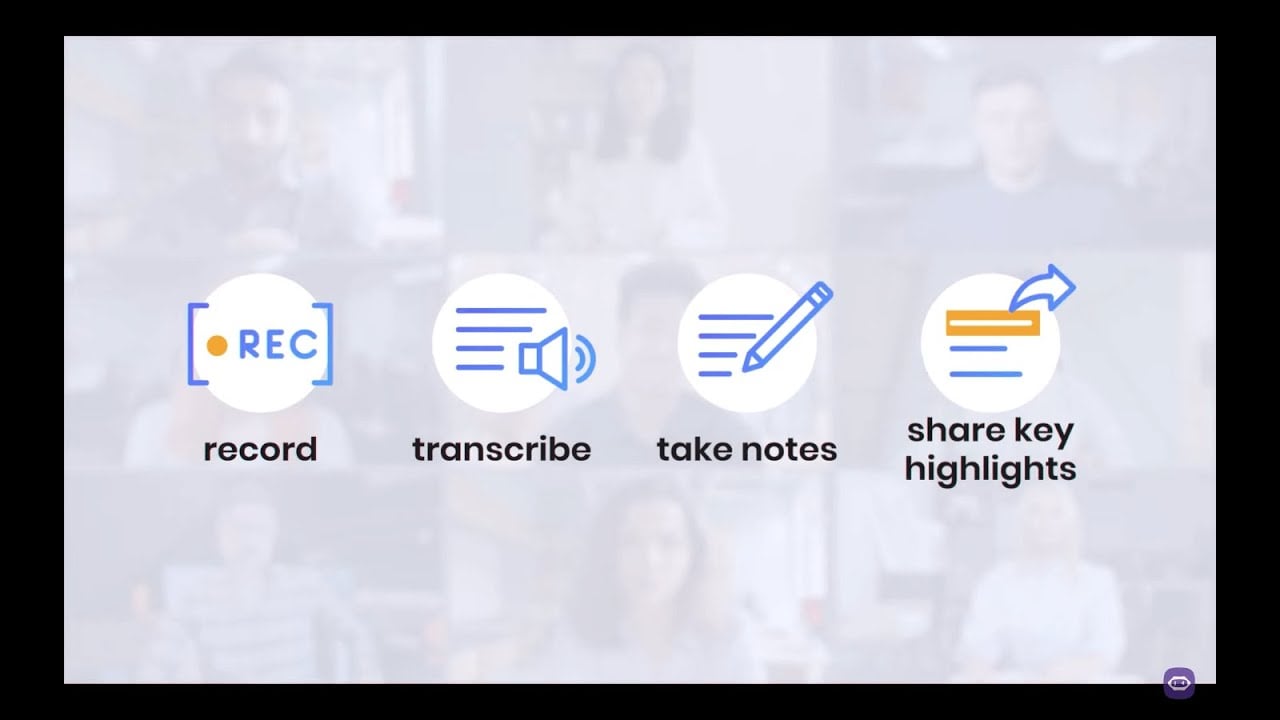
- Automated recording & transcription: MeetGeek automatically records and transcribes meetings across platforms like Zoom, Microsoft Teams, and Google Meet, capturing every detail without manual effort.
- AI-generated summaries: The platform provides concise summaries highlighting key points, action items, and decisions.
- Action items & topic detection: MeetGeek identifies and extracts important topics and tasks discussed during meetings.
- Seamless integrations: It integrates with tools like Slack, HubSpot, and various CRMs, synchronizing meeting content and insights with existing workflows.
- Conversation intelligence: MeetGeek offers analytics on engagement, speaker distribution, and other metrics.
Who is it for? 🤔
Examples of what you can use it for 💭
- Sales professionals can utilize MeetGeek to capture detailed records of client meetings
- HR departments can streamline recruitment by recording and transcribing interviews
- Customer success managers can gain deeper insights into client needs and feedback through detailed call transcripts
- Marketers can access firsthand data from customer interactions
- Teams can maintain a centralized, searchable repository of meeting records
Pros & Cons ⚖️
- Automatic meeting transcription and summaries
- Integrates with popular video-calling platforms
- Provides actionable insights post-meeting
- Limited language support for transcriptions