JotMe
Transcribes, translates, and summarizes meetings in real-time across 100+ languages
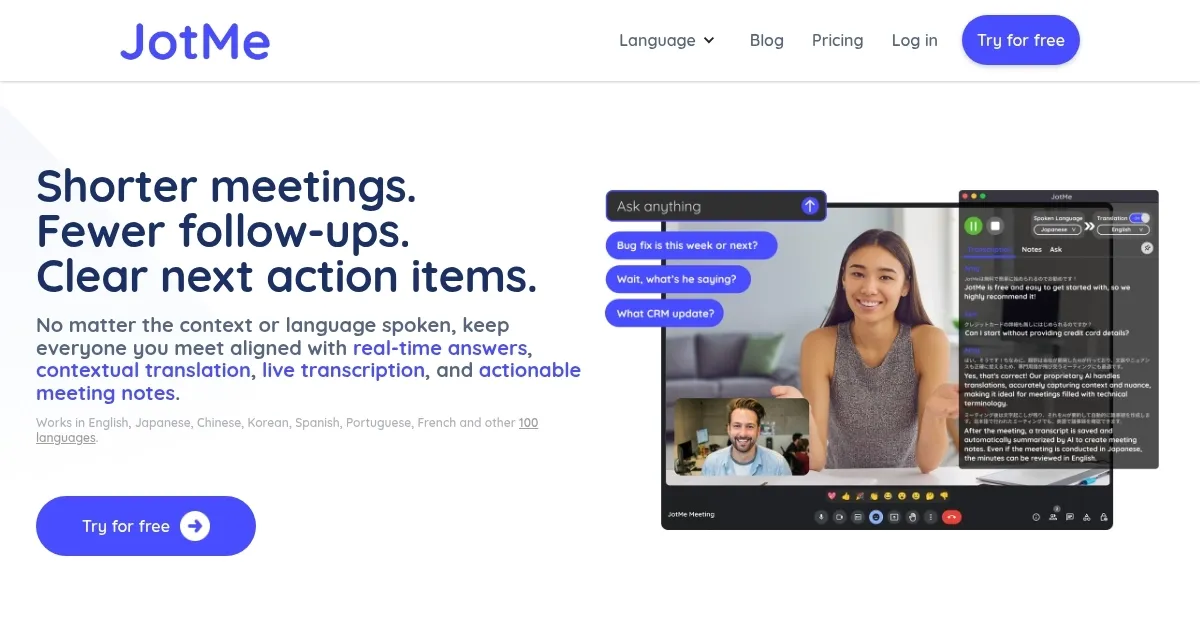
JotMe steps into the chaotic world of multilingual meetings with a promise to make sense of it all, and boy, does it deliver. Imagine a tool that not only transcribes your Zoom call but also translates it into 107 languages, sprinkles in contextual smarts, and hands you polished meeting notes with action items. That’s JotMe in a nutshell, a clever piece of software that feels like a personal assistant who speaks every language fluently. Available as a desktop app for Mac and Windows or a Chrome extension for Google Meet, it’s built to keep global teams on the same page, whether you’re in sales, engineering, or juggling cross-functional chaos.
The standout feature, Live Translation, tackles the messy problem of language barriers. Unlike clunky, word-for-word translators, JotMe considers context, industry jargon, and nuance, so a Japanese colleague’s subtle point doesn’t get lost in a sea of literal translations. I love how it captures the spirit of what’s said, not just the words. The AI Note Taker is another gem, turning your scribbled thoughts into organized summaries with clear next steps. No more endless email threads to clarify who’s doing what. And the Real-Time Answers feature? It’s like having a genius sidekick who can answer questions about the meeting as it unfolds, pulling from the live conversation to fill in gaps.
But it’s not all smooth sailing. The free plan, while generous with 20 minutes of translation and 50 minutes of transcription, feels restrictive for heavy users. You might find yourself hitting that cap mid-meeting, which can be a buzzkill. The Chrome extension, JotMe Light, is also limited to Google Meet, so if you’re a die-hard Microsoft Teams fan, you’ll need the desktop app, JotMe Max, for full platform support. Some users on forums like Reddit have noted occasional hiccups with less common languages, like Bulgarian or Malay, where transcription accuracy dips slightly. Still, for major languages like English, Japanese, or Spanish, it’s remarkably sharp.
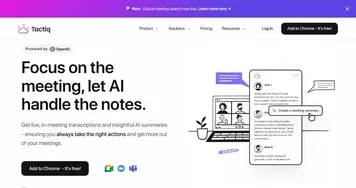
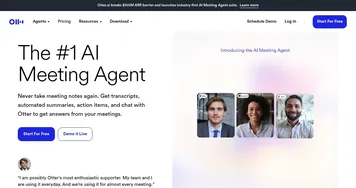
Compared to competitors like Otter.ai and Fireflies, JotMe holds its own with its translation prowess. Otter.ai excels at transcription but lacks JotMe’s multilingual muscle, while Fireflies offers solid AI summaries but doesn’t match JotMe’s real-time translation depth. Pricing-wise, JotMe’s free tier is a great entry point, but its premium and enterprise plans seem competitive, though you’ll need to check their site for specifics. One surprise: the desktop app records system audio directly, no creepy meeting bots required, which is a privacy win.
The interface is clean, intuitive, and doesn’t overwhelm, though I wish the Chrome extension had a bit more polish. It’s functional but feels barebones compared to the desktop app’s robust feature set. Still, JotMe’s ability to store meeting notes, transcripts, and recordings in one place is a lifesaver for anyone drowning in post-meeting follow-ups. For global teams, it’s a tool that feels indispensable once you’ve tried it.
Practical Advice: Start with the free plan to test JotMe on a few meetings. Focus on its Live Translation for multilingual calls and use the AI Note Taker to cut down on manual note-taking. If you’re on Google Meet, try the Chrome extension first, but grab the desktop app for broader platform support.
Homepage Screenshot 📸
Video Overview 🎬
What are the key features? ✨
- Live Translation: Translates meetings in real-time across 107 languages with contextual accuracy.
- AI Note Taker: Generates summaries and action items from user notes and transcripts.
- Real-Time Answers: Provides instant answers based on live meeting conversations.
- Audio Recording: Captures system audio directly without meeting bots.
- Multilingual Transcription: Transcribes meetings in multiple languages simultaneously.
Who is it for? 🤔
Examples of what you can use it for 💡
- Project Manager: Uses JotMe to translate and summarize multilingual team meetings for clear action items.
- Sales Professional: Relies on Live Translation to communicate with international clients in real-time.
- Consultant: Employs AI Note Taker to capture key points and next steps in client discussions.
- Engineer: Uses Multilingual Transcription to document technical discussions across languages.
- Freelancer: Leverages Real-Time Answers to clarify project details during client calls.
Pros & Cons ⚖️
- Supports 107 languages
- Contextual translation
- Actionable AI notes
- No meeting bots
- Free plan limits
- Chrome extension Google Meet-only
FAQs 💬
Ready to try JotMe?
Transcribes, translates, and summarizes meetings in real-time across 100+ languages
Visit JotMe