timeOS
Automates meeting notes, summaries, and task delegation with AI precision
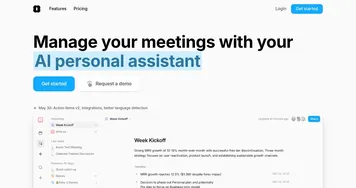
Meetings. They’re the backbone of collaboration, yet they often leave us drowning in scribbled notes and forgotten action items. Enter timeOS, a clever AI tool that promises to tame the chaos of your workday with a focus on meeting management. I think it’s fair to say this tool is like having a super-organized assistant who never sleeps, joining your Zoom calls, jotting down key points, and even drafting follow-up emails while you focus on the actual discussion. It’s not perfect, but it’s got a lot going for it, so let’s break it down.
First off, timeOS integrates smoothly with platforms like Google Meet, Zoom, Microsoft Teams, and Slack. You don’t need to fiddle with complex setups; it’s a Chrome extension or web app that slots into your existing workflow. The Automatic Notes feature is a standout, capturing full recordings, transcriptions, and concise summaries without a clunky bot invading your video call. I love how it supports over 60 languages, which is a boon for global teams who need summaries in, say, Spanish or Mandarin. The Invisible AI option is another gem, quietly summarizing meetings in the background, so you don’t have that awkward “AI bot has joined” moment. It’s like a ninja assistant, stealthy and efficient.
What’s really neat is the customization. With Custom AI Notes, you can tweak the summary structure to fit your needs — maybe you want action items front and center or a focus on key decisions. It syncs these insights with tools like Notion, Trello, and Asana, turning discussions into actionable tasks without you lifting a finger. The Instant Briefs feature pulls from past meeting notes, Gmail threads, and LinkedIn to prep you for upcoming calls in seconds. It’s a time-saver, especially for busy professionals juggling multiple projects. Users on platforms like X have raved about how this cuts prep time, with one post noting it “feels like having a personal briefing team”.
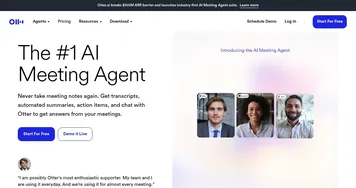
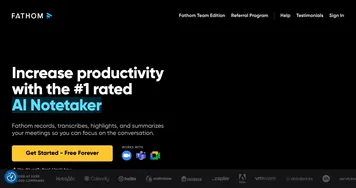
That said, it’s not all smooth sailing. Some users report a learning curve with the advanced features, like setting up custom templates or navigating integrations. If you’re not tech-savvy, it might take a few tries to get the hang of it. The free plan, while generous with 100 AI credits, limits access to premium features like unlimited recordings or priority support, which could frustrate power users. Compared to competitors like Fathom or Otter.ai, timeOS holds its own with its invisible AI and multilingual support, but it lacks the voice command polish of Otter or Fathom’s streamlined interface for quick transcriptions.
A surprise element? The Day Peek feature. It’s a sliding calendar that gives you a quick glance at your schedule, which sounds minor but feels like a hug from your calendar when you’re swamped. Another unexpected perk is the in-person meeting capture, letting you record physical meetings with a click and get mobile-friendly summaries fast. For a project manager or freelancer, this is gold.
If you’re considering timeOS, start with the free plan to test its core features. Play with the Custom AI Notes to see how they fit your workflow, and don’t shy away from the integrations — they’re the real power here. Check the official pricing page for updates, as the Pro plan unlocks more robust tools. It’s a solid choice for anyone who wants to make meetings less of a chore, just be ready to spend a little time getting comfortable with its bells and whistles.
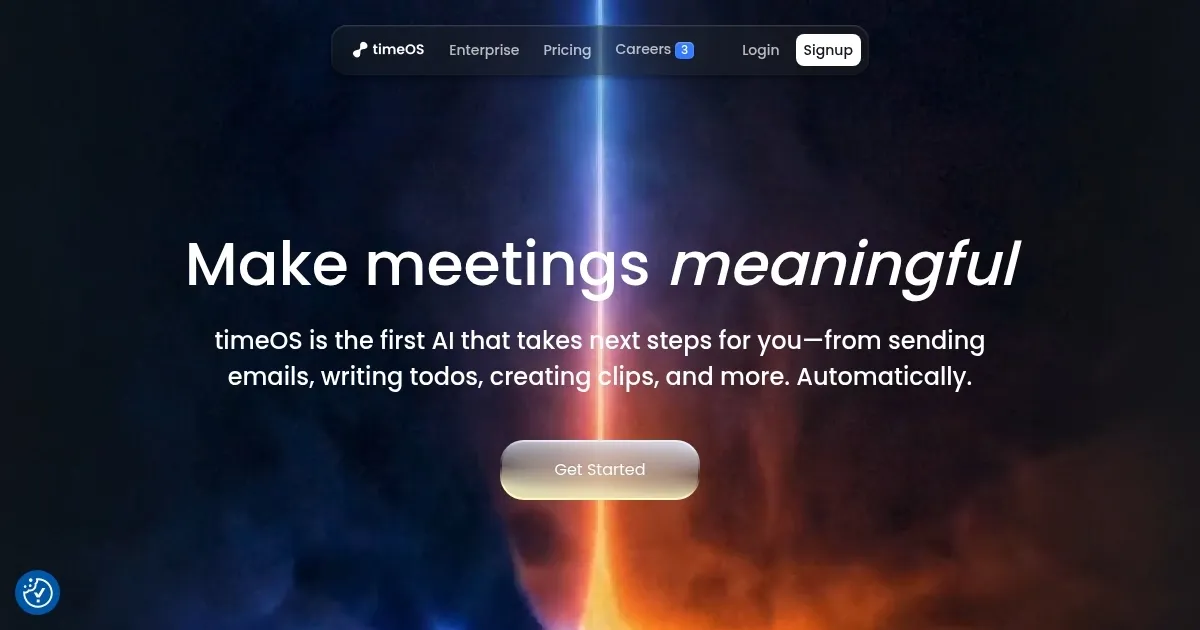
Homepage Screenshot 📸
Video Overview 🎬
What are the key features? ✨
- Automatic Notes: Captures and summarizes meetings with full recordings and transcriptions.
- Custom AI Notes: Allows users to customize summary structures for specific needs.
- Instant Briefs: Prepares users for meetings using past notes, emails, and LinkedIn data.
- Invisible AI: Summarizes meetings discreetly without joining as a visible bot.
- Integrations: Syncs action items with tools like Notion, Trello, and Asana.
Who is it for? 🤔
Examples of what you can use it for 💡
- Project Manager: Uses timeOS to capture meeting notes and sync action items to Asana for team tasks.
- Freelancer: Records client calls to generate summaries and follow-up emails automatically.
- Educator: Summarizes online classes in multiple languages for diverse student groups.
- Corporate Team: Integrates meeting insights with Slack for seamless team collaboration.
- Executive: Sends timeOS’s AI bot to meetings they can’t attend, receiving full summaries.
Pros & Cons ⚖️
- Supports over 60 languages.
- Integrates with multiple platforms.
- Invisible AI avoids disruptions.
- Interface may feel clunky.
- Credits deplete quickly in free tier.
FAQs 💬
Ready to try timeOS?
Automates meeting notes, summaries, and task delegation with AI precision
Visit timeOS