Best AI Calendar Tools

25 toolsRanked by traffic

AI calendar tools manage and optimize your own calendar: they auto-block focus time, defend it from meetings, and rearrange events so your day actually works. The category includes time-blocking planners like Motion and Reclaim.ai, smart-time defenders like Clockwise, and unified calendar apps like Morgen that pull several calendars into one view.

These suit anyone whose day fills with meetings and who never finds time for deep work. A good AI calendar will protect blocks of focus time automatically, shuffle flexible tasks around fixed commitments, and balance your week so no single day is overloaded. When you're choosing, think about whether you want pure calendar optimization or a tool that also ties into your task list. The honest tradeoff: handing control of your calendar to AI takes a little trust at first, but it usually recovers real hours once you let it.

Motion
Motion - icon
Motion
AI tool that intelligently plans your day, schedules meetings, and creates to-do lists
Reclaim.ai
Reclaim.ai - icon
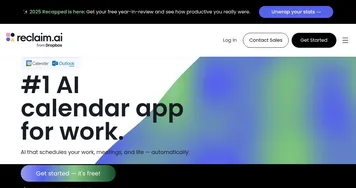
Reclaim.ai
An AI-driven advanced scheduling tool to help you manage and optimize your calendar
Clay Nexus
Clay Nexus - icon
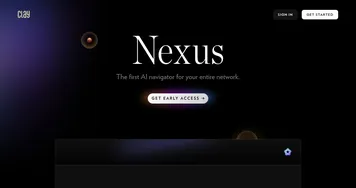
Clay Nexus
The AI-powered, context-aware navigator for all your relationships across platforms
Fellow
Fellow - icon
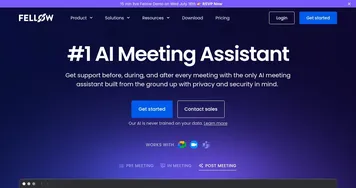
Fellow
An AI-powered tool that transforms your meetings into well-organized, productive sessions
TimeSkip
TimeSkip - icon
TimeSkip
Creates SEO-optimized YouTube video chapters in seconds
Morgen
Morgen - icon
Morgen
An AI-powered daily planner that unifies your events and to-dos into a single interface
Saner.AI
Saner.AI - icon
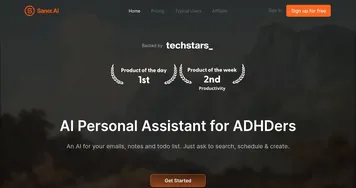
Saner.AI
Streamlines note-taking, task management, and knowledge organization with AI for enhanced productivity
Clockwise
Clockwise - icon
Clockwise
An AI-powered time management tool that optimizes your calendar to create more time in your day
Smokeball
Smokeball - icon
Smokeball
Legal practice management software designed to help law firms run more efficiently and profitably
Timely
Timely - icon
Timely
AI-powered automatic time tracker that lets you focus on the work that matters
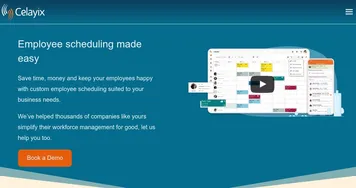
Celayix
Celayix - icon
Celayix
Using AI for streamlining employee scheduling, time and attendance tracking
CelebrateAlly
CelebrateAlly - icon
CelebrateAlly
Creates personalized celebration plans, speeches, and gift ideas for memorable events
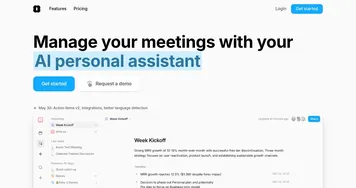
Amie
Amie - icon
Amie
Streamlines meetings with AI-driven notes and task automation
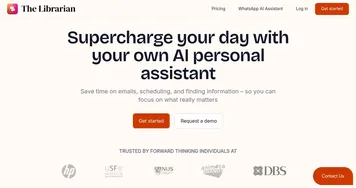
The Librarian
The Librarian - icon
The Librarian
Organizes your day with AI-driven email, calendar, and task management via WhatsApp
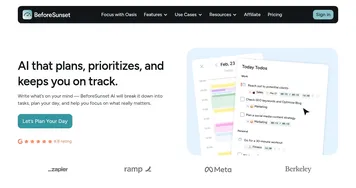
BeforeSunset
BeforeSunset - icon
BeforeSunset
An AI-powered productivity tool that can transform to-do lists into optimized schedules

Frequently Asked Questions

What is the best AI calendar tool?
The best AI calendar tool depends on what you want it to protect. Reclaim.ai and Clockwise specialize in defending focus time and smartly arranging meetings, while Motion blends calendar optimization with task planning. Morgen is strong if you juggle several calendars and want them unified. Most offer free trials, so it's easy to compare feel.
How do AI calendar tools work?
AI calendar tools connect to your existing calendar and learn your routines and priorities. They automatically place flexible tasks in open slots, reserve focus blocks, and rearrange movable events around fixed ones. When a new meeting lands, the tool reshuffles your day to fit it while protecting the time you've marked as important.
What's the difference between an AI calendar and a scheduling tool?
An AI calendar manages your own time, auto-blocking focus hours and rearranging your events to balance your week. A scheduling tool coordinates meetings with other people, finding mutual free time and sharing booking links. One optimizes your personal day; the other handles the handshake between schedules. Some tools, like Motion, do both.
Can AI automatically block focus time?
Yes, defending focus time is a core feature of AI calendar tools. They reserve blocks for deep work based on your priorities and habits, then guard those blocks by steering new meetings around them. If a meeting must overlap, the tool moves the focus block to another open slot rather than dropping it entirely.