Morgen
An AI-powered daily planner that unifies your events and to-dos into a single interface
In today’s fast-paced world, juggling multiple calendars and tasks can feel almost impossible. Enter Morgen, a daily planner that unifies your events and to-dos into a single, streamlined interface. Designed to enhance productivity, Morgen integrates with other calendar services, ensuring you never miss a beat. Plus, it uses AI to make you even more organized.
Imagine having all your calendars — Google, Outlook, Apple, etc. — consolidated in one place. Morgen makes this a reality, allowing you to view and manage all your commitments without the hassle of switching between apps. This unified approach is meant to save time and reduce the risk of overlooking important events. With Morgen, your schedule becomes a well-orchestrated symphony rather than a “chaotic cacophony.”
Task management is another arena where Morgen excels. Beyond merely tracking your to-dos, it allows you to schedule tasks directly into your calendar through so-called time blocking. This method ensures that essential tasks are allocated dedicated time slots, promoting focus and efficiency. Here, you’ll be happy to know that Morgen integrates with popular task management tools like Todoist and Google Tasks, ensuring your action items are always in sync with your agenda.
When it comes to scheduling meetings, Morgen helps with its built-in scheduling links and personalized booking pages. You can share your availability, allowing others to book meetings at times that work for both parties. This feature can be particularly beneficial for professionals who frequently coordinate with clients or team members across different time zones.
Further, for those who crave a proactive approach to planning, Morgen offers an AI-powered assistant. This assistant analyzes your tasks and events, providing recommendations to optimize your schedule. Whether it’s suggesting the best time for focused work or highlighting potential scheduling conflicts, the AI Planner acts as a personal assistant to help you navigate your day with ease.
To sum it up, Morgen offers a robust solution for individuals and teams looking to harmonize their calendars and tasks. Its integration capabilities, user-friendly design, and intelligent planning tools make it a valuable asset in the quest for enhanced productivity. Check it out.
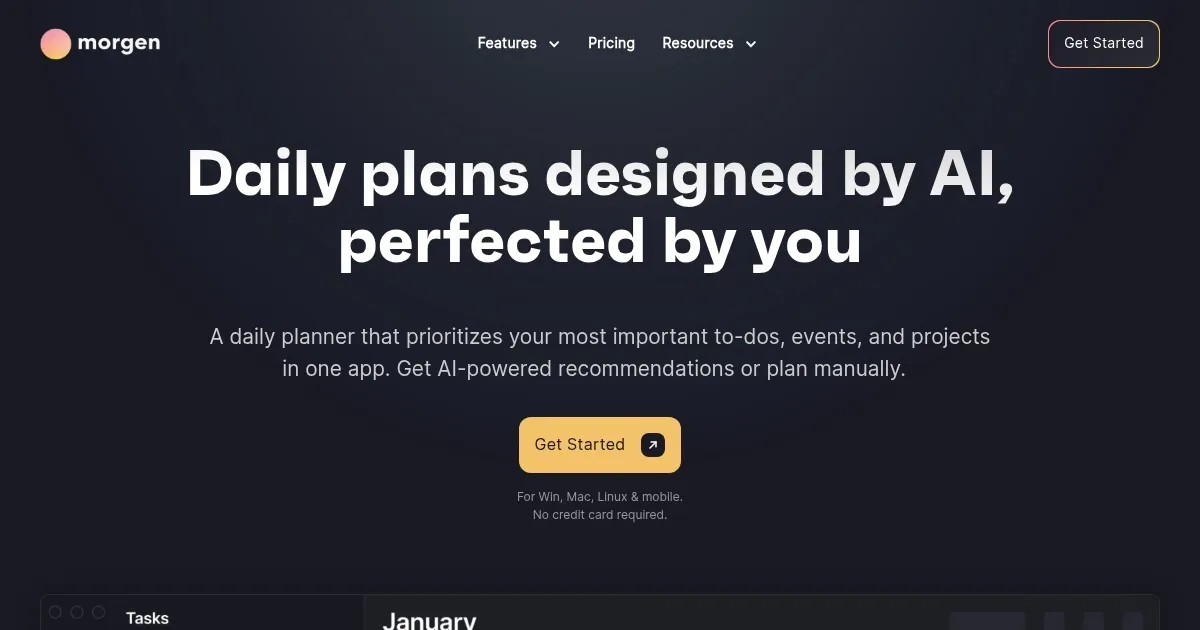
Homepage Screenshot 📸
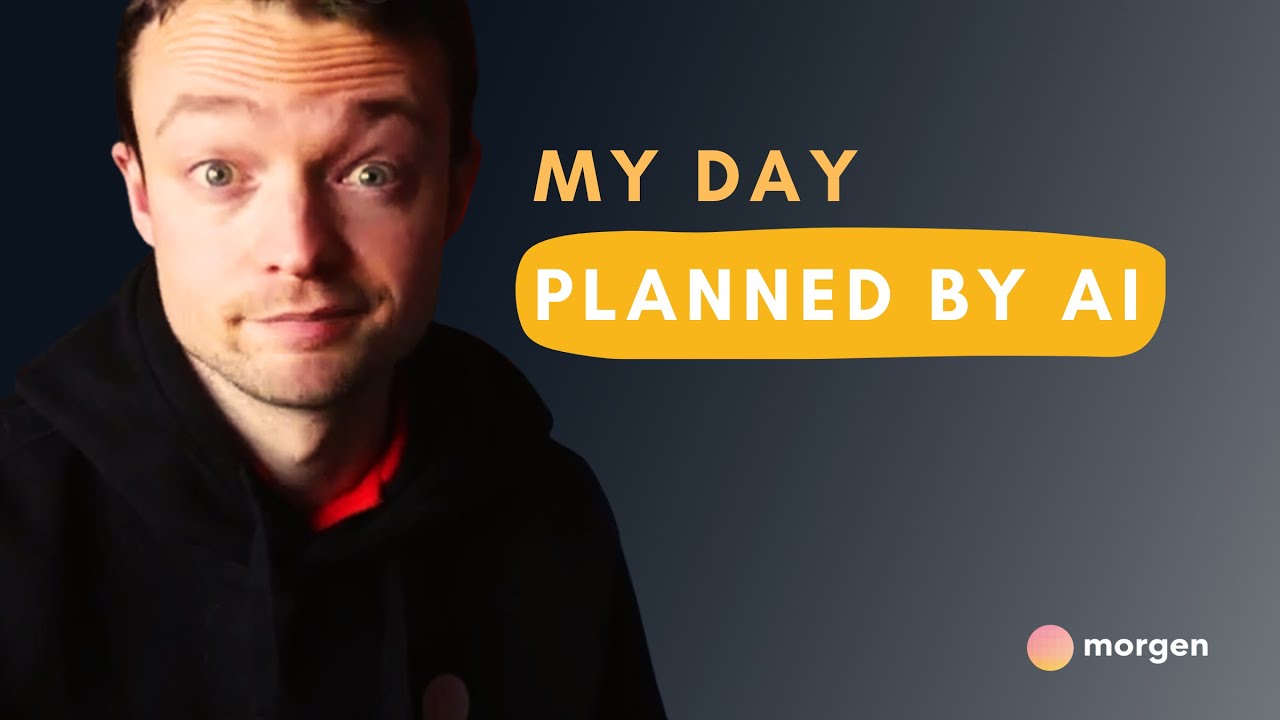
Video Overview 🎬
What are the key features? ✨
- Unified calendar management: Morgen integrates with multiple calendar services, allowing you to manage all your events in one place.
- Task scheduling with time blocking: Incorporate tasks directly into your calendar, allocating specific time slots for each to-do to ensure that important tasks are given dedicated attention.
- Scheduling links: Create and share personalized booking pages, enabling others to schedule meetings with you based on your real-time availability.
- AI-powered planning assistant: Receive intelligent recommendations for optimizing your schedule, helping you prioritize tasks and manage your time effectively. The AI Planner adapts to your preferences, offering a personalized planning experience.
- Cross-platform accessibility: Access Morgen on various devices, including Windows, Mac, Linux, and mobile platforms, ensuring your schedule is always within reach.
Who is it for? 🤔
Examples of what you can use it for 💡
- Keep track of various projects and deadlines by consolidating all client meetings and tasks into a single interface
- Schedule classes, study sessions, and assignment due dates efficiently, ensuring a balanced academic workload
- Share availability and set up meetings without the hassle of calculating time differences
- Allocate time for both professional tasks and personal activities, ensuring neither is neglected
- Integrate tasks from various project management tools and visualize them alongside meetings and deadlines
Pros & Cons ⚖️
- Support for multiple calendar and task management platforms
- An intuitive and aesthetically pleasing design
- AI-assisted planning rocks
- Advanced functionalities, like mobile app access and certain integrations, are limited to paid users
Ready to try Morgen?
An AI-powered daily planner that unifies your events and to-dos into a single interface
Visit MorgenMorgen alternatives 🔗