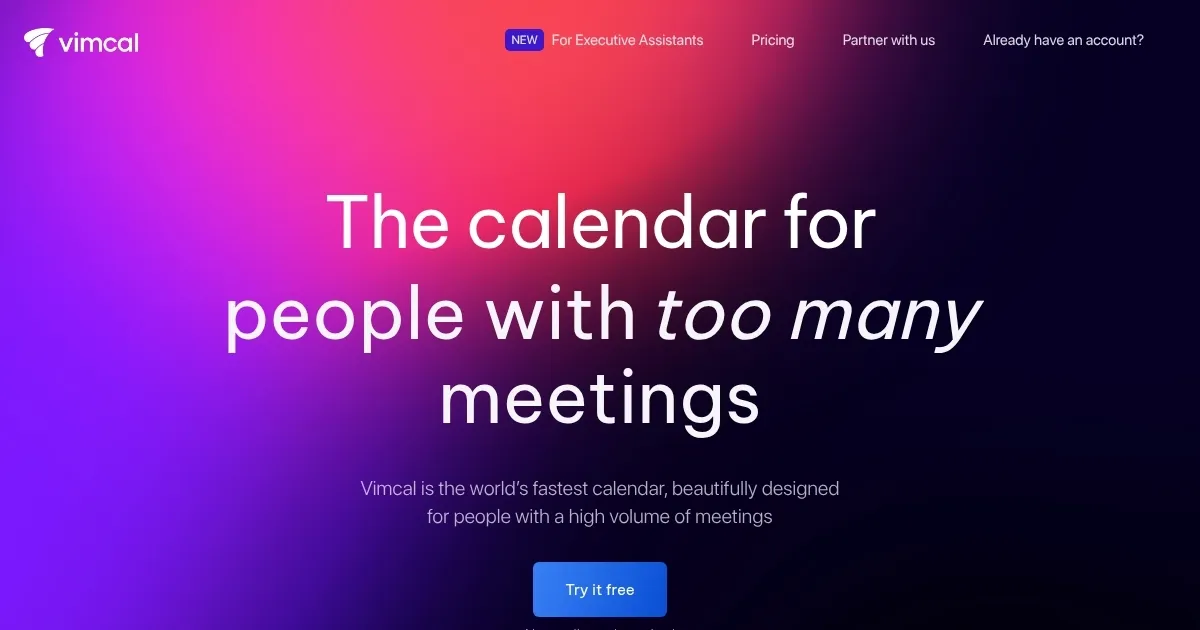
Vimcal
Streamlines scheduling for busy professionals with AI and time zone tools
You know those days when your calendar feels like a battlefield, meetings piling up from every corner of the globe, and you’re stuck doing mental gymnastics with time zones. Well, Vimcal steps in like that reliable sidekick you’ve always needed, turning chaos into a smooth operation. I think it’s one of those tools that just clicks once you get the hang of it, especially if you’re juggling a ton of calls like a founder or sales pro. Drawing from what I’ve seen in reviews across Product Hunt and TechCrunch, users rave about how it cuts down scheduling time by half, and honestly, that makes sense when you consider its core focus on speed and simplicity.
Let’s talk features first. The AI Scheduling Assistant is a standout, it basically gets you 99% to booking a meeting, leaving just a quick confirmation. You paste in someone’s availability or even a Calendly link, and boom, it overlays your free slots with automatic time zone adjustments. No more squinting at clocks or firing off emails back and forth. Then there’s the NLP for creating events, where you type something casual like “lunch with team at 1pm next Tuesday,” and it parses it all out, adding details without the usual hassle. I might add that this feels inspired by how Superhuman handles email, but adapted perfectly for calendars, making it feel fresh yet familiar. And don’t get me started on Time Travel, that feature lets you visualize overlapping hours across multiple zones just by typing a city name, which is gold for remote teams spread out like yours truly.
Of course, no tool is perfect, and Vimcal has its quirks. Some folks on Reddit and G2 point out occasional UI glitches on iOS, like laggy event selection or freezes that force a restart, which can be frustrating if you’re on the go. It’s not a deal breaker for everyone, but if you’re deep in the Apple ecosystem, you might notice it more than on desktop. Pricing wise, it’s got a free iOS tier for basics, but the full desktop access runs around what competitors charge monthly, though without the deep task integrations you see in something like Motion. Compared to Calendly, which is more of a pure scheduler at a similar general cost, Vimcal wins on the full calendar view but lags in broad integrations, so if Zapier is your jam, you might need to supplement. Still, for pure speed, it edges out Amie or Cron in user feedback from recent 2025 posts on X, where pros say it saves hours weekly.
What surprises me most, though, is how it handles team stuff without forcing everyone onboard. You can peek at coworkers’ calendars for group polls, even if they’re on plain Google, and the auto-color coding based on keywords turns a bland week into a visual story of your time spent. Users love the Focus Mode too, with its pomodoro timer and ambient sounds that block out the calendar noise for deep work sessions. It’s these little touches that make it feel thoughtful, not just another app. And hey, if you’re an executive assistant, the EA plan amps it up with multi-zone support and audit metrics, which recent reviews call a game changer for high-stakes scheduling.
In the end, if meetings are eating your life, give Vimcal a spin during the free trial, connect your accounts, and see how it flows with your routine. Tweak those shortcuts, experiment with the AI, and you’ll probably wonder why you didn’t switch sooner. Just keep an eye on those mobile bugs, and pair it with a solid task manager if needed. Trust me, your future self will thank you for reclaiming that time.
Homepage Screenshot 📸
Video Overview 🎬
What are the key features? ✨
- AI Scheduling Assistant: Analyzes pasted availabilities or Calendly links to suggest optimal free slots across calendars, requiring only user confirmation for booking.
- Natural Language Processing: Enables quick event creation by interpreting plain English inputs like "lunch meeting at 1pm tomorrow" to auto-fill details such as time and date.
- Time Travel: Visualizes overlapping work hours between multiple time zones by simply typing city names, eliminating manual calculations for global scheduling.
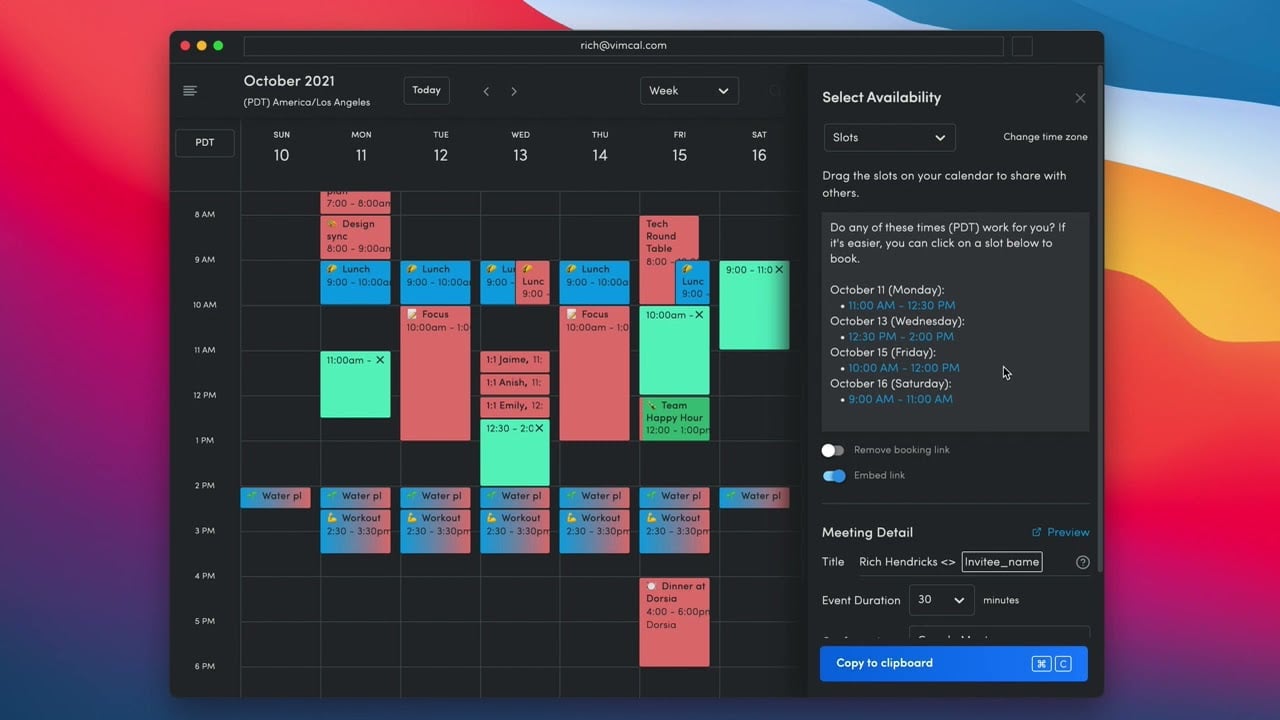
- Slots: Allows drag-and-drop selection of availability periods that can be copied as formatted text for emails, blending ease of booking links with personalized sharing.
- Focus Mode: Provides a distraction-free overlay with pomodoro timers, ambient sounds, and beautiful backdrops to block calendar visibility during deep work sessions.
Who is it for? 🤔
Examples of what you can use it for 💡
- Founder scheduling investor calls: Uses Time Travel to align availability across international time zones and AI Assistant to match free slots from emailed proposals quickly.
- Sales representative booking demos: Employs Slots to drag and copy personalized availability snippets into outreach emails, avoiding generic Calendly links for a professional touch.
- Executive assistant managing team polls: Leverages group polling and auto-deleting holds to coordinate large meetings, ensuring no overlaps while auditing calendars for efficiency.
- Remote team lead planning offsites: Applies NLP to create events from casual notes and Focus Mode to block distractions during strategy sessions leading up to the event.
- Freelancer sharing client availability: Integrates multiple personal calendars into a unified view, using social profiles to prepare context for upcoming consultations.
Pros & Cons ⚖️
- Fast scheduling
- AI time finder
- Time zone ease
- Limited integrations
- Overwhelming UI
FAQs 💬
Ready to try Vimcal?
Streamlines scheduling for busy professionals with AI and time zone tools
Visit Vimcal