tl;dv

tl;dv is your very own AI meeting assistant. It lets you focus on the meeting itself, with the tool transcribing the spoken word and taking notes on your behalf in the background.
tl;dv works with Google Meet and Zoom through the Chrome extension and a dedicated Zoom app, respectively. It is this app that will do the work for you and let you relisten your meetings right after the call.
As noted, you will also be able to read the meeting’s transcription, see highlights, actionable items, and more. The service will automatically timestamp key moments so you can access them with a single click.
Another neat feature is tl;dv’s ability to create clips from meeting recordings. You can later share these with your teammates or people outside of your organization.
Finally, we need to mention that the tool integrates with other services such as Notion, Google Docs, Slack, Salesforce and HubSpot.
As of September 2023, tl;dv has more than 900,000 users.
Video Overview ▶️
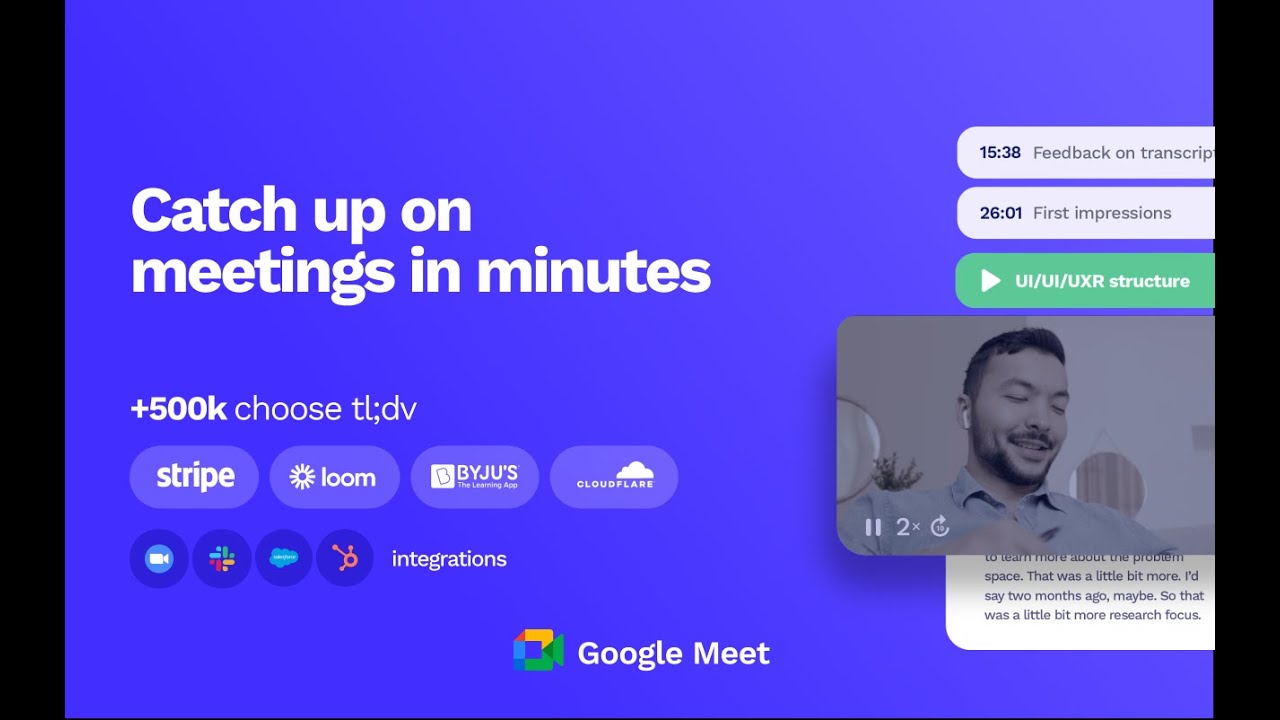
What are the key features? ⭐
- AI meeting transcriptions: tl;dv will automatically transcribe meetings in more than 30 languages, including German, English, French, Spanish, Japanese, Korean, Portuguese, and more languages. You can search every spoken word across any meeting with one click.
- Timestamp key moments: Summarize the key moments during your meetings with a simple click or shortcut. The AI Meeting Note Taker will instantly summarize the topic so you can stay focused on your conversation.
- Create clips from recordings: Want to show an awesome call moment to a client or investor? Need to share a piece of user feedback with your team? tl;dv lets you create bite-size meeting insights with its video clipper feature.
- Search call moments: Search for topics discussed during meetings to instantly find and summarize every discussion related to the keyword. Never miss a meeting insight or forget an action point again.
- Integrate & automate with your favorite tools: Whether it's Notion, Google Docs, Slack, Salesforce or HubSpot - tl;dv integrates seamlessly with your favorite collaboration platforms and CRMs. Share meeting moments and insights directly to your team's workspaces with no tab switching needed.
Who is it for? 🤔
Examples of what you can use it for 💭
- Automatically take meeting notes in multiple languages
- Have more productive meetings
- Archive your online meetings and turn them into an archive you can access whenever needed
- Get highlights of every online meeting automatically
Pros & Cons ⚖️
- If you're regularly conducting online meetings, this is the tool for you
- Transcriptions in multiple languages are neat
- Turns meetings into a source of knowledge (after some time)
- Free plan doesn't let you copy/paste the meeting transcription