AI Facefy
Transforms photos into videos or swaps faces using AI
AI Facefy is a neat tool that can turn your still photos into vibrant videos or swap faces with a few clicks, all powered by artificial intelligence that’s as clever as it is accessible. I think it’s the kind of tool that makes you wonder why this wasn’t around years ago. You upload a photo, pick a transformation — say, turning your selfie into a dancing video or swapping your face onto a movie star — and the platform’s algorithms work their magic. The result? Content that feels alive, polished, and ready to share. It’s not perfect, but it’s a compelling step toward making high-end visual creativity available to everyone, not just those with Hollywood budgets.
The platform’s strength lies in its simplicity. The interface is clean, intuitive, and doesn’t overwhelm you with options. Features like the AI Face Dance Animation Generator let you take a portrait and make it groove to preset dance moves, complete with natural-looking motion. The Face Swap tool is another standout, mapping facial features with precision to create seamless swaps that don’t look like a bad Photoshop job. Processing is quick — photos take seconds, videos a few minutes — and the output quality is high, preserving expressions and lighting. Privacy is a big deal here too, with uploaded images deleted within 24 hours, a nod to users wary of data lingering in the cloud.
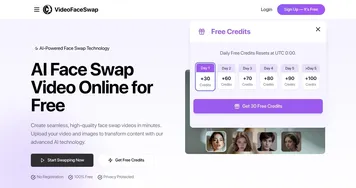
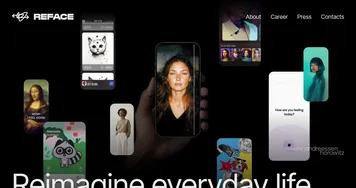
But let’s talk competitors. Tools like DeepfakesWeb and Faceswapper.ai play in the same sandbox, offering face-swapping and video generation. Deepfakes Web leans heavily into video deepfakes, with a focus on professional-grade output, but it’s pricier and less beginner-friendly. Faceswapper.ai matches AI Facefy’s ease of use and offers similar creative effects, though its free tier feels more restrictive. AI Facefy strikes a balance with its freemium model — free credits through daily check-ins, with paid plans for heavier users starting affordably. Still, the free tier’s limits might frustrate those wanting to churn out multiple projects without reaching for their wallet.
There’s a surprise element here: the sheer fun of it. I didn’t expect the AI Kissing Video Generator to be as hilarious as it is — imagine turning a family photo into a playful smooch scene. It’s the kind of quirky feature that sparks creativity, especially for social media content. On the downside, the platform’s reliance on templates for animations can feel repetitive if you’re producing a lot of content. And while the AI is impressive, it occasionally stumbles with complex group photos, where face detection might misalign. Some users on Reddit noted minor glitches with video rendering, like slight lag in lip-syncing for certain effects, though updates seem to address these over time.
For anyone looking to dip their toes into AI-driven content creation, AI Facefy is a solid pick. Start with the free trial to test the waters, play with the Face Dance or Face Swap tools, and see what clicks. If you’re creating for fun or small-scale projects, stick to the free tier and check in daily for credits. For more ambitious work, consider a paid plan, but compare it with Faceswapper.ai to see which fits your budget and needs. Keep your source images clear and well-lit for the best results — AI can only do so much with blurry shots.
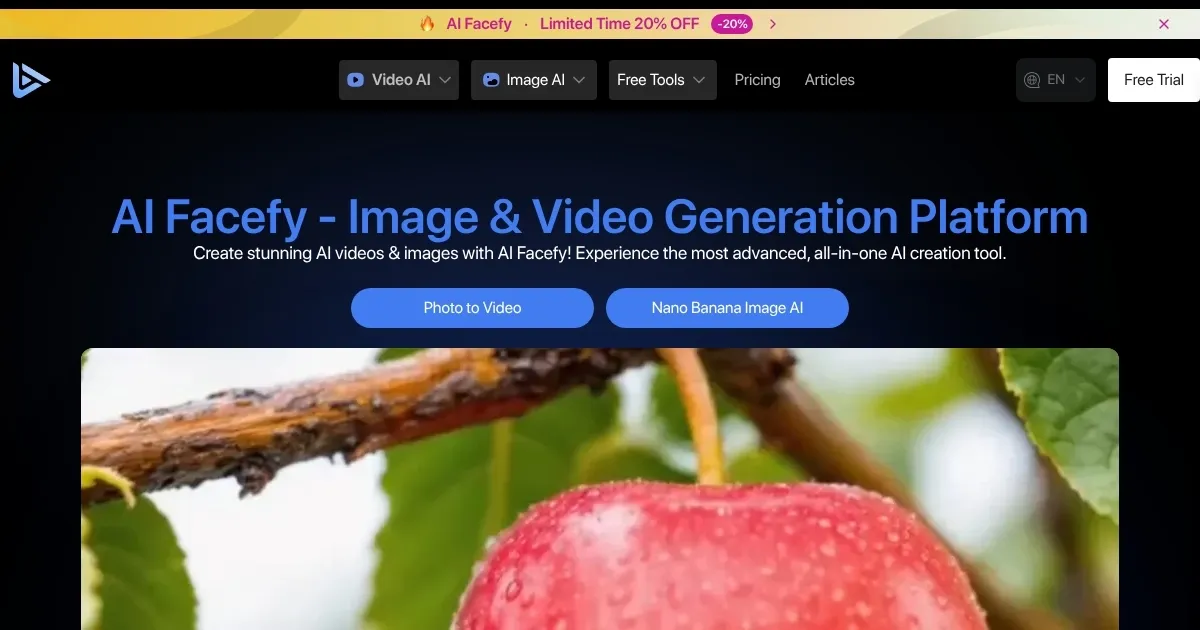
Homepage Screenshot 📸
Video Overview 🎬

What are the key features? ✨
- Face Swap: Seamlessly replaces faces in photos or videos with realistic integration.
- AI Face Dance Animation Generator: Transforms photos into dancing videos with natural movements.
- AI Facial Expression Changer: Modifies facial expressions while preserving image quality.
- AI Face Generator: Creates unique, lifelike facial images using AI technology.
- Privacy Protection: Deletes uploaded photos within 24 hours to ensure user privacy.
Who is it for? 🤔
Examples of what you can use it for 💡
- Social Media Influencer: Creates humorous face-swap videos to boost engagement on platforms like TikTok.
- Marketing Professional: Generates personalized video ads by swapping faces to target specific audiences.
- Digital Artist: Uses AI Face Generator to create unique faces for design or gaming projects.
- Educator: Animates historical photos into videos for engaging classroom content.
- Casual User: Turns family photos into fun dancing videos for personal enjoyment.
Pros & Cons ⚖️
- Fast photo and video processing
- User-friendly interface
- Free tier with daily credits
- Template-based animations repetitive
FAQs 💬
AI Facefy alternatives 🔗