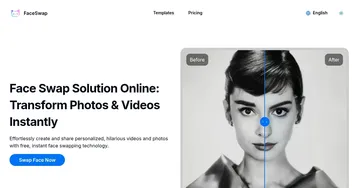
Funy AI
Swaps faces, generates AI art, and enhances images with easy-to-use tools
The folks behind Funy AI think that creativity should be fun, fast, and free. In that sense, it mostly delivers. This platform is a playground for anyone itching to swap faces in a video, whip up digital art from a text prompt, or polish a blurry photo into something crisp. No signup, no fuss — just upload and create. It’s the kind of tool that makes you wonder how we ever lived without AI to spice up our selfies or mock up a quick marketing video. The interface? Clean, intuitive, works on your phone or laptop. You’re not wrestling with clunky menus or endless tutorials, which is a relief in a world where some apps feel like they require a PhD to operate.
The face swap feature is the star. Upload a photo or video, pick a target, and boom — your face is on a celebrity, a model, or even a cartoon character. The results are smooth, almost eerily realistic, thanks to Funy AI’s knack for aligning facial features without awkward distortions. I tried swapping my face onto a movie star’s in a clip, and the output was convincing enough to fool a casual glance. The AI Art Generator is another gem. Type in “sunset over a cyberpunk city,” and it churns out a vibrant illustration in seconds. It’s not just for giggles — content creators can craft unique visuals for social posts or blogs without hiring an artist. The background removal tool is a lifesaver for e-commerce folks, stripping out messy backdrops with a single click. Clean, transparent images, ready for your online store.
But it’s not all sunshine. The free plan, while generous, limits you to a handful of daily swaps and edits. Want more? You’ll need to pony up for a VIP plan, which isn’t subscription-based but a one-time payment. Compared to competitors like DeepSwap or Artbreeder, Funy AI’s pricing feels accessible, but the exact limits of the free tier can frustrate heavy users. Also, the AI Kissing Generator, while quirky, feels niche — great for a romantic video message, but how often do you need that? Some features, like image-to-video, eat up credits faster than you’d expect, and the website could be clearer about what’s truly free.
What surprised me? The platform’s speed. Even on my aging laptop, results loaded in seconds, no lag. The AI Aging Filter is another unexpected delight, turning your selfie into a glimpse of your 80-year-old self with startling realism. It’s fun, shareable, and a bit humbling. Compared to Picsart, which offers broader editing tools but requires more manual effort, Funy AI leans hard into automation, making it ideal for quick projects. DeepSwap edges it out slightly in video face swap quality, but Funy AI’s no-signup policy and multi-device support give it an edge for casual users.
If you’re dipping your toes into AI creativity, start with Funy AI’s free tools. Play with face swaps for a laugh, test the art generator for a blog post, or clean up product photos for your shop. Just keep an eye on those credit limits, and don’t expect Photoshop-level control. It’s a tool for fast, fun results, not perfection. Try it on your phone for the best experience — upload, tweak, and share without breaking a sweat.
Homepage Screenshot 📸
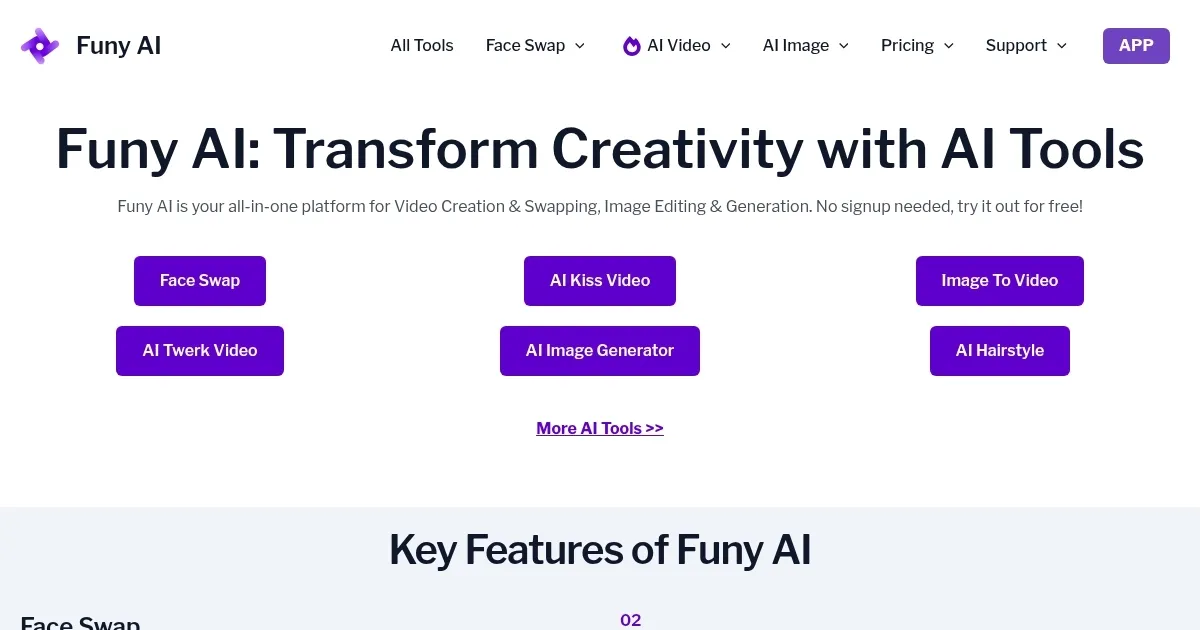
What are the key features? ✨
- Face Swap: Swaps faces in photos or videos for realistic, fun results.
- AI Art Generator: Creates artwork from text prompts in various styles.
- AI Background Removal: Removes image backgrounds with one click.
- AI Photo Enhancer: Sharpens and improves photo quality instantly.
- AI Aging Filter: Generates GIFs showing aged versions of faces.
Who is it for? 🤔
Examples of what you can use it for 💡
- Content Creator: Uses face swaps to create viral social media videos.
- E-commerce Seller: Removes backgrounds for clean product photos.
- Social Media User: Generates AI art for unique profile pictures.
- Marketing Professional: Creates quick promotional videos with face swaps.
- Hobbyist: Experiments with aging filters for fun, shareable GIFs.
Pros & Cons ⚖️
- Easy-to-use interface
- No signup required
- Free daily credits
- Limited free credits
- Variable output quality
FAQs 💬
Ready to try Funy AI?
Swaps faces, generates AI art, and enhances images with easy-to-use tools
Visit Funy AIFuny AI alternatives 🔗