PixNova AI
Generate stunning AI photos, edit images, and swap faces effortlessly
Let’s talk about PixNova AI, a platform that feels like a magic wand for anyone who’s ever wanted to whip up a stunning image without breaking a sweat or their wallet. This isn’t your typical photo editor — it’s a free, all-in-one creative suite that lets you generate photorealistic images, swap faces with eerie precision, and upscale low-res shots into crisp masterpieces, all with a few clicks. I think what makes it stand out is its sheer accessibility: no sign-up, no watermarks, no hidden fees. It’s like finding a fully stocked art studio where everything’s free and the tools actually work.
The platform’s AI Photo Generator is a star player. You type a prompt — say, “a futuristic city at dusk” — and in seconds, PixNova delivers a high-definition image that could pass for a professional render. The AI Body Generator is equally impressive, letting you craft detailed human figures for everything from game character designs to fashion sketches. Face Swap Technology is where things get fun. Upload a photo or video, pick a face, and watch the AI blend it so seamlessly you’d swear it was real. I tried it with a group photo, and the results were so convincing my friends did a double-take. The AI Image Upscaler, meanwhile, takes grainy old photos and sharpens them to near-HD quality, breathing new life into memories.
But it’s not all smooth sailing. The platform’s reliance on internet connectivity can be a hiccup — if your Wi-Fi’s spotty, you’re stuck. Some users might find the results vary in realism, especially with complex prompts or niche styles like hyper-detailed anime. Compared to competitors like Fotor or DeepAI, PixNova’s free model is a game-changer, but it lacks some of the advanced editing controls pros might crave. Fotor, for instance, offers more granular adjustments for tweaking colors and textures, while DeepAI has a broader range of artistic filters. Still, PixNova’s simplicity is its strength, making it a go-to for quick, high-quality edits.
What surprised me was the platform’s privacy focus. PixNova doesn’t store your data or require logins, which is rare in a world where most apps are hungry for your info. The interface is clean and intuitive, guiding you through tools like the AI Photo Enhancer or Object Remover without overwhelming you with jargon. It’s not perfect — sometimes the AI struggles with intricate backgrounds — but it’s hard to complain when the price is zero.
If you’re diving into PixNova, start with simple prompts to get a feel for the AI’s strengths. Experiment with the Face Swap for fun projects like cosplay edits or memes. For professional work, lean on the Image Upscaler to revive old photos. Keep your internet stable, and don’t expect Photoshop-level control. Just play around, and you’ll likely find yourself grinning at the results.
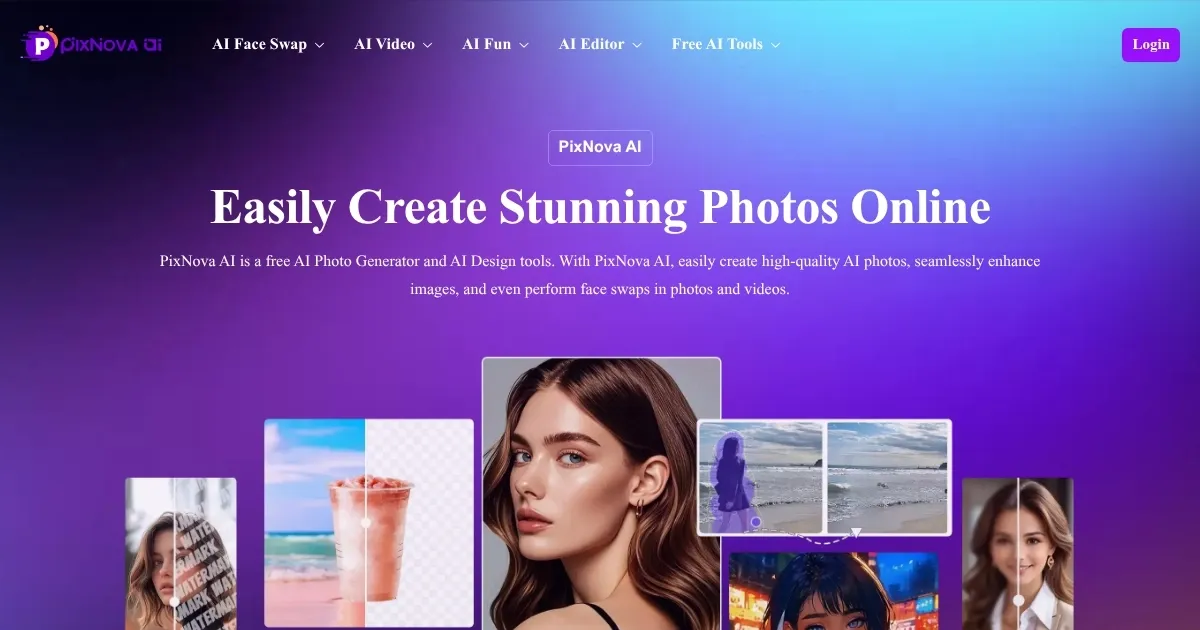
Homepage Screenshot 📸
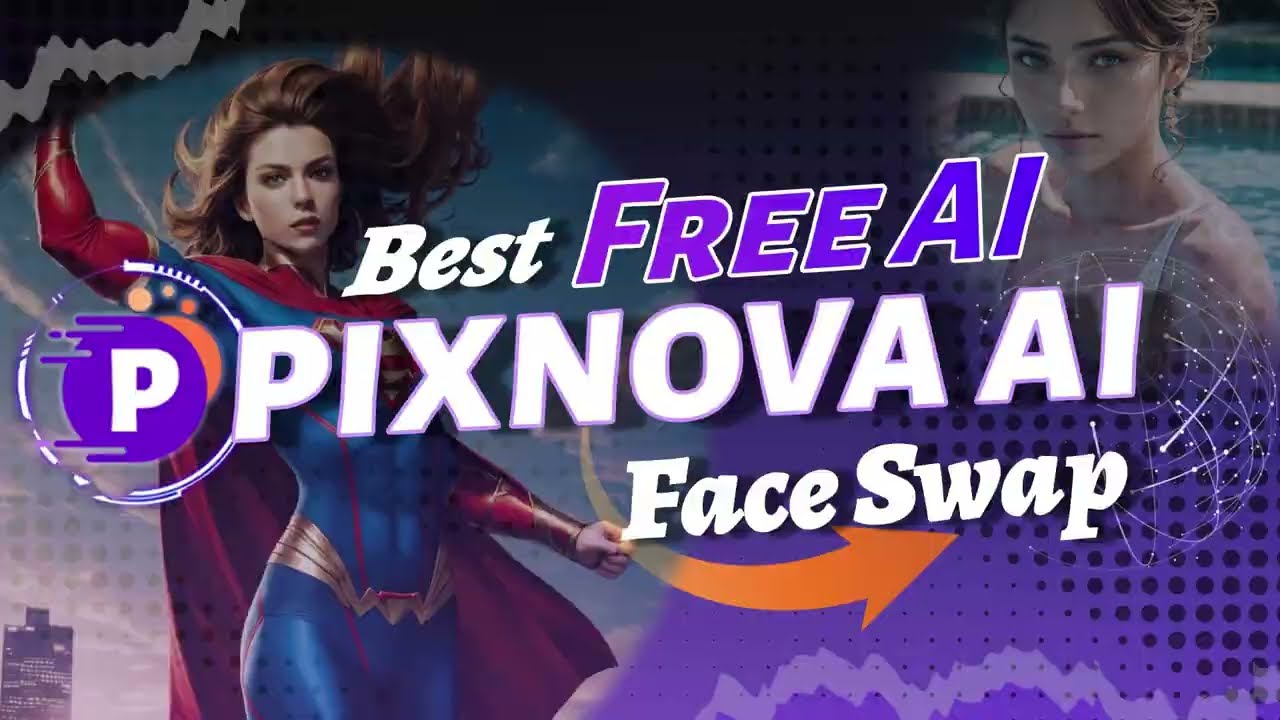
Video Overview 🎬
What are the key features? ✨
- AI Photo Generator: Creates high-definition images from text prompts in various styles.
- Face Swap Technology: Seamlessly swaps faces in photos, videos, or GIFs with realistic results.
- AI Image Upscaler: Enhances low-resolution images up to 4x for sharper visuals.
- AI Body Generator: Crafts customizable full-body images for creative projects.
- Photo Enhancer: Improves lighting, sharpness, and color balance with one click.
Who is it for? 🤔
Examples of what you can use it for 💡
- Content Creator: Uses Face Swap to create engaging memes for social media platforms.
- Marketing Professional: Generates high-quality product images with AI Photo Generator for ads.
- Game Designer: Crafts unique character designs using the AI Body Generator.
- Photographer: Enhances old or blurry photos with the AI Image Upscaler for prints.
- Casual User: Transforms selfies into anime-style portraits with the Photo to Anime tool.
Pros & Cons ⚖️
- Free with no sign-up or watermarks.
- Intuitive interface for all skill levels.
- Wide range of creative AI tools.
- Inconsistent results with complex prompts.
- Limited advanced editing controls.
FAQs 💬
Ready to try PixNova AI?
Generate stunning AI photos, edit images, and swap faces effortlessly
Visit PixNova AI