ATS Friendly
Optimizes resumes for ATS compatibility using AI keyword matching
Resumes today face a silent killer before they even reach a human eye. Applicant Tracking Systems, those invisible gatekeepers in corporate hiring, sift through stacks of applications, tossing out perfectly qualified candidates for the smallest formatting slip or missing keyword. Enter ATSFriendly, a tool that steps in like a sharp-eyed editor, scanning your document line by line to ensure it sings to both machines and managers. I’ve poked around enough tech gadgets in my day to spot the real helpers from the hype, and this one cuts through the noise with straightforward smarts.
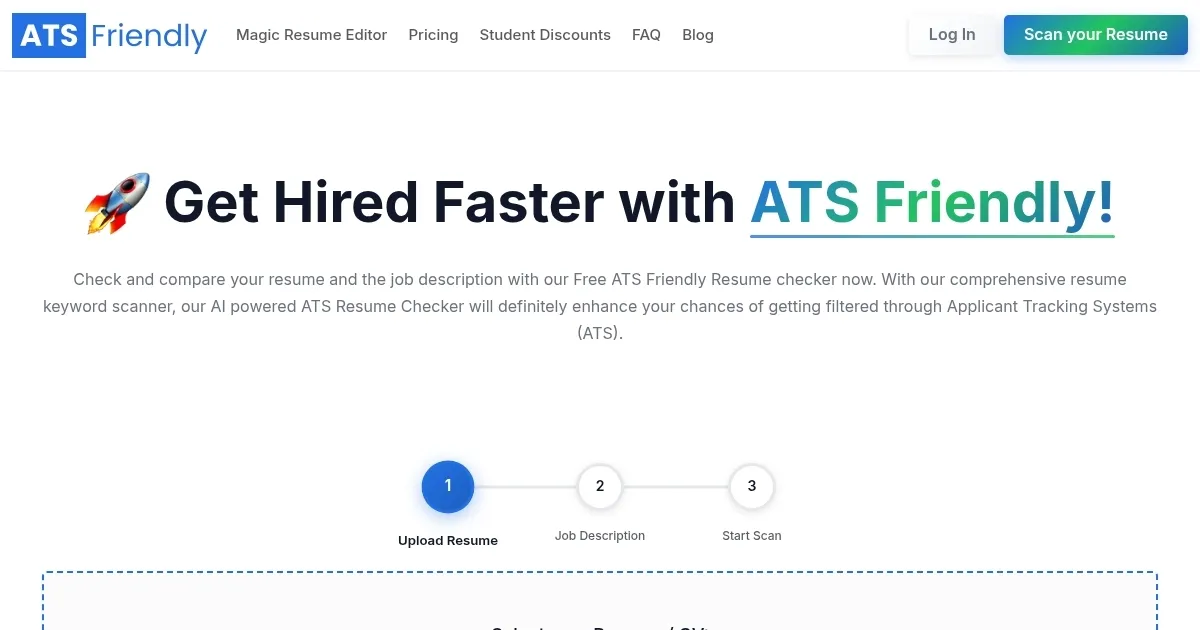
The core of ATSFriendly lies in its free ATS Scanner, which you fire up by dragging in your resume and pasting the job description. Almost instantly, it delivers a real-time score, say 75 out of 100, highlighting whats working and whats not. Keywords from the job post that you’re missing? It flags them, suggesting spots to weave them in naturally, like hard skills such as Python proficiency or soft ones like team collaboration. Line-by-line breakdowns reveal bloat, those filler phrases that dilute your impact without adding value. I appreciate how it simulates major ATS platforms, from Workable to Greenhouse, so you know if your PDF or docx will parse cleanly without tables or fancy fonts tripping it up.
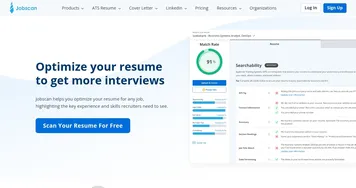
But here’s where it gets clever. The Magic Resume Editor, fueled by GPT-4o, doesn’t just point out problems, it proposes fixes. Upload your draft, and it rephrases bullet points for punchier impact, generates a matching cover letter, or even spins up a full resume from scratch using customizable templates. These aren’t cookie-cutter designs, they adapt to industries, pulling in action verbs and quantifiable achievements that make recruiters pause. Compared to competitors like Jobscan, which excels at match rates but lacks built-in writing aids, or Resume Worded with its deep content critiques yet no seamless editor, ATSFriendly feels like the all-in-one toolkit for busy job hunters.
Users rave about the surprises, too. One data analyst on their site shared landing a gig in two weeks after ditching irrelevant fluff, while a graphic designer praised its handling of non-English resumes, like Spanish ones, without losing nuance. On Reddit threads from mid-2025, folks echo this, noting how the tools suggestions feel spot-on, unlike generic advice elsewhere. You might not love every auto-rephrase, it can sound a tad robotic at times, and the free tier shines for scanning but nudges toward premium for unlimited edits, which stacks up affordably against pricier rivals.
What truly sets it apart is the empowerment. No more guessing games with job apps. Run a scan before each submission, tweak with the editors guidance, and watch your hit rate climb. I think that’s the tech sweet spot, tools that respect your story while greasing the wheels. If you’re knee-deep in applications, start with a quick scan on ATS Friendly, focus on those top three keyword gaps, and iterate from there. Your next interview might just thank you for it.
Homepage Screenshot 📸
Video Overview 🎬
What are the key features? ✨
- ATS Scanner: Analyzes resumes against job descriptions for keyword matches and formatting issues in real time.
- Magic Resume Editor: AI-powered builder that rephrases content and generates tailored resumes using GPT-4o.
- Line-by-Line Analysis: Reviews each resume section to identify and suggest removals of irrelevant details.
- Keyword Optimization: Suggests missing skills and phrases to align with specific job requirements.
- Real-Time Score: Provides instant ATS compatibility ratings during editing sessions.
Who is it for? 🤔
Examples of what you can use it for 💡
- Software Engineer: Uploads resume and job posting to identify missing technical skills like JavaScript frameworks, then edits for better ATS parsing.
- Marketing Consultant: Scans against ad campaigns role to add keywords on SEO tools, generating a cover letter that highlights relevant experiences.
- Data Analyst: Uses line-by-line review to trim unrelated entries and incorporate SQL proficiency suggestions for precise job matches.
- Graphic Designer: Optimizes bilingual resume for international roles, ensuring non-English text and formats pass major ATS without errors.
- Entry-Level Applicant: Builds first resume from templates, adding education and soft skills to align with internship descriptions for higher scores.
Pros & Cons ⚖️
- Free core scanner
- Instant results
- AI editing aids
- Supports non-English
- Limited free exports
- Occasional generic tips
FAQs 💬
Ready to try ATS Friendly?
Optimizes resumes for ATS compatibility using AI keyword matching
Visit ATS FriendlyATS Friendly alternatives 🔗