ResumeBuild
Crafts ATS-optimized resumes to boost job application success
Let’s talk about getting hired, the modern way. ResumeBuild is an AI-powered platform that promises to take the pain out of crafting a resume that not only looks sharp but also sneaks past those pesky Applicant Tracking Systems (ATS) that screen out candidates before a human even glances at their work. I think it’s a bit like having a career coach who never sleeps, powered by OpenAI’s GPT tech, churning out tailored bullet points, cover letters, and even mock interview prep. The site claims it’s trusted by over 1.4 million users, and the buzz on platforms like X suggests it’s delivering for many. But does it live up to the hype? Let’s break it down.
First off, the AI Writer feature is a standout. You input a job role or a snippet of your experience, and it generates bullet points that quantify achievements with real-world flair. For example, it might turn “I managed a team” into “Led a team of 12 to exceed quarterly sales targets by 15%.” It’s fast, and the results feel polished, not robotic. The Keyword Targeting tool is another gem, scanning job descriptions and suggesting words to sprinkle into your resume to make ATS systems happy. This matters because studies show up to 75% of resumes never reach a hiring manager due to ATS filters. ResumeBuild also offers a Resume Score, evaluating your document across 23 criteria, from formatting to content strength. It’s like a report card for your resume, and I love how it pinpoints weak spots, like overused buzzwords.
The platform isn’t flawless, though. The free plan is generous, letting you build one resume with basic features, but you’ll hit a wall with limited AI Credits for generating bullet points. Upgrading to Pro or Lifetime plans unlocks unlimited credits and downloads, but users on forums like Reddit have noted the Lifetime plan lacks monthly reviews, which could be a bummer for long-term job seekers. The interface, while clean, can feel a bit cluttered with options like Mock Interviews and Job Matching (still in development, per the site). Some users might find the constant upsell nudges for premium templates or extra credits a tad pushy. Still, the ability to customize templates without sacrificing ATS compatibility is a big win.
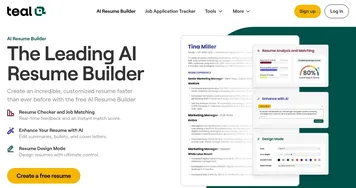
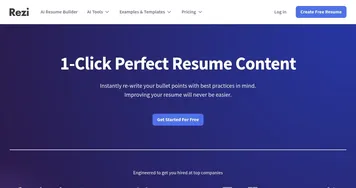
Compared to competitors like Rezi.ai and Resume Trick, ResumeBuild holds its own. Rezi.ai is a close rival, with a focus on ATS optimization and keyword tailoring, but its interface feels less intuitive. TealHQ shines with its drag-and-drop editor and job-matching insights, yet it lacks the mock interview prep ResumeBuild is building. Both competitors offer free plans, but ResumeBuild’s premium features, like unlimited downloads, seem more robust for power users. A surprise element? The platform’s cover letter generator, which churns out tailored letters in seconds, feels like a secret weapon for standing out.
I’d recommend starting with the free plan to test the waters. Play with the AI Writer and Keyword Targeting to see how they fit your needs. If you’re applying to multiple jobs, consider the Pro plan for unlimited features. Check job descriptions carefully and use the Keyword Targeting tool religiously to beat ATS filters. For those on a budget, stick to the free templates, they’re solid. If you’re curious about competitors, give Rezi.ai a spin, but ResumeBuild’s balance of features and ease makes it a strong pick.
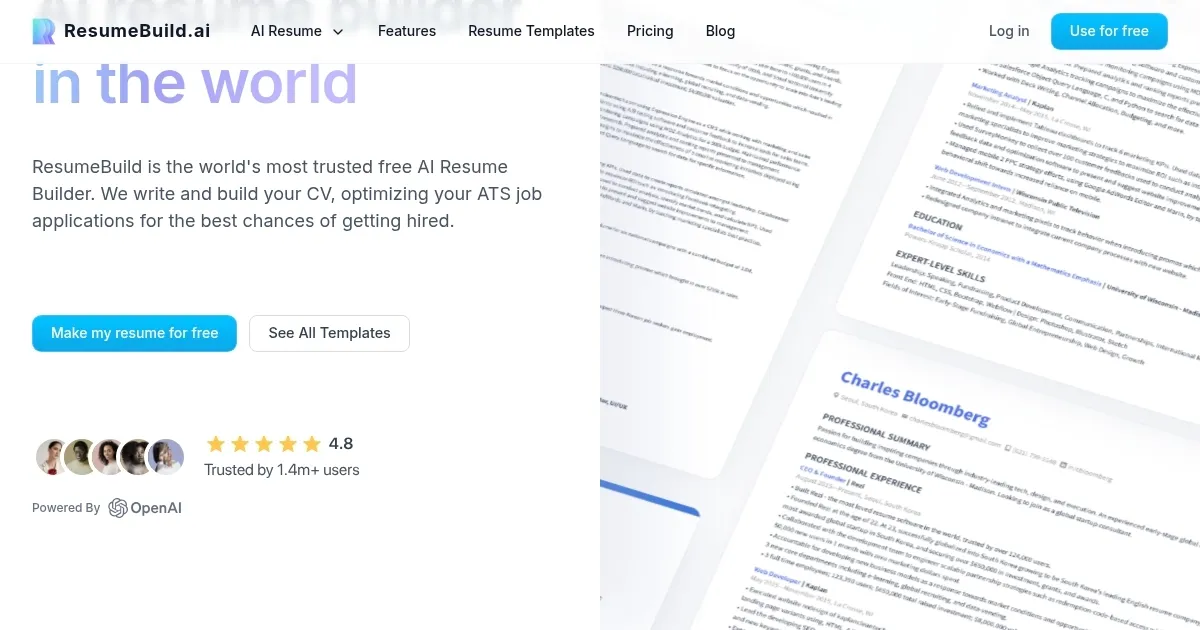
Homepage Screenshot 📸
What are the key features? ✨
- AI Writer: Generates tailored resume bullet points using OpenAI’s GPT technology.
- Keyword Targeting: Suggests job-specific keywords to optimize resumes for ATS.
- Resume Score: Evaluates resumes across 23 criteria for content and formatting.
- Easy Design Controls: Customizes templates while ensuring ATS compatibility.
- Cover Letter Generator: Creates tailored cover letters for specific job applications.
Who is it for? 🤔
Examples of what you can use it for 💡
- Recent Graduate: Crafts a professional resume highlighting internships and skills for entry-level roles.
- Career Changer: Tailors resumes to align past experience with new industry requirements.
- Marketing Professional: Generates keyword-optimized resumes for ATS-heavy corporate job applications.
- Freelancer: Creates polished cover letters to accompany project-based job applications.
- Career Coach: Builds ATS-friendly resumes for multiple clients efficiently.
Pros & Cons ⚖️
- ATS-optimized resume creation
- Detailed Resume Score feedback
- Cover letter generator included
- Limited AI Credits in free plan
- Interface can feel cluttered
FAQs 💬
Ready to try ResumeBuild?
Crafts ATS-optimized resumes to boost job application success
Visit ResumeBuildResumeBuild alternatives 🔗