DataGrip by JetBrains
Streamlines database management and SQL querying for multiple platforms
DataGrip is a cross-platform IDE developed by JetBrains for managing relational and NoSQL databases with advanced SQL querying and data manipulation tools. It supports a wide range of databases, including PostgreSQL, MySQL, Oracle, MongoDB, and SQLite, using JDBC drivers. The tool is designed for developers, data analysts, and database administrators who need a unified interface to handle multiple database types efficiently. It offers a 30-day free trial, with pricing tied to JetBrains’ Toolbox subscription, which is generally higher than free alternatives like DBeaver.
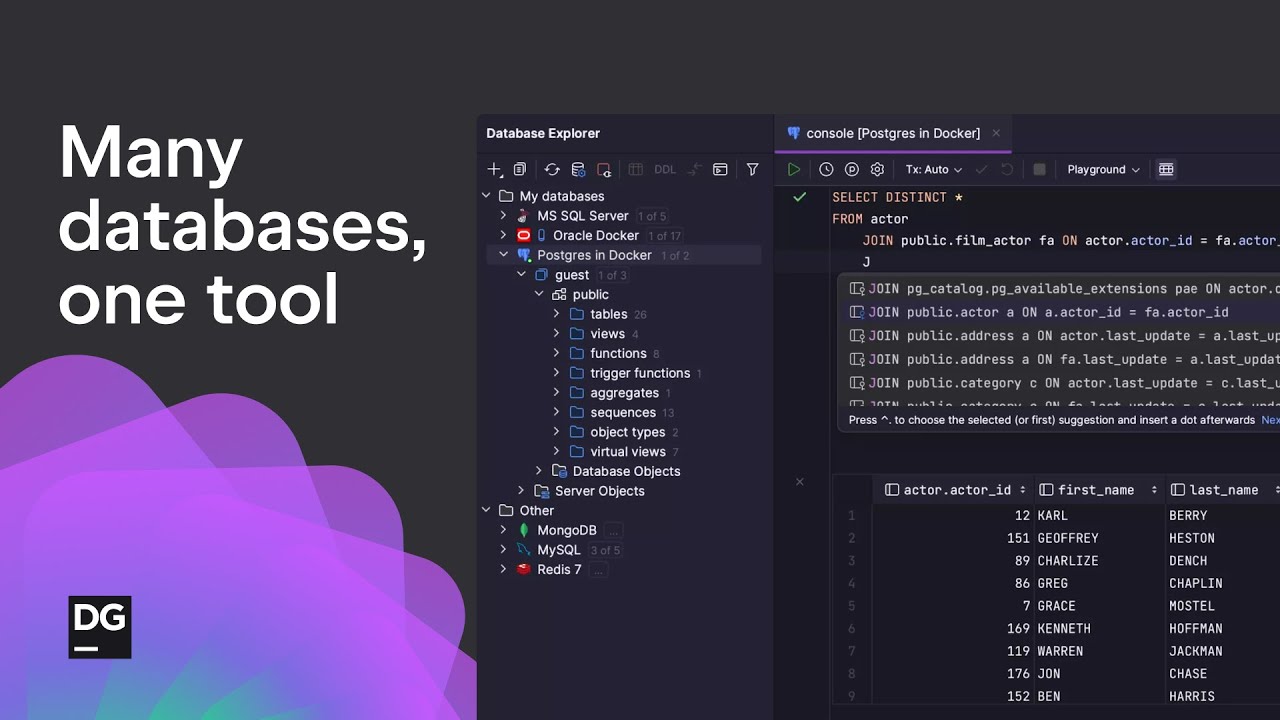
The Database Explorer provides a clear view of database structures, allowing users to navigate schemas, tables, and relationships visually. The Query Console supports running multiple SQL statements simultaneously, with results displayed in a customizable grid. Smart code completion enhances productivity by suggesting table names, foreign keys, and database objects contextually. The Data Editor enables inline editing, foreign key navigation, and text searches across rows, streamlining data management tasks. The schema diff tool compares database structures and generates migration scripts, which is useful for version control.
Recent updates, like DataGrip 2025.2, introduce introspection by levels for PostgreSQL and MS SQL Server, reducing metadata load times for large databases. The smart refresh mechanism for PostgreSQL updates only modified objects after DDL statements, improving performance. The AI Assistant plugin allows attaching specific database objects for precise code suggestions. DataGrip also supports exporting data to formats like CSV, JSON, and Markdown, making it versatile for reporting.
Compared to competitors, DataGrip offers more advanced SQL tools than TablePlus, which prioritizes simplicity, and matches SQL Developer in functionality but with broader database support. However, its interface can be complex for new users, and performance may lag with very large databases. The pricing model may deter those accustomed to free tools like DBeaver.
To get started, download DataGrip via the JetBrains Toolbox App for easy version management. Use the 30-day trial to test core features like the Query Console and Data Editor with a familiar database. Check the documentation for setup guides and advanced tips to maximize efficiency.
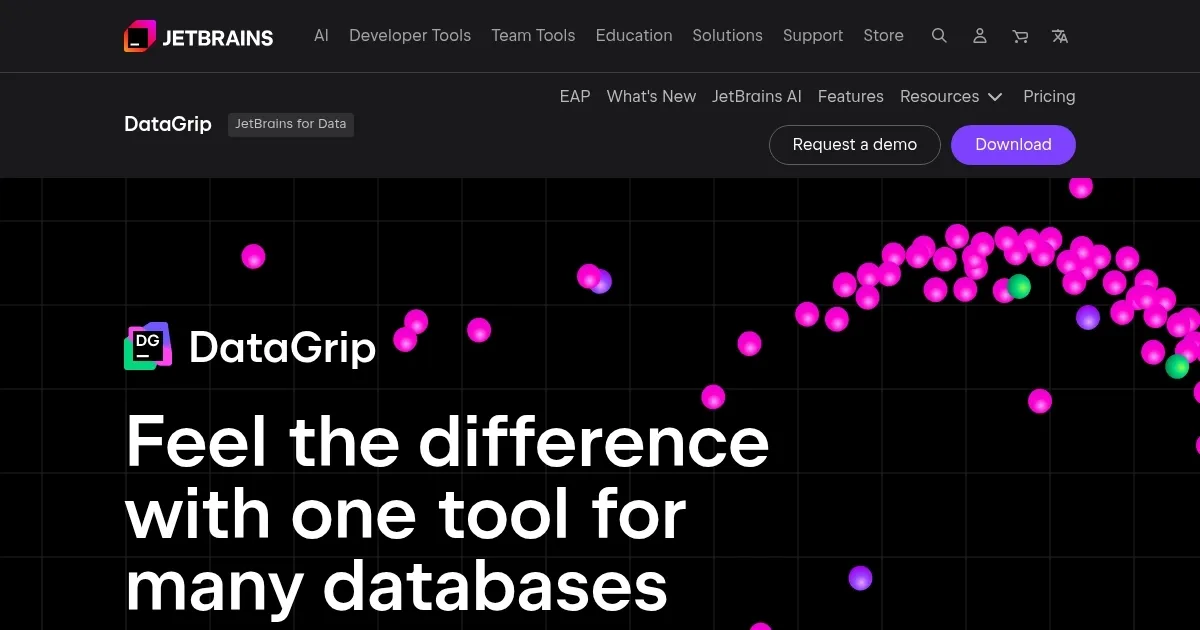
Homepage Screenshot 📸
Video Overview 🎬
What are the key features? ✨
- Database Explorer: Visually navigates schemas, tables, and relationships across multiple databases.
- Query Console: Runs multiple SQL statements with customizable result grids for efficient querying.
- Smart Code Completion: Suggests context-aware table names, foreign keys, and database objects.
- Data Editor: Enables inline editing, foreign key navigation, and text searches within datasets.
- Schema Diff: Compares database structures and generates migration scripts for version control.
Who is it for? 🤔
Examples of what you can use it for 💡
- Database Administrator: Configures and manages database schemas using the Database Explorer for efficient maintenance.
- Data Analyst: Runs complex SQL queries in the Query Console to analyze large datasets and export results to CSV.
- Developer: Uses smart code completion to write error-free SQL code for application backend development.
- Team Lead: Compares database schemas with Schema Diff to ensure consistency across development environments.
- Freelancer: Edits data directly in the Data Editor to quickly update client databases without external tools.
Pros & Cons ⚖️
- Supports many database types.
- Intuitive Database Explorer.
- Robust data editing tools.
- Flexible export options.
- Slow with large databases.
- Dense interface can overwhelm.
FAQs 💬
Ready to try DataGrip?
Streamlines database management and SQL querying for multiple platforms
Visit DataGripDataGrip alternatives 🔗