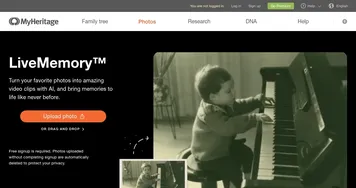
Deep Nostalgia by MyHeritage

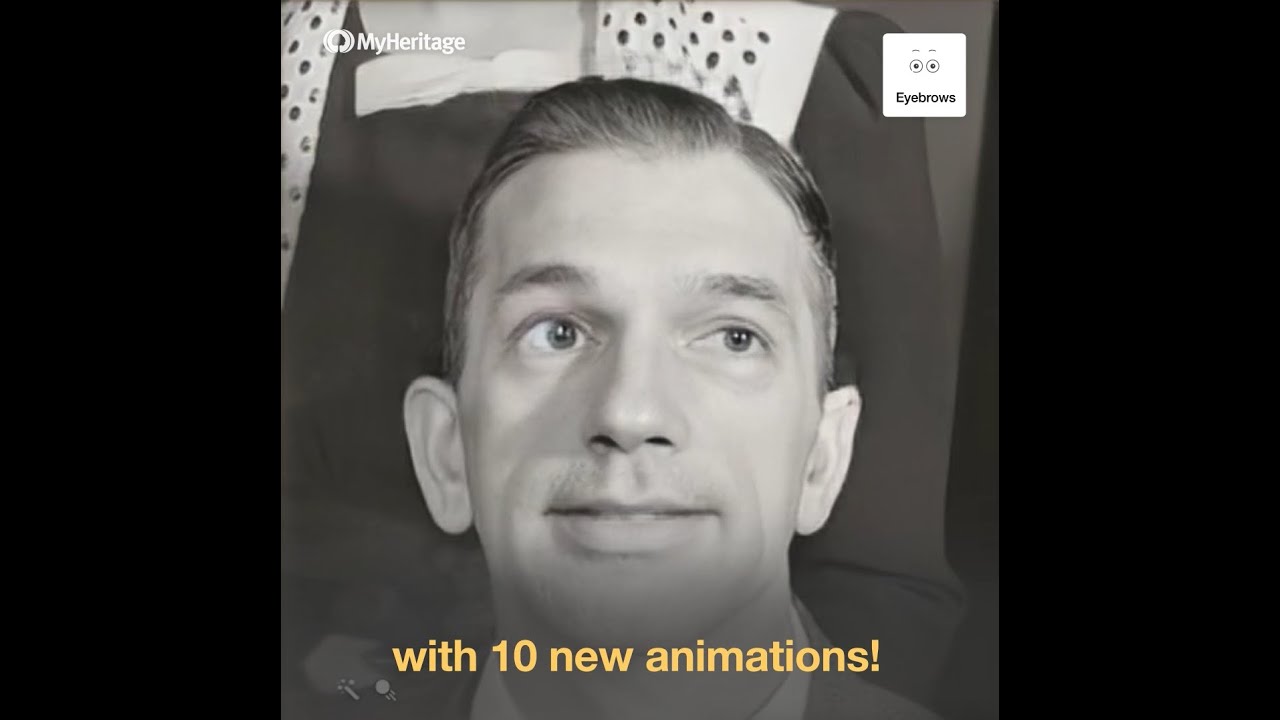
Deep Nostalgia is an advanced feature offered by MyHeritage that utilizes deep learning technology to animate still photos, particularly focusing on the faces within family photographs. This AI-driven service allows users to bring historical images to life by creating realistic facial animations.
Through this process, users can see their ancestors nodding, blinking, smiling, or even looking around, thus providing a unique way to connect with their heritage and experience a more tangible link to their family’s past.
The technology behind Deep Nostalgia analyzes the facial features in a still photo. It applies a pre-recorded driver video of facial movements to the photo, resulting in a smooth and realistic animation of the face. This process does not require any manual editing by the user; it’s fully automated, making it accessible and easy to use for anyone looking to breathe life into their old family photos.
This innovative feature has the power to evoke deep feelings of nostalgia. It’s a testament to the increasingly sophisticated capabilities of AI in enhancing our engagement with historical materials.
Video Overview ▶️
What are the key features? ⭐
- Face animation: Brings still photos to life by animating faces on them.
- Different animation styles: The tool offers a variety of animations to choose from.
- Easy to use: You don't need to be an expert - all you have to do is upload a photo and let the AI generate a quick animation for you.
- Privacy included: Photos are deleted if signup is not completed.
- Free to try: You get basic features for free, with additional options coming as part of the premium (paid) plan.
Who is it for? 🤔
Examples of what you can use it for 💭
- Animate old family photos to connect with the past
- Create unique photo gifts for loved ones
- Share animated photos on social media platforms
- Enhance genealogy projects with animated photos
- Animate old photos to preserve and relive memories
Pros & Cons ⚖️
- Animating photos was never this easy
- Lets you relive the past (a bit)
- You don't need to be an expert to animate photos
- For some custom requests, you may need professional software