logo-darklogo-darklogo-darklogo-dark
  • Home
  • Browse
    • Assistant
    • Coding
    • Image
    • Productivity
    • Video
    • Voice
    • Writing
    • All Categories
    • AI Use Cases
  • Events
  • My Favorites
  • Suggest a Tool
✕
Home › Image & Photo Analysis / Image Generation & Editing›
Published by Dusan Belic on July 8, 2024

Colorcinch

Colorcinch
Colorcinch Homepage
Categories Image & Photo AnalysisImage Generation & Editing
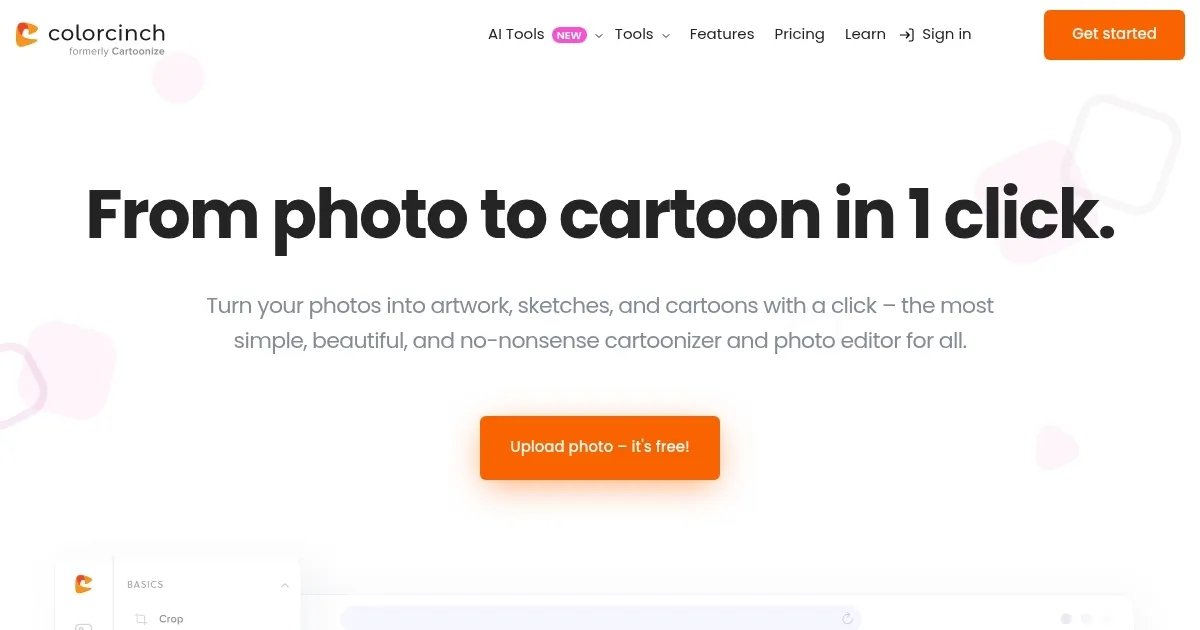
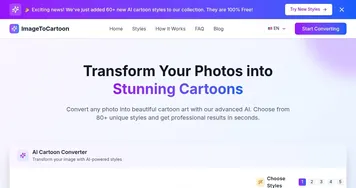
An AI-powered tool that turns images into cartoon-like images with just one click

Colorcinch

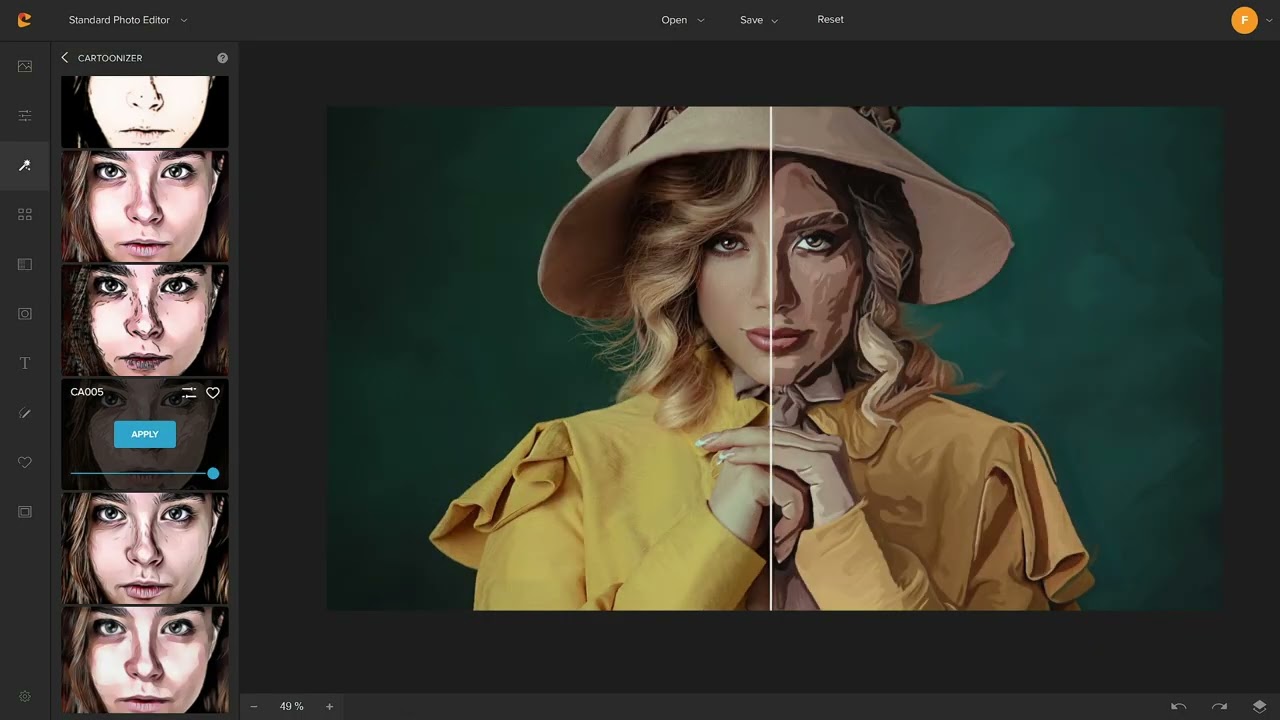
Formerly known as Cartoonize, Colorcinch is an AI-powered tool that turns images into cartoon-like images with just one click. The platform offers a variety of artwork, allowing users to create unique and interesting frames for their images.

In addition, Colorcinch offers other tools, such as background filtering, photo cropping, editing, and various filters and overlays to enhance the final result.

Users can choose from a range of photography options, including portraits, portraits, and more. This allows for creative expression, whether for personal use, social media content, or marketing projects. Moreover, the simplicity of the tool ensures that even those with no photo editing experience can easily achieve fancy results.

Colorcinch also offers strong support for social media enthusiasts and professionals. Features like profile picture builder and avatar builder are designed to create attractive and distinctive online personas. The platform supports a variety of file formats and provides rich content, making it suitable for digital use and print.

All in all, Colorcinch is a comprehensive solution for anyone who wants to add some creativity to their drawings. Its AI-driven features and effects make it a valuable tool for artists, photographers and casual users.

So, whether you want to create animated avatars or professional-looking cartoons, Colorcinch is the tool worth checking out.

Colorcinch Homepage
Categories Image & Photo AnalysisImage Generation & Editing

Video Overview ▶️

Colorcinch - Video Overview

What are the key features? ⭐

  • AI-powered cartoonization: The tool converts photos into cartoons, sketches, or paintings with one click using advanced AI tech.
  • Editing tools: It offers a range of tools, including background removal, cropping, resizing, color adjustment, and adding effects like rain or fog.
  • User-friendly interface: The tool is designed to be intuitive and easy to use, allowing users to easily edit their photos.
  • Online & offline access: Colorcinch is available both online and offline, making it convenient for users to access and edit their projects from anywhere.
  • High-resolution outputs: It provides high-resolution outputs up to 400 DPI, making it suitable for professional prints.

Who is it for? 🤔

Colorcinch is primarily made for social media enthusiasts, marketers, content creators, educators, and individuals seeking to transform their personal photos into unique artistic pieces. Its easy-to-use interface and powerful editing tools make it accessible to users of all skill levels, from amateurs to professionals.

Examples of what you can use it for 💭

  • Create unique profile pictures and avatars for social media platforms
  • Design eye-catching marketing materials and promotional content
  • Turn personal photos into artistic pieces for home decor or gifts
  • Enhance blog posts, videos, and other content with customized cartoon images
  • Use cartoonized images for educational materials and presentations

Pros & Cons ⚖️

  • Turn every photo into a cartoon with ease
  • Get a new photo for social media
  • Additional features
  • A few of the existing AI photo editing tools are better

FAQs 💬

What does Colorcinch actually do?
It turns your photos into cartoons, sketches, paintings, or other artistic styles with one-click AI effects, plus offers extra editing tools like background removal and overlays.
Do I need to sign up or install anything to use it?
No sign-up is required for basic use, and everything runs right in your browser without downloads.
Can I cartoonize portraits of people or just objects?
Yes, it works great on people for avatars or characters, and it handles pets, landscapes, or other photos too in most cases.
What kinds of cartoon or art styles are available?
You get cartoon, sketch, painting, digital art, comic-like effects, and adjustable filters to tweak the intensity or look.
Is the tool completely free to use?
Basic cartoonizing and many effects are free, though some advanced features or higher-quality exports might prompt upgrades.
Does it work on mobile devices?
The web version runs on phones, and there are dedicated iOS and Android apps for editing, cartoonizing, and more on the go.
How good is the AI for background removal or upscaling?
The AI handles background removal cleanly in most shots and offers upscaling, though some users report it doesn't always process perfectly on the first try.
Can I add my own custom elements or text?
Yes, it includes text tools, layers, overlays, brushes for drawing, and masks to embed photos into shapes or patterns.
What file formats can I upload and export?
Common formats like JPG and PNG work for upload, and you can export edited images, often up to print-ready 400 DPI quality.
Is my uploaded photo safe and private?
The platform processes images securely, but as with any online tool, avoid sensitive content and check their terms for data handling.
Visit Colorcinch

Related tools ↙️

  1. Dawn AI Dawn AI Generates personalized avatars and images from selfies using advanced AI technology
  2. Imajinn Imajinn Transforms user photos into artistic images and custom visuals using AI
  3. Imgix Imgix Optimizes images in real-time using AI for faster web delivery
  4. Cloudinary Cloudinary Manages, transforms, optimizes, and delivers images and videos with AI-powered features
  5. SVG AI SVG AI Transforms text prompts into scalable vector icons and logos instantly
  6. Artisse Artisse Generates hyper-realistic photos using AI from user selfies and custom prompts
Last update: February 11, 2026
Share
Promote Colorcinch
light badge
Copy Embed Code
dark badge
Copy Embed Code
neutral badge
Copy Embed Code
About Us | Contact Us | Suggest an AI Tool | Privacy Policy | Terms of Service

Copyright © 2026 Best AI Tools
415 Mission Street, 37th Floor, San Francisco, CA 94105