Magic AI
Creates custom chatbots using your data, no coding needed
Magic AI is a platform that enables users to create and train custom chatbots using their own data, such as documents or website content, without requiring coding skills. The tool integrates with AI models like ChatGPT to generate responses based on uploaded files or scraped web pages. Users access the platform through a dashboard where they can upload documents, configure chatbot behavior, and embed the bot on websites. The “Data Sources” page supports multiple file types, including PDFs and Word documents, while the web crawling feature extracts content from specified URLs. The “Chat Bot Configuration” page allows customization of the bot’s tone and responses.
The platform offers a free tier for basic use and paid plans for advanced features, making it competitive with tools like Intercom and Drift. Unlike Intercom, which emphasizes customer engagement analytics, Magic AI focuses on simplicity and knowledge-based responses. The API integration enables developers to connect the tool to other systems, enhancing its flexibility. Public sharing of chatbots via links is a unique feature, allowing users to distribute bots without requiring recipients to sign up.
Limitations include occasional delays in web crawling for large sites and less robust analytics compared to competitors. Responses may lack depth if the input data is vague or limited. The platform’s reliance on external AI models can result in inconsistent answer quality. Pricing aligns with industry standards, offering good value for small teams but potentially insufficient for enterprises needing advanced features.
For best results, users should ensure their data is well-organized and specific. Start with the free tier, test with a small dataset, and adjust the bot’s configuration to match your needs before committing to a paid plan.
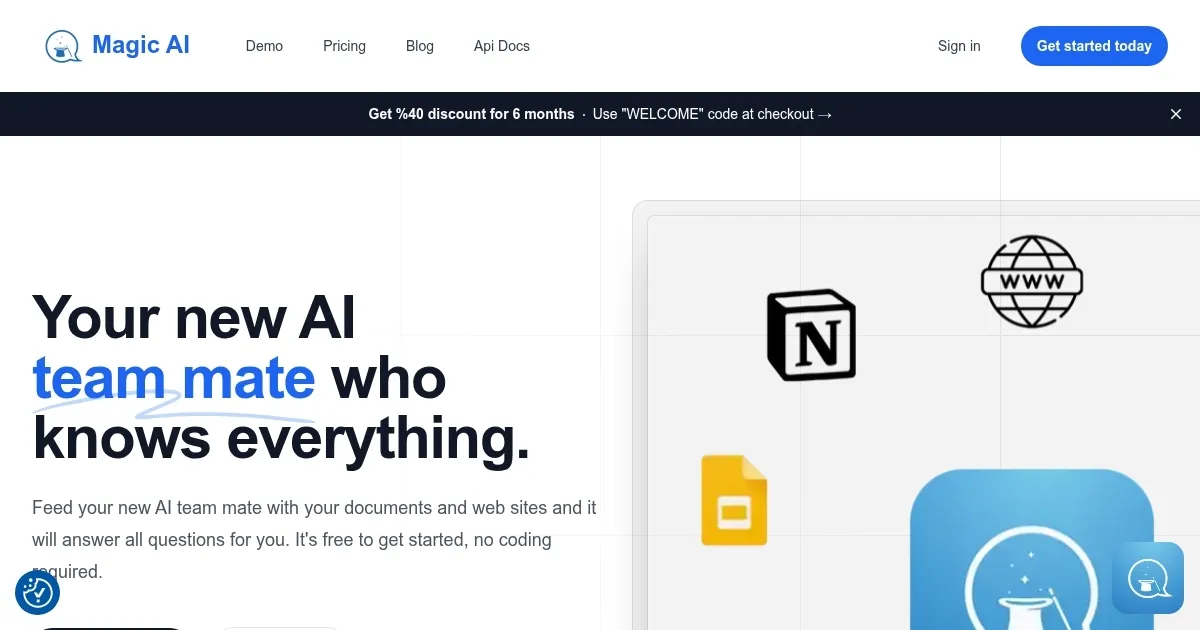
Homepage Screenshot 📸
Video Overview 🎬
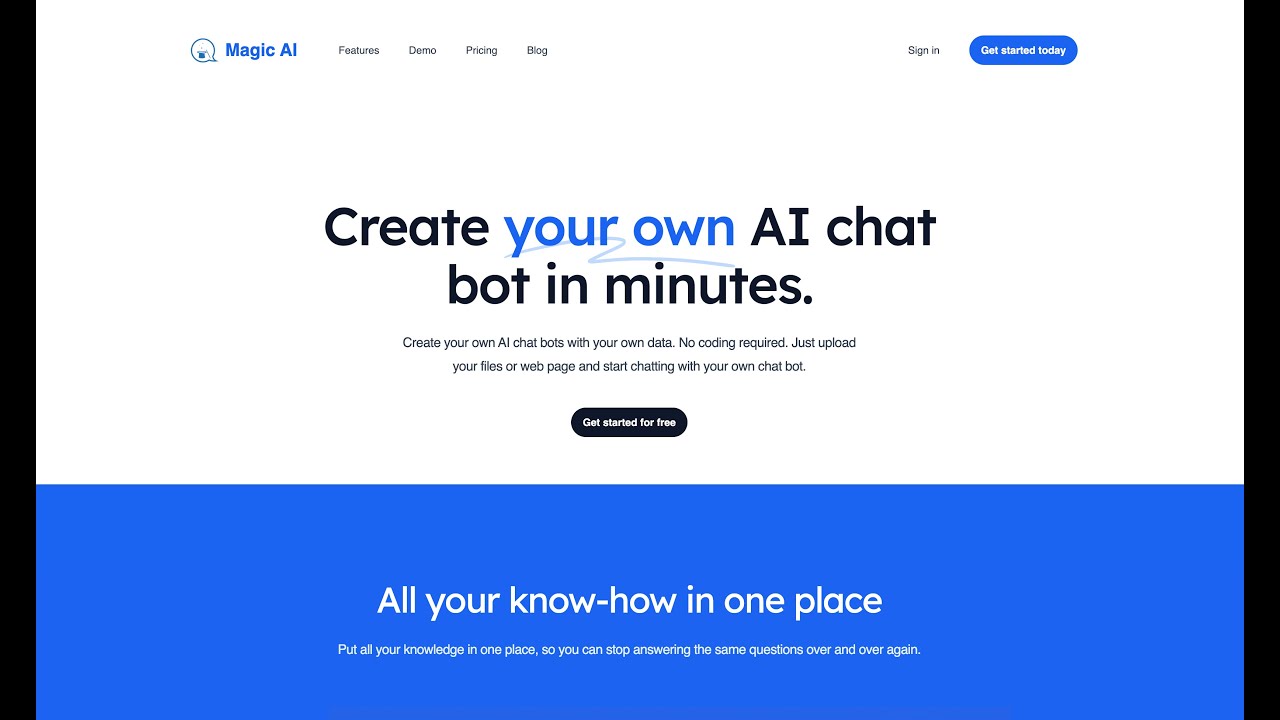
What are the key features? ✨
- Chatbot Creation: Build custom chatbots without coding, using your own data.
- Data Sources: Upload PDFs, Word docs, or scrape websites to train your bot.
- Chat Bot Configuration: Customize the bot’s tone and behavior for tailored responses.
- Web Embedding: Embed chatbots on websites with a simple code snippet.
- Public Sharing: Share chatbots via public links for easy access by others.
Who is it for? 🤔
Examples of what you can use it for 💡
- Small Business Owner: Creates a chatbot to handle customer FAQs on their website.
- Educator: Shares a chatbot with students to answer questions about course materials.
- Content Creator: Builds a bot to provide insights based on blog content for followers.
- Freelancer: Uses a chatbot to answer client queries about services automatically.
- Team Manager: Trains a bot with company docs to assist team members with info.
Pros & Cons ⚖️
- Supports multiple data formats.
- Customizable chatbot responses.
- Free tier available for testing.
- Web crawling can be slow.
- Limited analytics features.
FAQs 💬