MakeSong
Creates royalty-free songs from text or lyrics in seconds
MakeSong is an AI music generator that creates royalty-free songs from text or lyrics, supporting genres like pop, hip-hop, and classical, with tools like Vocal Remover for audio editing. It offers a free tier with 10 songs and paid plans for more credits. Users input text or lyrics, select styles, moods, or voices, and download tracks in MP3 or WAV format. The platform supports commercial use, making it ideal for content creators, podcasters, and advertisers. It also includes an Instrumental AI Splitter for separating vocals or instrumentals from existing tracks.
The tool’s core features include Lyrics Mode for turning written lyrics into songs and Description Mode for generating music from text prompts. Users can customize tempo, voice (male, female, or instrumental), and genres, with over 70 styles available. Tracks like “The Holy Spirit” (rasta rap, 293,000 plays) show its popularity. The Vocal Remover processes one separation per three credits, and results are generally clean, though minor audio artifacts may occur. MakeSong’s free plan suits casual users, while paid plans offer priority generation and longer storage.
Compared to Soundraw and AIVA, MakeSong excels in vocal generation and ease of use. Soundraw focuses on instrumental tracks, while AIVA targets cinematic compositions. MakeSong’s output can be inconsistent with complex prompts, as noted in user reviews on Slashdot, where some reported mismatched tempos or genres. Pricing is competitive, with monthly and yearly plans, but credit usage can be confusing, per X feedback.
The platform supports multiple languages, broadening its appeal for global users. Its community section showcases tracks like “Circles” (electronic jazz, 145,000 plays), highlighting its versatility. However, the AI may struggle with niche genres, and the credit system limits free users. Storage durations vary by plan, from 30 days (free) to unlimited (premium).
Try MakeSong’s free tier to test its capabilities. Use simple prompts for best results, and leverage the Vocal Remover for quick edits. Check subscription options for heavy use, and monitor credits to manage costs effectively.
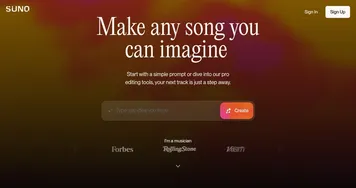
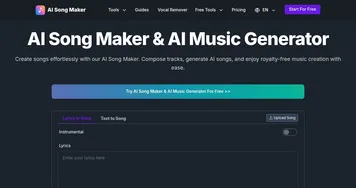
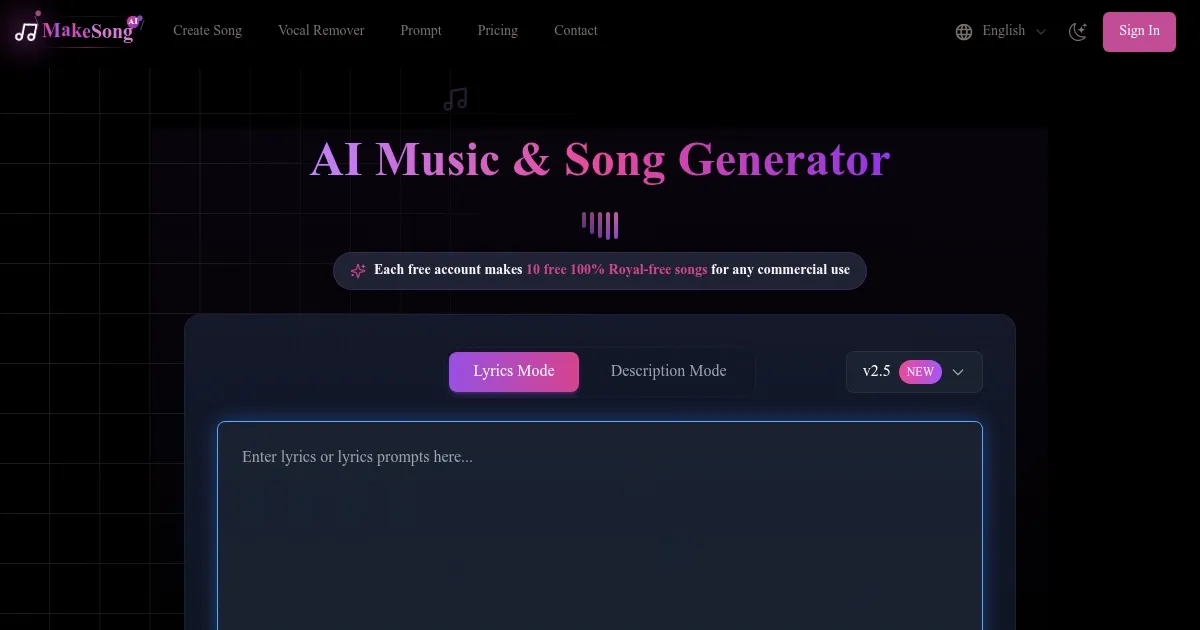
Homepage Screenshot 📸
What are the key features? ✨
- Lyrics Mode: Turns user-provided lyrics into fully composed songs with vocals or instrumentals.
- Description Mode: Generates music from text descriptions, allowing customization of genre and mood.
- Vocal Remover: Separates vocals from tracks for remixing or karaoke, using three credits per separation.
- Instrumental AI Splitter: Isolates instrumentals from songs with minimal audio artifacts.
- Royalty-Free Music: Produces 100% royalty-free tracks for commercial use in videos or ads.
Who is it for? 🤔
Examples of what you can use it for 💡
- YouTuber: Crafts background music for video intros to enhance viewer engagement.
- Podcaster: Generates custom intro/outro themes to match podcast tone and style.
- Game Developer: Creates immersive soundtracks tailored to game settings and atmospheres.
- Advertiser: Produces catchy jingles for commercials to boost brand recall.
- Hobbyist Musician: Turns personal lyrics into professional tracks for social media sharing.
Pros & Cons ⚖️
- Royalty-free music for commercial use.
- Supports multiple genres and languages.
- Free tier includes 10 songs.
- Vocal Remover for easy audio editing.
- Complex prompts may yield odd results.
- Vocal separation may have artifacts.
FAQs 💬
MakeSong alternatives 🔗