Mocha
Builds custom websites and apps using AI and natural language, no coding required
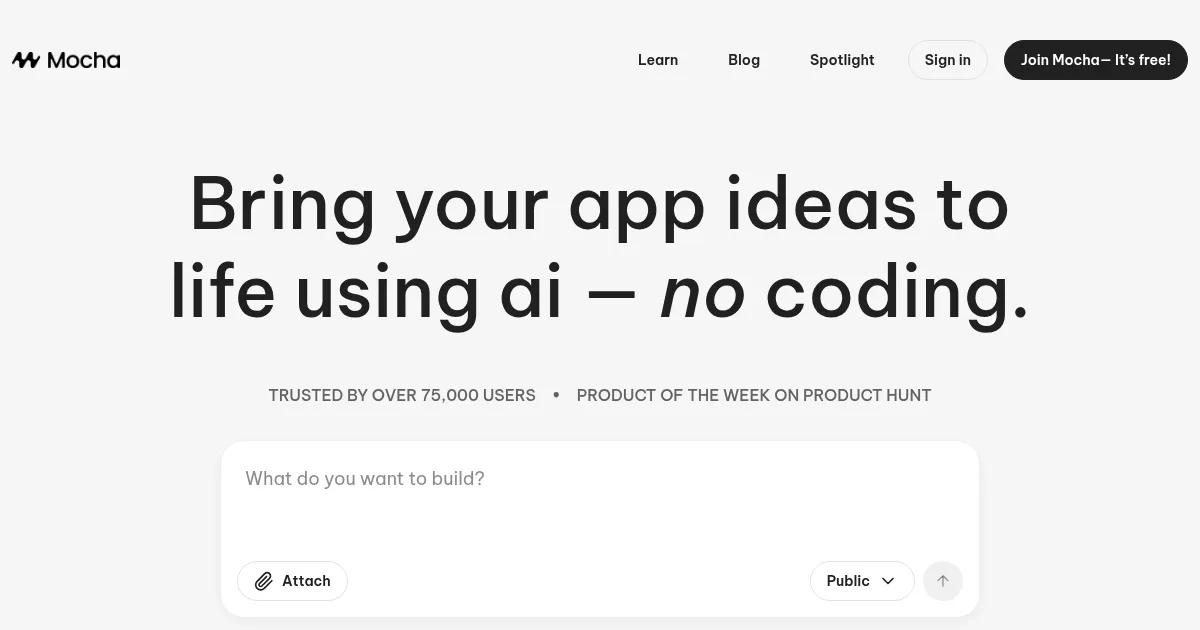
Using Mocha feels like a tech wizard waving a wand. You sign up for a free account, and suddenly you’re typing, “Make me a booking site for yoga classes.” Poof! In a couple of minutes, Mocha’s AI churns out a functional site with a calendar, user logins, and even a payment form. It’s like ordering a pizza, except you get a website instead of pepperoni. The interface is sleek, with a live preview that updates as you chat with the AI, tweaking button colors or adding a contact page with a few words.
Mocha’s magic lies in its natural language processing. The AI Chat Assistant feels like texting a super-smart friend who happens to code. I asked it to “add a review system for yoga instructors,” and it delivered, though the star ratings looked a bit wonky at first. Fixing that took a few more prompts, which taught me that precision in your requests is key. Compared to Webflow, which can feel like wrestling with a design beast, or Squarespace, with its rigid templates, Mocha’s AI-driven flexibility is refreshing. It writes actual code, not just rearranges blocks, so your app feels uniquely yours.
The credit system, though, is a double-edged sword. Small changes, like tweaking a font, cost a handful of credits, while big features like authentication systems eat up more. It’s fairer than a flat message-based model, but I found myself rationing credits like a kid with pocket money. The One-Click Deployment to a mocha.app subdomain is a breeze, and the ability to integrate images into prompts — “make the header look like this screenshot” — is a clever touch. But the AI’s design sense can be hit-or-miss, sometimes spitting out layouts that feel more functional than fabulous.
What surprised me was how Mocha handles backend tasks. I didn’t expect a no-code tool to set up a database for class schedules or process payments without me touching a single line of code. It’s not all roses, though — complex prompts can confuse the AI, leading to errors that need a fresh start to fix. My tip? Start simple. Outline your core features, build one at a time, and use Discuss Mode to brainstorm without spending too many credits. Mocha’s not perfect, but it’s a bold shortcut for anyone with an idea and zero tech skills.
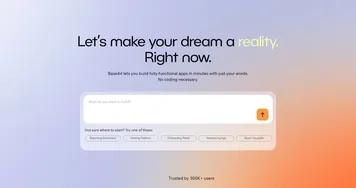
Homepage Screenshot 📸
Video Overview 🎬
What are the key features? ✨
- AI Chat Assistant: Enables users to modify websites using natural language prompts.
- One-Click Deployment: Publishes sites to a mocha.app subdomain with a single click.
- Discuss Mode: Allows brainstorming ideas at a low cost of three credits per chat.
- Image Integration: Lets users upload images to guide AI design choices.
- Full-Stack Support: Includes authentication, databases, and payment processing in one platform.
Who is it for? 🤔
Examples of what you can use it for 💡
- Small Business Owner: Builds a booking system to manage customer appointments efficiently.
- Freelance Consultant: Creates a client portal with scheduling and payment features.
- Restaurant Manager: Develops a reservation and order system for online customers.
- Fitness Coach: Designs a platform to track client progress and manage subscriptions.
- Startup Founder: Launches a marketplace for niche services with user accounts and payments.
Pros & Cons ⚖️
- No coding skills needed
- Full-stack features included
- Easy one-click publishing
- AI may misread complex prompts
- Designs may need refinement
FAQs 💬
Ready to try Mocha?
Builds custom websites and apps using AI and natural language, no coding required
Visit Mocha