logo-darklogo-darklogo-darklogo-dark
  • Tool Categories
    • 🎨Art & Creative Design505
    • 🏢Business Management644
    • 💻Coding & Development515
    • 👮Detection83
    • 🧠General Use727
    • 🏥Health & Wellness55
    • 📷Image & Photo Analysis100
    • 🖼️Image Generation & Editing618
    • 📐Interior & Architectural Design37
    • 🎓Learning & Education483
    • ⚖️Legal & Finance90
    • 🎭Lifestyle & Entertainment236
    • 📢Marketing & Advertising627
    • 🎧Music & Audio138
    • 👔Office & Workplace1,014
    • 🔬Research & Data Analysis372
    • 👥Social Media245
    • 🎥Video Generation & Editing426
    • 👧🏻Virtual Companion135
    • 🎤Voice Generation & Editing381
    • ✍️Writing & Editing808
    • All Categories
    • AI Use Cases
  • News
  • Events
    • Academic Conferences
    • Developer Conferences
    • Expos / Trade Shows
    • Industry Summits
    • Workshops / Training
    • All Events
    • Past Events
  • Saved Tools
  • Suggest a Tool
✕
Home › Office & Workplace › Meeting Assistant› Noota
Noota

Noota

An AI meeting assistant with automatic note-taking, meeting reports, real-time coaching, and more

Noota is an AI tool that enhances meeting productivity and efficiency. It allows users to record meetings across platforms like Teams, Meet, and Zoom through a web browser or with a recording bot.

With features like note and summary templates, users can easily extract key points from any conversation — making it suitable for various contexts such as recruitment interviews, prospecting calls, and team meetings. In addition, Noota uses sentiment analysis through its conversational intelligence feature to assess the quality of meetings and ensure participant alignment.

The tool also integrates with other commonly used software, including ATS, CRM, productivity, and communication tools — automating data input to save time and reduce the likelihood of human error. It caters to different kinds of users — from media and podcasts to research, education, consultants, management, sales, and recruitment.

From the testimonials on its website, we know that Noota is highly praised by its users for improving decision-making, enhancing focus during meetings, and significantly reducing note-taking time. If you too can benefit from “stuff like that,” you may want to check it out.

Visit Noota ↗
Categories
👔 Work
🤝 Meeting Assistant 🗒️ Note Taking 📝 Note Generation 💼 Workplace Assistant 📊 Report Generation
🎤 Voice
📝 Transcriber 💬 Speech-to-Text 🔠 Audio To Text 🎤 Recording
🏢 Business
💼 Interview Assistant 🧑‍💼 Recruiting

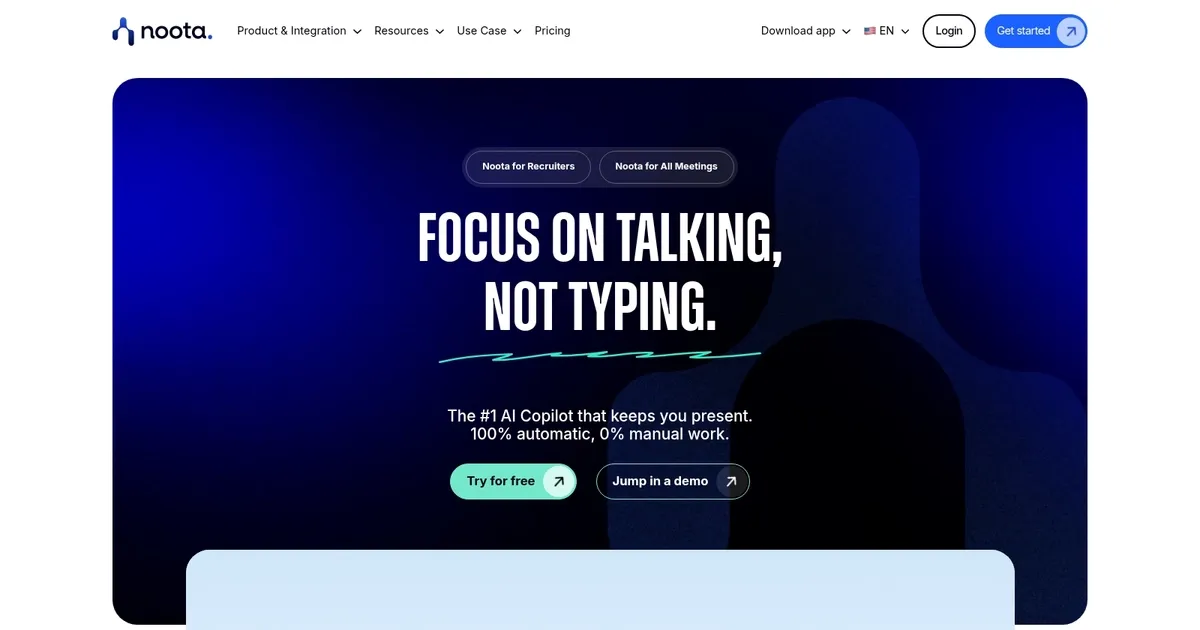
Homepage Screenshot 📸

Noota screenshot

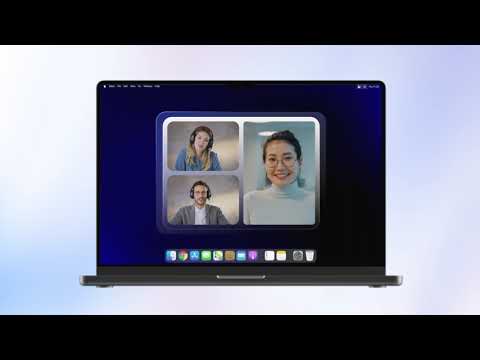
Video Overview 🎬

What are the key features? ✨

  • Accurate Transcription: Delivers high-precision speech-to-text in over 50 languages with timestamps and speaker identification.
  • Instant Candidate Reports: Generates structured AI-powered summaries and insights from interviews in minutes.
  • Smart Search & Indexing: Uses @mentions to instantly retrieve any data, quote, or decision from all recorded conversations.
  • Automated ATS & CRM Updates: Pushes candidate details, notes, and reports directly into your hiring systems without manual input.
  • Smart Scorecards & Email Drafts: Creates pre-filled evaluation scorecards and personalized follow-up emails based on the discussion.

Who is it for? 🤔

Noota helps recruiters and talent acquisition teams the most, especially those running high volumes of interviews who hate losing details to bad notes. Sales professionals benefit too when tracking objections or buying signals. Project managers, consultants, and anyone who needs searchable records from meetings, calls, or lectures find value here. It's ideal for busy professionals who want to stay focused on the conversation instead of typing, and teams already using ATS or CRM tools get extra efficiency from the automations.

Examples of what you can use it for 💡

  • Recruiter: Records interviews across platforms, gets instant AI reports, and updates ATS automatically to speed up hiring decisions.
  • Sales Rep: Captures client calls, tracks objections and signals, drafts follow-ups, and searches past talks for patterns.
  • Project Manager: Records team meetings or stakeholder calls, generates action items, and searches discussions to recall details quickly.
  • Consultant: Transcribes client sessions, creates structured summaries, and shares insights with teams without manual effort.
  • Podcaster: Uploads recordings or captures live sessions, receives clean transcripts and summaries for editing or show notes.

Pros & Cons ⚖️

  • Accurate multi-language transcription
  • Fast AI reports & scorecards
  • Powerful @ search saves time
  • Free-forever core access
  • Mic quality affects in-person
  • Limited real-time coaching

FAQs 💬

What platforms does Noota record and transcribe?
Noota works with Zoom, Google Meet, Microsoft Teams, Webex, phone calls using your number, in-person via apps, and uploaded audio/video files.
How accurate is the transcription?
It claims less than 1% error rate in optimal conditions and supports over 50 languages for transcription.
Does Noota offer a free plan?
Yes, a free-forever plan includes core features like recording, transcription, and basic reports with instant access.
Is Noota secure for sensitive interviews?
Yes, it uses encryption, EU-hosted data centers, and complies with GDPR, SOC2, and ISO 27001 standards.
Can I search old conversations easily?
Yes, type @ plus a keyword to instantly pull up any moment, quote, or detail from all recordings.
Does it integrate with ATS or CRM?
It automates updates to systems like Bullhorn, Salesforce, HubSpot, and connects to Slack, Notion, and more.
Can Noota handle in-person meetings?
Yes, use the mobile or desktop app to record via device microphone, then get transcription and reports.
How fast are candidate reports generated?
AI reports typically appear in about five minutes after the conversation ends.

Ready to try Noota?

An AI meeting assistant with automatic note-taking, meeting reports, real-time coaching, and more

Visit Noota ↗
Noota alternatives 🔗

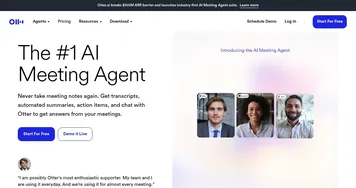
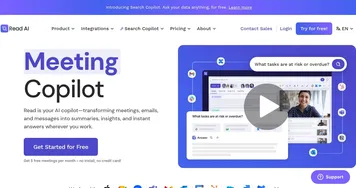
  1. Slack AI Slack AI Search smarter, summarize conversations instantly, and be at your most productive
  2. FigJam AI FigJam AI Instantly visualize ideas, suggest best practices, and automate tedious tasks
  3. ClickUp Brain ClickUp Brain Automates workflows with contextual AI for tasks, meetings, and content creation
  4. Miro AI Miro AI Visual collaboration platform that lets you build the next big thing with a prompt and a chat
  5. Zoom AI Companion Zoom AI Companion Get high-quality results when drafting emails and chat messages, summarizing meetings and chat threads
  6. TurboScribe TurboScribe Transcribes audio and video files to accurate text instantly
Share
Noota screenshot enlarged
Promote Noota
light badge
Copy Embed Code
dark badge
Copy Embed Code
neutral badge
Copy Embed Code
Best AI Tools

Discover the best AI tools for any use case

Explore
  • Tool Categories
  • AI Use Cases
  • AI Events
  • AI News
  • Saved Tools
Company
  • About Us
  • Contact Us
  • Media & Partnerships
  • Suggest a Tool
Legal
  • Privacy Policy
  • Terms of Service
Copyright © 2026 Best AI Tools 415 Mission Street, 37th Floor, San Francisco, CA 94105