Robopost
Automates social media post creation and scheduling across multiple platforms
Managing social media can feel like juggling flaming torches while riding a unicycle. Robopost steps in like a seasoned circus assistant, streamlining the chaos with a platform that automates content creation and scheduling. I think it’s a tool that delivers real value for businesses, freelancers, and influencers who need to stay active online without losing hours to repetitive tasks. Its clean interface and robust feature set make it a standout in a crowded field of social media management tools, though it’s not without a few quirks.
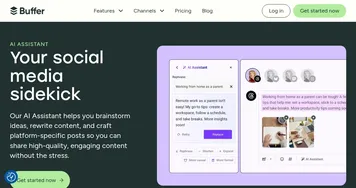
The magic starts with Robopost’s AI-driven features. Its AI Assistant generates post ideas and captions tailored to your brand’s tone, pulling from prompts or even web URLs. Imagine tossing in a blog link, and Robopost scans it to craft an engaging Instagram post complete with hashtags. The integration with DALL-E for AI-generated images and faceless videos is a clever touch, letting users create visuals without needing a design degree. You can schedule posts across platforms like Facebook, Twitter, LinkedIn, Instagram, and even newer players like Bluesky and Threads, all from one dashboard. The calendar view keeps everything organized, and the ability to handle unlimited accounts under a fixed price is a boon for agencies or those managing multiple brands.
Collaboration is another strong suit. Robopost’s team management tools, like role-based access control and post approvals, ensure your team stays on the same page. Internal notes let you share feedback without cluttering external posts, which is great for keeping things professional. The platform also supports bulk scheduling and integrates with tools like Canva, Google Drive, and Dropbox, making it easy to pull in media. Automation from RSS feeds or WordPress means your latest blog post can hit social media without you lifting a finger. It’s like having a tireless intern who never sleeps.
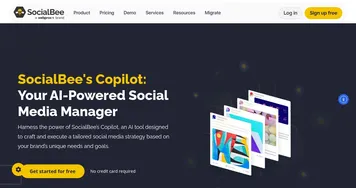
That said, Robopost isn’t perfect. New users might find the array of features overwhelming at first, especially when diving into advanced options like AI video automation. The free version, while useful for testing, locks away some customization features, which could frustrate those wanting more control without upgrading. Compared to competitors like SocialBee or Later, Robopost’s pricing feels competitive, especially with its unlimited accounts, but it lacks an API for custom integrations, which SocialBee offers. Some users on platforms like Trustpilot have praised its ease of use, while others note occasional glitches in scheduling multi-image posts.
What surprises? The faceless video generator. It’s a niche feature, but for creators building YouTube or TikTok channels without showing their face, it’s a game-changer, automating video content in a way few competitors match. If you’re looking to streamline your social media, start with the free trial. Play with the AI tools, test the scheduling, and see how it fits your workflow. You’ll likely find it saves you more time than you expect.
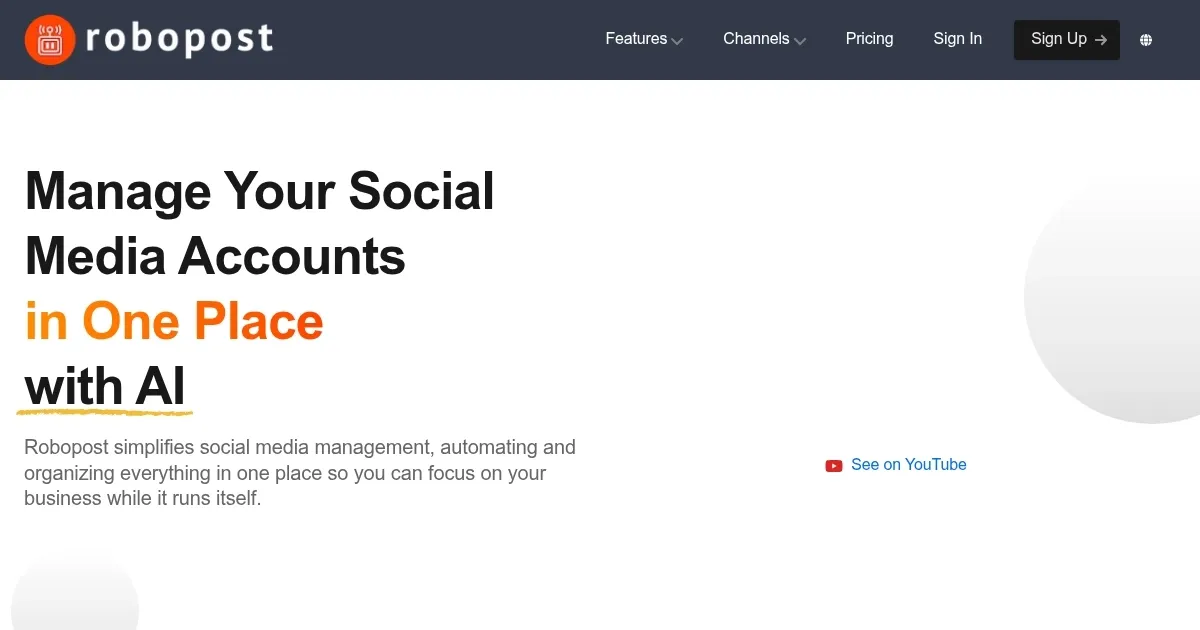
Homepage Screenshot 📸
Video Overview 🎬
What are the key features? ✨
- AI Assistant: Generates captions and post ideas from prompts or URLs.
- Faceless Video Generator: Creates automated videos for YouTube or TikTok without filming.
- Multi-Platform Scheduling: Schedules posts across Instagram, LinkedIn, Twitter, and more from one dashboard.
- Team Collaboration: Offers post approvals, role-based access, and internal notes for team workflows.
- Media Integration: Imports media from Google Drive, Dropbox, or Canva for seamless content creation.
Who is it for? 🤔
Examples of what you can use it for 💡
- Small Business Owner: Schedules weekly posts across Instagram and Facebook to maintain consistent branding.
- Freelancer: Uses AI Assistant to generate captions for client posts, saving time on content creation.
- Social Media Manager: Automates RSS feed posts from a company blog to LinkedIn and Twitter.
- Agency: Leverages white-labeling and team collaboration to manage multiple client accounts seamlessly.
- Content Creator: Creates faceless TikTok videos using AI tools to grow a channel without filming.
Pros & Cons ⚖️
- AI tools boost content creation speed.
- Supports unlimited accounts for fixed price.
- Broad platform compatibility.
- Faceless video feature is unique.
- Free plan limits customization options.
- No API for custom integrations.
FAQs 💬
Ready to try Robopost?
Automates social media post creation and scheduling across multiple platforms
Visit RobopostRobopost alternatives 🔗