logo-darklogo-darklogo-darklogo-dark
  • Home
  • Browse
    • Assistant
    • Coding
    • Image
    • Productivity
    • Video
    • Voice
    • Writing
    • All Categories
    • AI Use Cases
  • My Favorites
  • Suggest a Tool
✕
Home › Spreadsheet›
Published by Dusan Belic on December 2, 2024

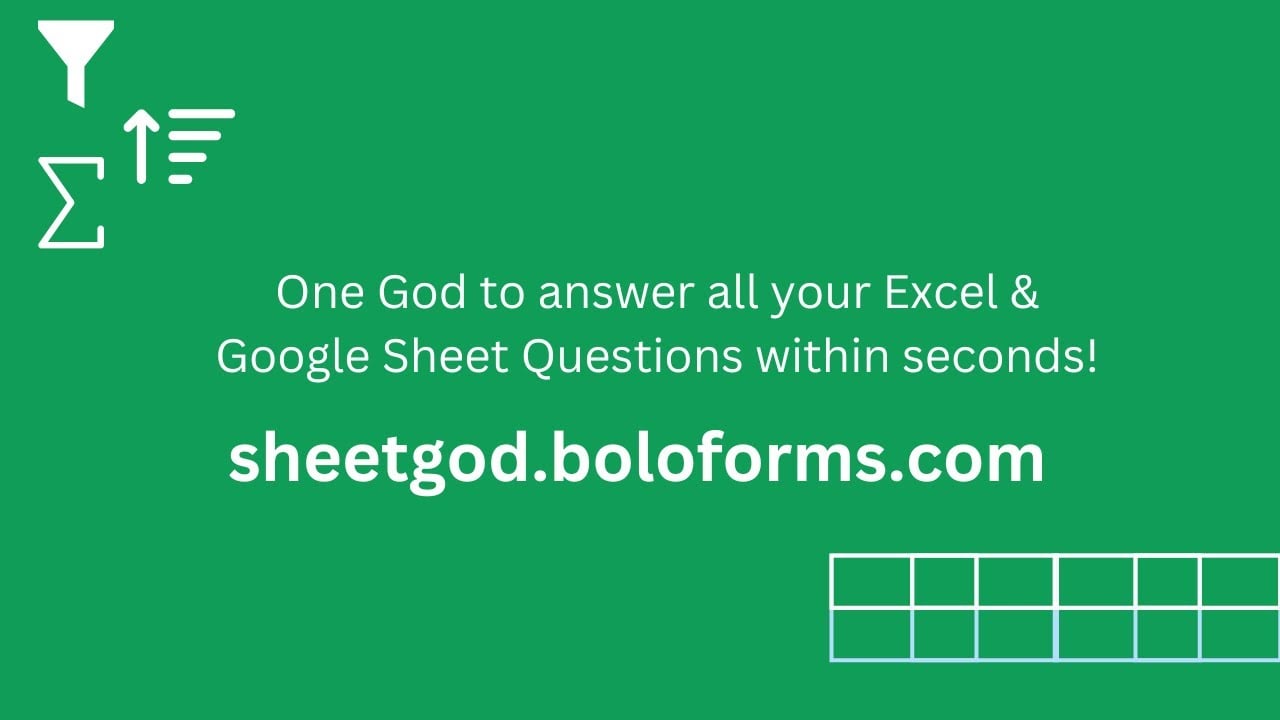
SheetGod by BoloSign


SheetGod
SheetGod Homepage
Categories Spreadsheet
An AI-powered tool designed to simplify the creation of complex Excel and Google Sheets formulas

SheetGod

SheetGod is an AI-powered tool designed to simplify the creation of complex Excel and Google Sheets formulas. By allowing users to input instructions in plain English, it generates the corresponding formulas — significantly reducing the time and effort typically required for manual formula creation. This functionality is particularly beneficial for individuals who may not be well-versed in spreadsheet syntax, enabling them to perform advanced data manipulations with ease.

In addition to formula generation, SheetGod offers capabilities for creating macros, regular expressions, and Google Apps Script code snippets. These features are meant to empower users to automate repetitive tasks, extract specific data patterns, and extend the functionality of their spreadsheets. Also, by leveraging these tools – users can streamline their workflows and enhance productivity, making SheetGod a useful addition to any data management toolkit.

The tool provides step-by-step tutorials for basic tasks in Excel and Google Sheets, making it useful for users new to these platforms. These tutorials cover a range of topics, from creating pivot tables to writing VBA code — offering practical guidance to help users develop their spreadsheet skills. This educational component ensures that users can maximize the potential of SheetGod, regardless of their prior experience with spreadsheet software.

In addition, SheetGod facilitates the creation of Google Workspace Add-Ons and Microsoft Excel Add-Ins. This feature allows users to customize and extend the capabilities of their spreadsheets, tailoring them to meet specific needs. By integrating these add-ons, users can further automate tasks and enhance the efficiency of their data management processes — ultimately making SheetGod a comprehensive solution for both individual and organizational use.

SheetGod Homepage
Categories Spreadsheet

Video Overview ▶️

SheetGod - Video Overview

What are the key features? ⭐

  • AI-powered formula generation: SheetGod enables users to create complex Excel and Google Sheets formulas by simply describing their requirements in plain English.
  • Code automation: The platform generates VBA and Google Apps Script code snippets, allowing users to automate repetitive tasks and enhance spreadsheet functionality without extensive programming knowledge.
  • Regular expression support: SheetGod assists in crafting regular expressions, facilitating efficient data extraction and transformation within spreadsheets.
  • Educational tutorials: Users can access step-by-step guides for performing basic tasks in Excel and Google Sheets.
  • Communication tools: The service supports the creation of marketing emails and bulk PDFs directly from spreadsheet data.

Who is it for? 🤔

SheetGod is made for a broad audience, including data analysts, business professionals, educators, marketers, and developers who frequently work with Excel and Google Sheets. Its AI-driven tools simplify complex tasks, making it accessible to both novices and experienced users seeking to enhance productivity and streamline spreadsheet operations.

Examples of what you can use it for 💭

  • Analysts can quickly generate complex formulas and automate data processing tasks
  • Professionals can automate the generation of regular reports by creating macros and scripts
  • Students and educators can utilize tutorials and formula generation features to learn and teach spreadsheet functionalities
  • Marketers can efficiently create personalized emails and bulk PDFs from spreadsheet data
  • Developers can generate code snippets for Google Workspace Add-Ons and Microsoft Excel Add-Ins

Pros & Cons ⚖️

  • Turns English to Excel formulas
  • Creates macros and code snippets
  • Works with both Excel and Google Sheets
  • ChatGPT alone could help you with some of these tasks

FAQs 💬

What exactly does SheetGod do?
SheetGod is an AI tool that converts plain English instructions into Excel or Google Sheets formulas, VBA macros, Google Apps Script code, regular expressions, and basic task guidance.
Does SheetGod work with both Excel and Google Sheets?
Yes, it fully supports Microsoft Excel (formulas + VBA) and Google Sheets (formulas + Apps Script), so you can use it regardless of which platform you prefer.
Can beginners use SheetGod effectively?
Absolutely. It includes step-by-step tutorials for basic tasks and explains formulas in simple terms, making it friendly for people just starting with spreadsheets.
How detailed should my English prompt be?
The more specific you are (column names, sample data, conditions, desired output), the more accurate the generated formula or code becomes.
Does SheetGod generate automation scripts?
Yes, it creates Google Apps Script for Sheets and VBA macros for Excel to automate repetitive tasks like data processing or report generation.
Can SheetGod help with data extraction from text?
Yes, it builds regular expressions (regex) to pull out specific patterns, clean data, or transform strings inside your spreadsheet.
Is SheetGod available as an add-on?
Yes, you can find it listed in the Google Workspace Marketplace and it also works as a web-based tool with Excel integration.
What kinds of users get the most benefit from SheetGod?
Data analysts, small business owners, marketers, finance teams, and anyone who regularly builds reports or automates spreadsheet workflows.
Does SheetGod explain the formulas or code it creates?
Often yes, especially for formulas and basic tasks, it provides explanations so you understand how and why the solution works.
Can I use SheetGod to create custom add-ons or extensions?
Yes, it helps generate the code needed to build Google Workspace add-ons or Excel add-ins for more advanced customization.
Visit SheetGod

Related tools ↙️

  1. Endex Endex Automates financial modeling and data analysis directly within Excel using AI agents
  2. SheetGPT SheetGPT Integrates AI text and image generation into Google Sheets for content creation and data analysis
  3. Excelmatic Excelmatic Analyzes Excel files via natural language for quick insights and charts
  4. Shortcut Shortcut Automates complex Excel tasks using AI agents
  5. Databar.ai Databar.ai Collect and enrich data from multiple sources using a no-code spreadsheet interface
  6. SheetAI SheetAI Automates tasks and generates insights in Google Sheets using AI
Last update: February 10, 2026
Share
Promote SheetGod
light badge
Copy Embed Code
dark badge
Copy Embed Code
neutral badge
Copy Embed Code
About Us | Contact Us | Suggest an AI Tool | Privacy Policy | Terms of Service

Copyright © 2026 Best AI Tools
415 Mission Street, 37th Floor, San Francisco, CA 94105