SheetGPT
Integrates AI text and image generation into Google Sheets for content creation and data analysis
SheetGPT is an AI-powered add-on for Google Sheets that integrates OpenAI’s text and image generation capabilities to streamline content creation, data analysis, and prototyping. Installed via the Google Marketplace, it offers functions like GPT, GPTLIST, and GPTIMAGE, enabling users to generate text, lists, or images directly within spreadsheets. The tool leverages OpenAI’s models, including GPT-3.5 for the free trial, which provides 100,000 words of input and output. Paid plans unlock higher limits, image generation, and multi-user support. SheetGPT’s long-term caching stores results for reuse, enhancing efficiency for collaborative workflows.
The GPT function allows users to input prompts for tasks like drafting ad copy or summarizing text. GPTLIST generates structured lists, ideal for creating social media calendars or keyword lists. GPTIMAGE produces visuals, such as ad mockups, directly in Sheets. The Help Center provides detailed guides on installation and function usage, making it accessible for users familiar with Google Sheets. Compared to competitors like AppSheet, which focuses on app creation, or Zapier, which emphasizes cross-app automation, SheetGPT excels in AI-driven content and data tasks within the Sheets environment.
SheetGPT benefits content creators, digital marketers, researchers, and product managers. Content creators can generate blog ideas or social media posts efficiently. Marketers use it to produce SEO keywords or ad copy, while researchers summarize and categorize data. Product managers prototype AI features collaboratively. The free trial is robust, but paid plans are required for advanced features, with pricing competitive against standalone AI tools. The tool’s reliance on Google Sheets ensures familiarity but may limit users who prefer other platforms.
A key strength is its integration with Google Sheets, making it intuitive for existing users. The caching feature saves time by storing outputs, and the collaborative setup supports team workflows. However, crafting effective prompts requires practice, and vague inputs can yield suboptimal results. Users unfamiliar with AI may face a learning curve, though the Help Center mitigates this with examples and tips. Some might find the tool’s scope narrow compared to broader AI platforms like ChatGPT.
To maximize SheetGPT, users should explore its templates, such as the Social Media Content Creation or SEO Marketing Campaign templates, for practical starting points. The tool’s strength lies in its ability to blend AI with structured data, making it a valuable asset for Sheets-heavy workflows. Start with the free trial, experiment with prompts, and consult the Help Center to refine your approach.
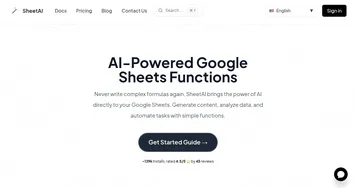
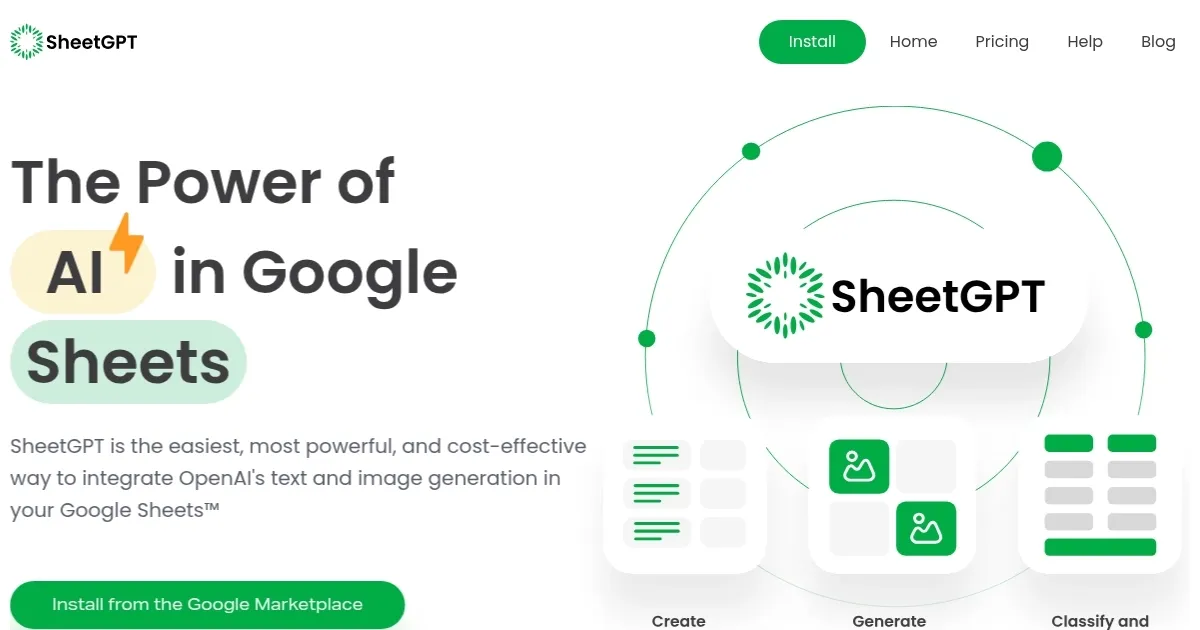
Homepage Screenshot 📸
Video Overview 🎬
What are the key features? ✨
- GPT Function: Generates text responses from prompts for tasks like drafting or summarizing.
- GPTLIST Function: Creates structured lists from a single prompt, ideal for content or keyword planning.
- GPTIMAGE Function: Produces images like ad mockups directly within Google Sheets.
- Long-Term Caching: Stores AI outputs for reuse, enhancing efficiency in collaborative workflows.
- Help Center: Offers detailed guides and examples for installation and function usage.
Who is it for? 🤔
Examples of what you can use it for 💡
- Content Creator: Uses SheetGPT to generate social media posts or blog topic ideas from a single prompt.
- Digital Marketer: Creates SEO keywords and ad copy for campaigns directly in Google Sheets.
- Researcher: Summarizes survey responses or categorizes data for streamlined analysis.
- Product Manager: Prototypes AI features and collaborates on prompt testing within Sheets.
- Student: Cleans and organizes research data for academic projects efficiently.
Pros & Cons ⚖️
- Seamless Google Sheets integration
- Generous free trial with 100,000 words
- Powerful AI text and image generation
- Collaborative and caching features
- Learning curve for prompt crafting
- Paid plans needed for advanced features
FAQs 💬
Ready to try SheetGPT?
Integrates AI text and image generation into Google Sheets for content creation and data analysis
Visit SheetGPTSheetGPT alternatives 🔗