Endex
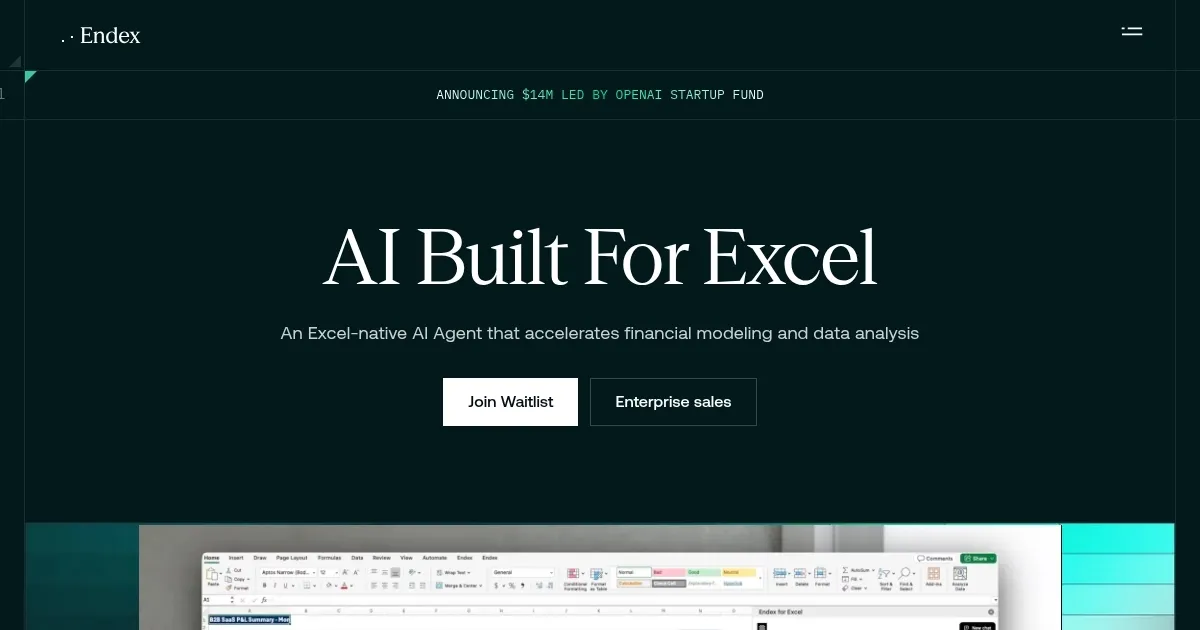
Automates financial modeling and data analysis directly within Excel using AI agents
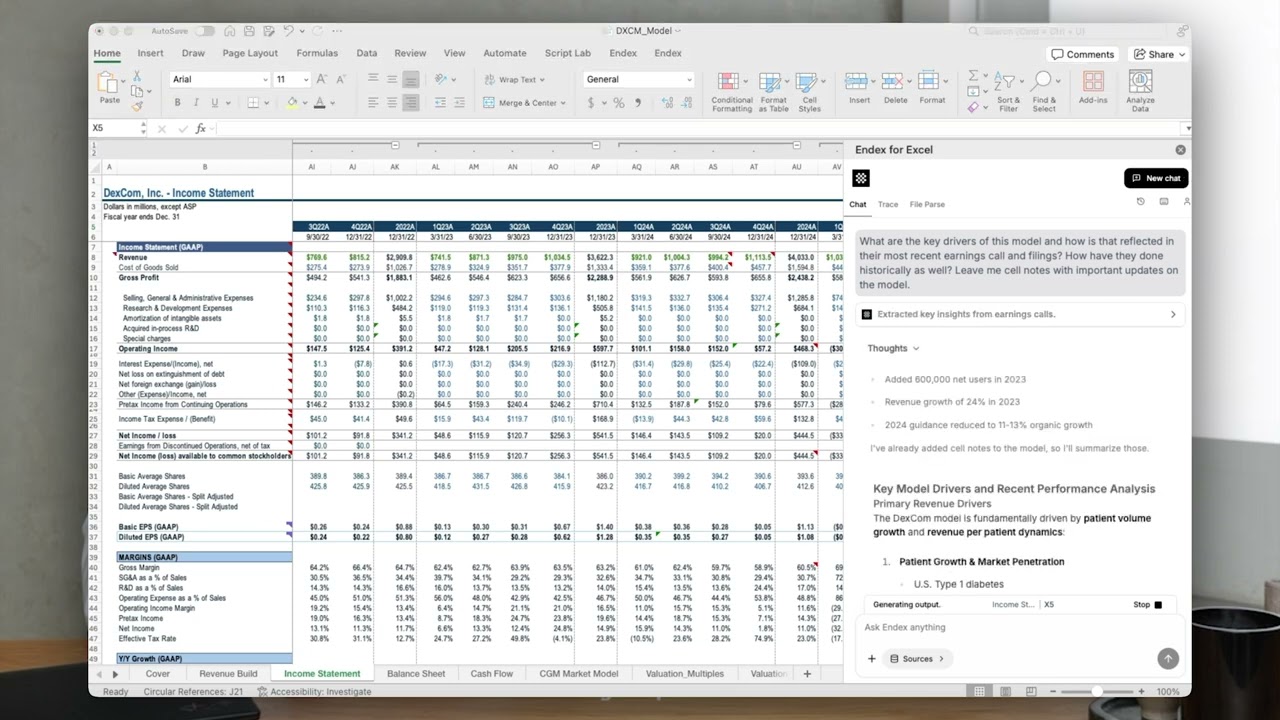
Endex AI is an Excel-native AI agent designed to automate financial modeling and data analysis, integrating directly as a sidebar add-in without requiring separate apps.
It features custom LLMs tailored for finance, enabling understanding of accounting methods, source reconciliation, and complex charts, while unifying internal files, external data from sources like CapIQ and SEC filings, and uploaded documents into a searchable interface.
Key functionalities include Trace References for navigating workbooks, Firm Templates for autocompleting with new data, Formatting Shortcuts customizable by users, Deep Research Integration with OpenAI, Memories for style preferences, Powerful Models from major providers with zero data retention, Undo Changes with one click, and PDF to Table Conversion to eliminate manual entry.
Outputs provide full auditability through citations to cells, ranges, and sources, supporting enterprise security with AES-256 encryption, TLS 1.2/1.3, and compliance to SOC 2, ISO, CCPA, and GDPR standards, ensuring no training on user data.
While optimized for tabular data, it lacks current support for charting, with such capabilities planned for future updates, and recommends clear prompts including deliverables, standards, and assumptions to minimize ambiguity.
Compared to competitors like Microsoft Copilot for broader integration and Numerous AI for formula focus, Endex targets finance-specific tasks with deeper domain expertise.
General pricing is enterprise-oriented, competitive in the market, though specifics require direct inquiry.
Homepage Screenshot 📸
Video Overview 🎬
What are the key features? ✨
- Trace References: Navigate complex workbooks end-to-end with AI-labeled tracing of cell references.
- Firm Templates: Create repeatable templates that autocomplete with new input data.
- Formatting Shortcuts: Apply consistent formatting instantly with keyboard shortcuts customizable by you.
- Deep Research Integration: Native access to OpenAI Deep Research with contextual understanding of your workbook and verified sources.
- PDF to Table Conversion: Eliminate manual data entry from financial statements, pitch decks, and research reports.
Who is it for? 🤔
Examples of what you can use it for 💡
- Financial Analyst: Builds three-statement models and DCF valuations quickly from uploaded financial documents and data sources.
- Hedge Fund Manager: Analyzes market data and spots anomalies in workbooks for informed investment decisions.
- Accountant: Converts PDFs to tables and applies consistent formatting to maintain accurate records.
- Data Specialist: Traces cell references in complex sheets to understand and debug dependencies.
- Business Professional: Automates general Excel tasks like template autocompletion for efficient reporting.
Pros & Cons ⚖️
- Fast automation
- Auditable outputs
- Secure integration
- Custom LLMs
- No charting yet
- Prompt-dependent
FAQs 💬
Ready to try Endex?
Automates financial modeling and data analysis directly within Excel using AI agents
Visit Endex