Solo by Mozilla
Creates professional websites instantly using AI-driven design
I think there’s something thrilling about a tool that promises to spin up a professional website in minutes, no coding required, and Solo (or Soloist AI) delivers on that promise with a kind of effortless swagger. You start by feeding it basic details — your business name, maybe a location, a vibe you’re going for — and it churns out a fully functional site, complete with curated images and organized sections. It’s like handing a sketch to a master architect and getting a polished building in return. The platform leans heavily on artificial intelligence to handle the heavy lifting, from selecting visuals to optimizing for search engines, which means you’re not just getting a site but one that’s primed to be found online.
The interface is a breeze to navigate. You log in at Solo’s website, and the Designer page feels intuitive, almost like it’s reading your mind as you tweak layouts or add a booking calendar. Features like the client contact form, which routes messages straight to your inbox, or the ability to link scheduling services like Calendly, make it practical for small businesses. I particularly like how it pulls reviews from your social platforms to showcase credibility — smart move. And the fact that it’s mobile-friendly out of the gate? That’s a huge win for anyone who knows customers are scrolling on their phones.
But it’s not all smooth sailing. If you’re the type who wants granular control over every pixel, Solo might feel a bit like a walled garden. The AI does a lot of the decision-making, which is great for beginners but can frustrate design nerds who want to tinker endlessly. Compared to competitors like Wix or Squarespace, which offer more robust customization, Solo keeps things simpler, leaning on its AI to make choices for you. That’s not necessarily a bad thing, but it’s a trade-off. Some users might also wish for more advanced e-commerce options beyond basic payment links via PayPal or Stripe.
What surprised me was the free custom domain hosting — no strings attached, no ads cluttering your site. That’s rare in a world where “free” often comes with a catch. The platform also integrates Google Analytics for tracking site performance, which is a nice touch for data-driven folks. I found the SEO tools particularly clever; they automatically sprinkle keywords to boost your visibility, though you’ll need to connect Google Search Console for deeper insights.
For solopreneurs or small businesses, this tool is a godsend, especially if you’re stretched thin and can’t afford a web developer. My advice? Start with the basics — input clear, specific details about your business to get the best AI-generated results. Play with the customization options to make it your own, and don’t skip linking your social reviews. If you need more control later, you can always graduate to a more complex platform. For now, Solo gets you online, fast, and looking good.
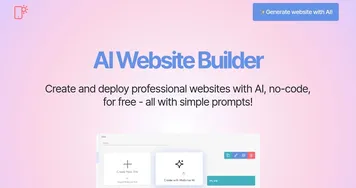
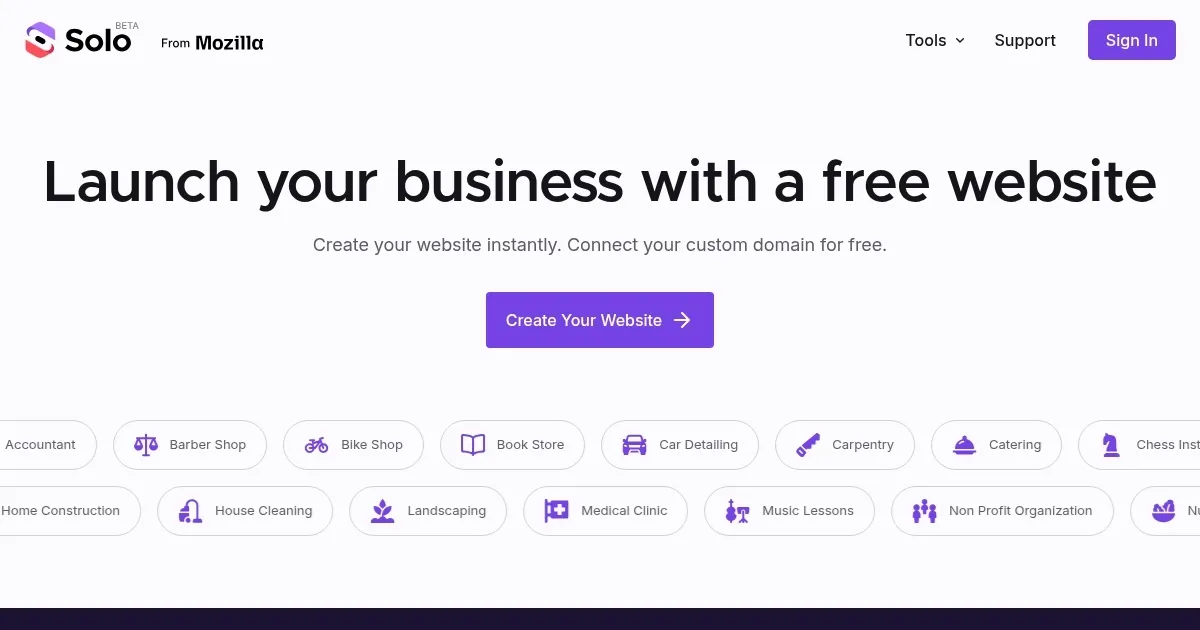
Homepage Screenshot 📸
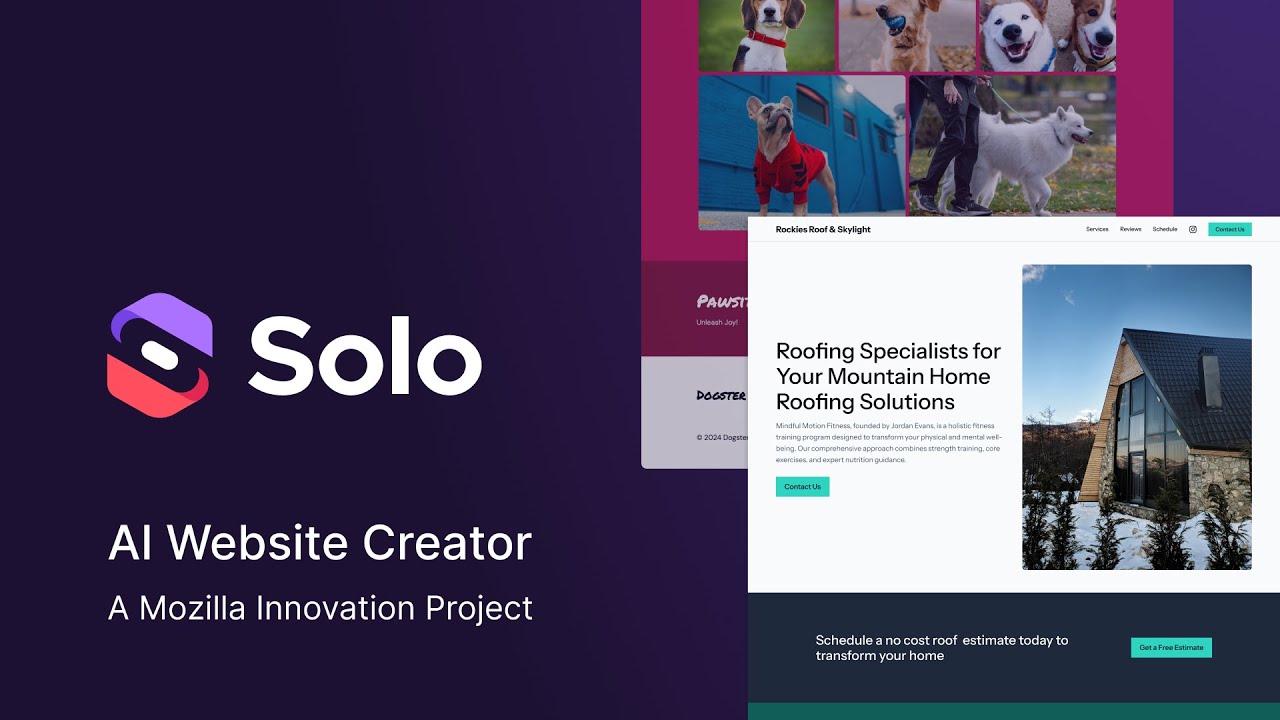
Video Overview 🎬
What are the key features? ✨
- AI Content Organization: Automatically arranges website sections and curates images based on user input.
- SEO Optimization: Embeds keywords to improve search engine visibility.
- Custom Domain Hosting: Connects and hosts custom domains for free, enhancing branding.
- Mobile Responsiveness: Ensures websites display well on all devices without extra configuration.
- Review Integration: Imports and showcases customer reviews from social platforms.
Who is it for? 🤔
Examples of what you can use it for 💡
- Freelancer: Creates a portfolio site to showcase work and attract clients.
- Small Business Owner: Builds a site to promote services and collect inquiries.
- Consultant: Sets up a professional page with scheduling for client bookings.
- Creative Professional: Displays artwork with integrated social media reviews.
- Restaurant Owner: Develops a site with menus and reservation links.
Pros & Cons ⚖️
- Free custom domain hosting
- No coding skills needed
- Mobile-responsive design
- Automatic SEO optimization
- Limited customization options
- Basic e-commerce features
FAQs 💬
Solo alternatives 🔗