SwapFans
Swaps faces in videos and images, creating engaging social media content
SwapFans is a fancy tool social media creators use to turn ordinary videos into eye-catching, shareable gems with a few clicks. This platform, built for marketers, influencers, and casual users alike, focuses on high-speed face-swapping and background editing, making it a go-to for anyone looking to spice up their Instagram Reels or TikTok posts. Its core strength lies in its simplicity, you don’t need to be a tech wizard to navigate its clean interface. Upload a video, pick a face, and let the AI work its deepfake-powered magic. The results are startlingly realistic, often leaving viewers doing a double-take.
The platform’s standout feature, the FaceSwap tool, uses advanced algorithms to map facial features with precision, ensuring natural-looking swaps that don’t scream “edited.” I particularly appreciate how it handles multiple video formats, so you’re not stuck converting files before uploading. The AI Background Changer is another gem, letting you plop your subject onto a tropical beach or a sci-fi cityscape in seconds. It’s fast, too, processing 15-second clips in about the same time it takes to sip your coffee. For creators under tight deadlines, this speed is a lifesaver. SwapFans also offers an AI Image Generator, which crafts visuals from text prompts, perfect for whipping up custom thumbnails or promotional graphics.
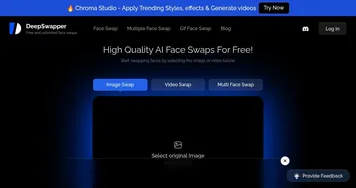
But it’s not all smooth sailing. The pay-as-you-go model, while flexible, can add up if you’re churning out content daily, some users on X have noted costs creeping higher than expected for heavy use. Compared to competitors like FakeFace or DeepSwapper, which offer similar face-swapping tech, SwapFans’ pricing feels mid-tier, not cheap but not exorbitant either. Another hiccup, the platform’s optimized for short-form content, so if you’re editing longer videos, you might hit some limitations. Recent Reddit threads mention occasional glitches with complex backgrounds, though these seem rare.
What surprises me most is the platform’s accessibility. It’s browser-based, meaning no hefty software downloads, and it works just as well on your phone as on your laptop. This flexibility makes it a favorite for on-the-go creators. The free credits offered to new users are a nice touch, letting you test the waters without committing upfront. For those diving into social media marketing, SwapFans feels like a trusty sidekick, not a replacement for creativity but a booster that amplifies it.
My advice? Start with small clips to get a feel for the AI’s capabilities. Experiment with the free credits before going all-in. If you’re a marketer or influencer, focus on the FaceSwap and Background Changer for quick, high-impact edits that’ll make your content pop. Keep an eye on your credit usage to avoid surprises, and you’ll find SwapFans a powerful tool in your creative arsenal.
Homepage Screenshot 📸
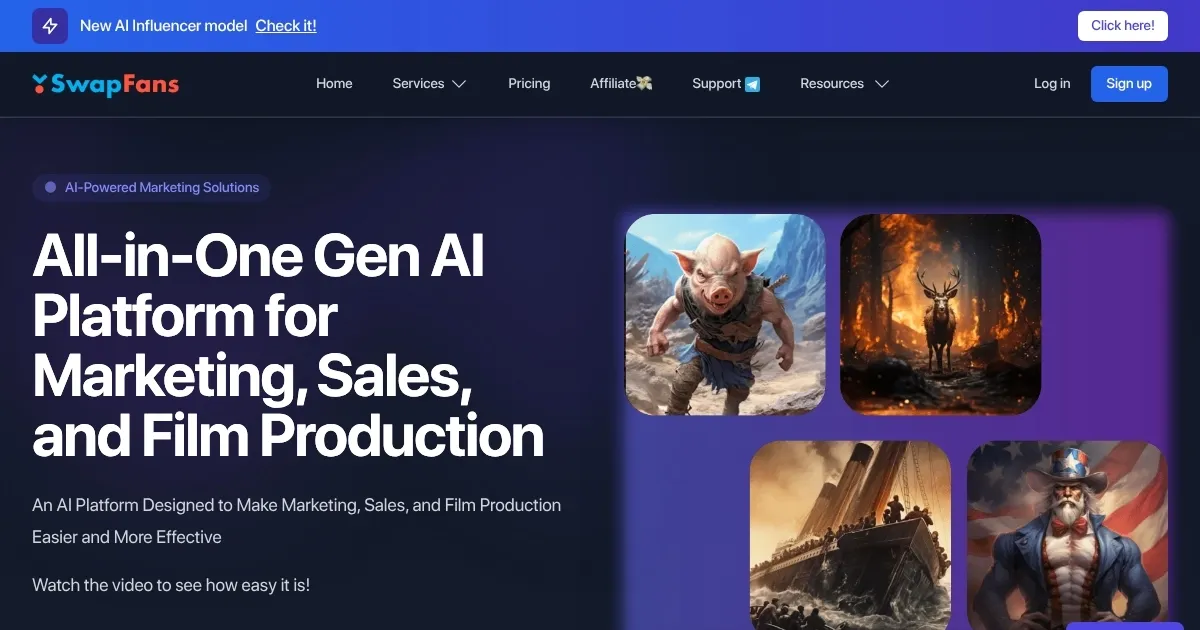
What are the key features? ✨
- FaceSwap: Seamlessly replaces faces in videos with realistic results using deepfake technology.
- AI Background Changer: Instantly swaps or removes image backgrounds for professional edits.
- AI Image Generator: Creates custom visuals from text prompts for unique content.
- AI Background Remover: Removes image backgrounds with high accuracy in seconds.
- AI Influencer: Designs realistic virtual characters for social media campaigns.
Who is it for? 🤔
Examples of what you can use it for 💡
- Social Media Influencer: Uses FaceSwap to create fun, engaging videos that boost follower interaction.
- Digital Marketer: Leverages AI Image Generator for unique campaign visuals to stand out online.
- Content Creator: Employs Background Changer to enhance video aesthetics for TikTok posts.
- Brand Manager: Utilizes AI Influencer to craft virtual characters for consistent brand imaging.
- Educator: Incorporates FaceSwap in digital media courses to teach creative editing techniques.
Pros & Cons ⚖️
- High-quality, realistic face swaps.
- Supports multiple video formats.
- Free credits for new users.
- Costly for heavy users.
- Limited for long videos.
FAQs 💬
Ready to try SwapFans?
Swaps faces in videos and images, creating engaging social media content
Visit SwapFansSwapFans alternatives 🔗