Real-time transcriptions in multiple languages across online meeting platforms
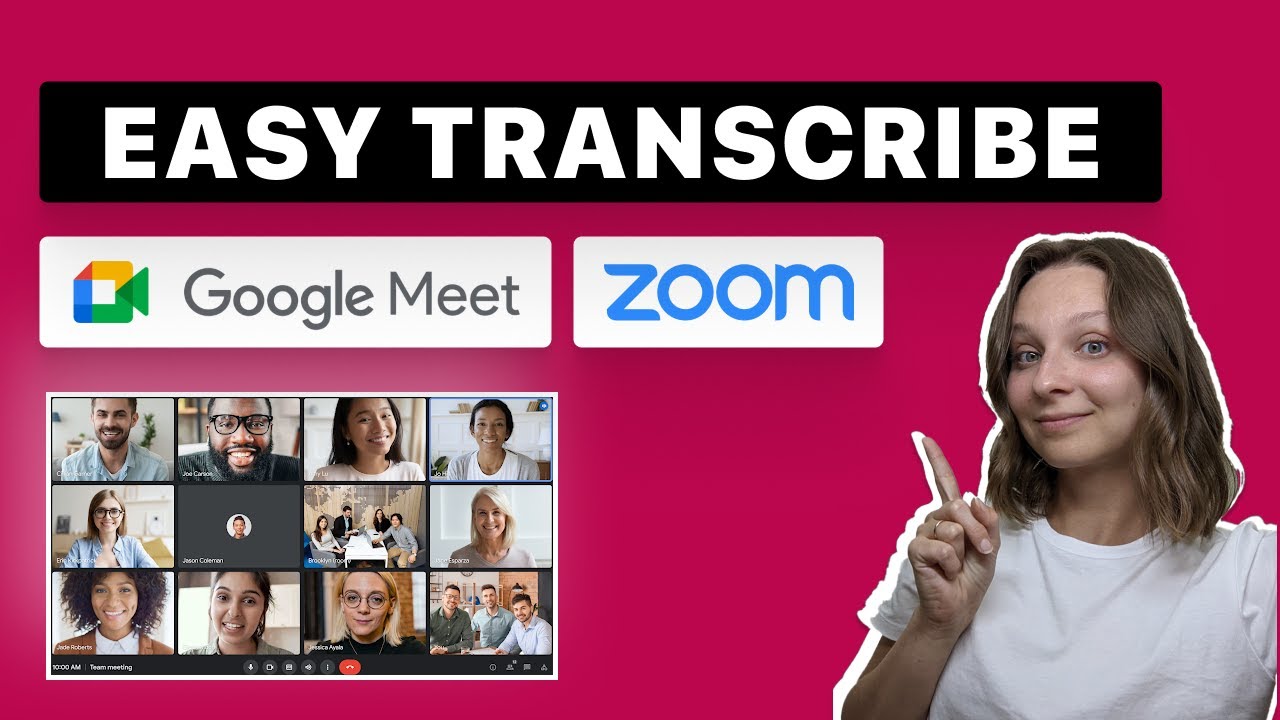
Tactiq is one of the most popular AI meetings services in the world, working across platforms such as Google Meet, Zoom, MS Teams and Webex.
As they say, it’s up to you to lead the conversation – Tactiq will take care of the notes with its real-time transcriptions.
The GPT-powered service supports about a dozen languages, including English, Español, Português, Français, & Deutsch and 10 others.
Just start a meeting, from where you’ll have Tactiq on your side to generate a meeting summary, action items, and the next meeting agenda. You’ll also get the full transcript, summary and quotes — which you can then share with your colleagues. It’s a collaboration at its best.
Tactiq is loved by 250,000 users in 10,000 organizations, such as Twitter, Shopify, flexport, Red Hat, Canva, Spotify, Xero, Riot Games, Pinterest, and Twitch. Every month, more than 2 million meetings are transcribed with the service.
That’s an impressive roster of clients and equally impressive numbers. Want to join them?
FAQs
💬
What is Tactiq, and what does it do?
Tactiq is a Chrome extension that provides real-time transcription for meetings on Google Meet, Zoom, and Microsoft Teams without any bot joining the call. It captures live transcripts with speaker identification, generates AI summaries and action items, and lets you ask custom questions about the content, all to help you stay focused and turn discussions into actionable steps. I think it's especially handy for teams juggling multiple calls a day, as it supports over 60 languages and integrates with tools like Slack and Notion for seamless sharing.
Is Tactiq free to use?
Yes, Tactiq offers a free plan forever with no credit card needed, giving you 10 transcripts per month and 5 AI credits for summaries or questions. It's great for light users or testing, but if you need unlimited transcripts, the Pro plan kicks in at $8 per user monthly when billed annually. From what I've seen in recent reviews, most folks start free and upgrade only when they hit those limits during busy weeks.
How do I install and get started with Tactiq?
Head to the Chrome Web Store, search for Tactiq, and add the extension, then sign up with your Google account or a magic link. Once installed, join a meeting on Google Meet, Zoom, or Teams in your browser, and the transcription panel pops up automatically, you can tweak settings like language or notifications right there. Users on Reddit often say it takes under two minutes to set up, and the help center has quick guides for first-timers, which makes the whole process feel straightforward even if you're not super techy.
Does Tactiq work with Zoom, Google Meet, and Microsoft Teams?
Absolutely, it integrates directly with all three via your browser for live captions and transcripts. For Zoom and Teams, it pulls from built-in captions without recording audio, and there's a beta desktop app for macOS Zoom users. One X user mentioned it shines in mixed-language Teams calls, but note it works best in browser mode, not always the desktop apps, so you might need to switch if you're on the native client.
What about privacy and security, does Tactiq store my audio?
Tactiq doesn't record or store audio at all, it only processes real-time text transcripts that stay in your browser or Google Drive if you choose. It's GDPR and HIPAA compliant, with SOC 2 Type II and ISO 27001 certifications, and you control notifications to attendees. Reviews on G2 highlight this no-bot approach as a big privacy win compared to tools like Otter.ai, though some enterprise users double-check the OpenAI integration settings to disable AI features if needed.
How accurate is Tactiq's transcription, especially for non-English languages?
Accuracy is solid for clear audio in English, often matching or beating mid-tier Whisper models per benchmarks, with speaker ID helping sort things out. It supports 60+ languages, but users on Trustpilot note occasional glitches in accents or noisy Spanish sessions, so you might edit transcripts post-meeting. Recent 2025 reviews say it's reliable 90% of the time for professional calls, and the live preview lets you catch errors on the fly.
Can Tactiq generate summaries and action items automatically?
Yes, with one click, it uses AI to pull key insights, action items by speaker, and even follow-up emails from your transcript, saving hours on manual notes. You get 5 free AI credits monthly, more on paid plans, and custom prompts make it reusable for your workflows. A Reddit thread from overemployed folks raved about pairing it with ChatGPT for deeper summaries, calling it a game-changer for multitasking through long meetings.
What are the main limitations of the free plan?
The free tier caps you at 10 transcripts and 5 AI uses per month, which works for occasional calls but fills up fast in team settings. No unlimited access or advanced features like pausing notifications, so heavy users upgrade to Pro for those. From X discussions, some solopreneurs stick with free by batching short meetings, but teams often find the limits push them toward Business plans sooner.
How does Tactiq compare to Otter.ai or Fireflies?
Tactiq edges out on privacy with no bots or audio storage, plus better multilingual support, but Otter.ai wins for mobile recording and deeper analytics. Fireflies adds video clips, which Tactiq skips since it focuses on text-only. A 2025 comparison on Stackfix noted Tactiq's customization shines for workflows, while Otter feels more collaborative, so pick based on if you need discreet browser use or full recordings.
Can I integrate Tactiq with other tools like Slack or Notion?
Definitely, it automates sharing summaries and action items to Slack, Notion, HubSpot, and more via workflows you build in-app. Set triggers for post-meeting exports, and teams love the team-shared templates. Recent user feedback on Product Hunt praises this for cutting follow-up emails, though setup takes a quick learn if you're new to automations.