logo-darklogo-darklogo-darklogo-dark
  • Tool Categories
    • ๐ŸŽจArt & Creative Design505
    • ๐ŸขBusiness Management644
    • ๐Ÿ’ปCoding & Development515
    • ๐Ÿ‘ฎDetection83
    • ๐Ÿง General Use727
    • ๐ŸฅHealth & Wellness55
    • ๐Ÿ“ทImage & Photo Analysis100
    • ๐Ÿ–ผ๏ธImage Generation & Editing618
    • ๐Ÿ“Interior & Architectural Design37
    • ๐ŸŽ“Learning & Education483
    • โš–๏ธLegal & Finance90
    • ๐ŸŽญLifestyle & Entertainment236
    • ๐Ÿ“ขMarketing & Advertising627
    • ๐ŸŽงMusic & Audio138
    • ๐Ÿ‘”Office & Workplace1,014
    • ๐Ÿ”ฌResearch & Data Analysis372
    • ๐Ÿ‘ฅSocial Media245
    • ๐ŸŽฅVideo Generation & Editing426
    • ๐Ÿ‘ง๐ŸปVirtual Companion135
    • ๐ŸŽคVoice Generation & Editing381
    • โœ๏ธWriting & Editing808
    • All Categories
    • AI Use Cases
  • News
  • Events
    • Academic Conferences
    • Developer Conferences
    • Expos / Trade Shows
    • Industry Summits
    • Workshops / Training
    • All Events
    • Past Events
  • Saved Tools
  • Suggest a Tool
โœ•
Home › Image Generation & Editing › Photo Editing› PixelBin
PixelBin

PixelBin

Real-time image transformations, optimizations, and digital asset management

PixelBin is a comprehensive AI-powered image transformation platform designed to simplify the storage, management, and optimization of digital images.

At its core, PixelBin aims to enhance website and application performance through a suite of tools that facilitate image resizing, filtering, sharpening, and background removal, among other transformations. These capabilities are geared towards producing high-quality assets that load faster on websites and applications, thereby improving user experience and SEO rankingsโ€‹โ€‹.

The platform can handle bulk image transformations efficiently, saving users significant time and effort. This feature is critical for users dealing with large volumes of images, such as e-commerce platforms, real estate listings, and social media marketing campaigns. To make this easier, PixelBin simplifies the categorization, tagging, and searching of images — making the management of thousands of website images a hassle-free processโ€‹โ€‹.

PixelBin’s AI-driven optimization processes reduce image file sizes without compromising on quality, leading to faster page load times and an overall smoother browsing experience for visitors. This optimization is coupled with the platform’s ability to deliver images responsively across all devices, ensuring that images load efficiently and without lag.

PixelBin also offers various APIs for developers, allowing them to integrate its features into their own apps and services.

In summary, PixelBin is a solid solution for managing digital images, with its AI-powered features only making it better. It is a valuable tool for businesses looking to enhance their digital asset management and online presence.

Visit PixelBin ↗
Categories
๐Ÿ–ผ๏ธ Image
โœ๏ธ Photo Editing ๐Ÿ’Ž Image Enhancing โœ‚๏ธ Background Removal โฌ†๏ธ Image Upscaling ๐ŸŒŸ Photo Enhancing ๐Ÿ’ง Watermark Removal ๐Ÿงน Object Removal ๐Ÿ› ๏ธ Photo Restoration ๐ŸŽž๏ธ Photo Filtering

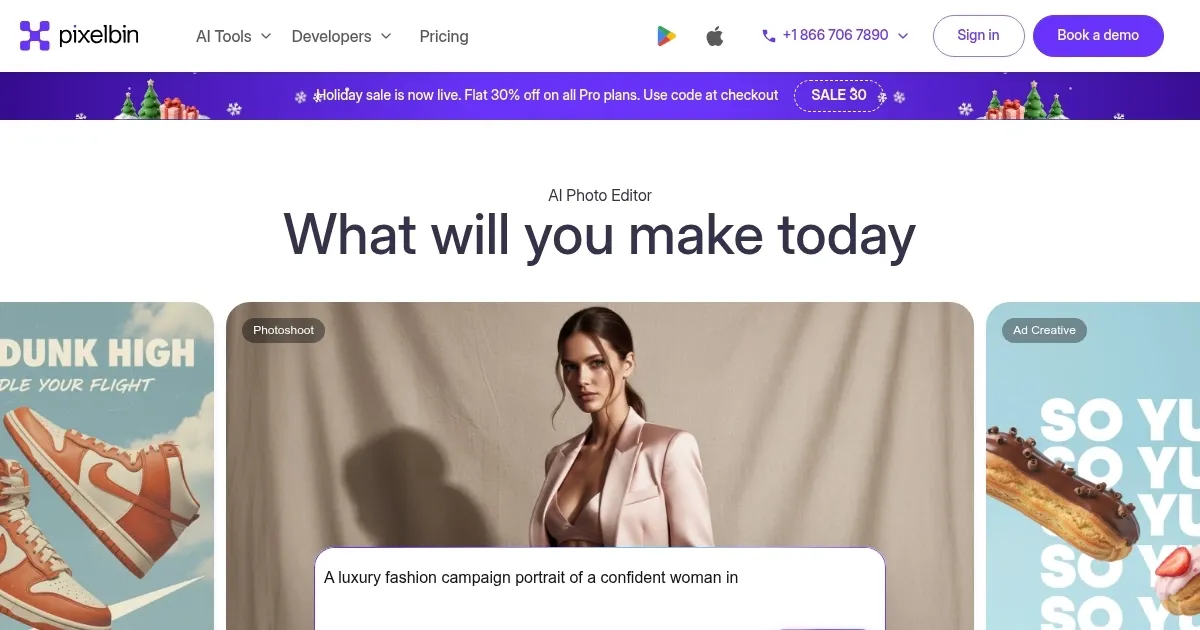
Homepage Screenshot 📸

PixelBin screenshot

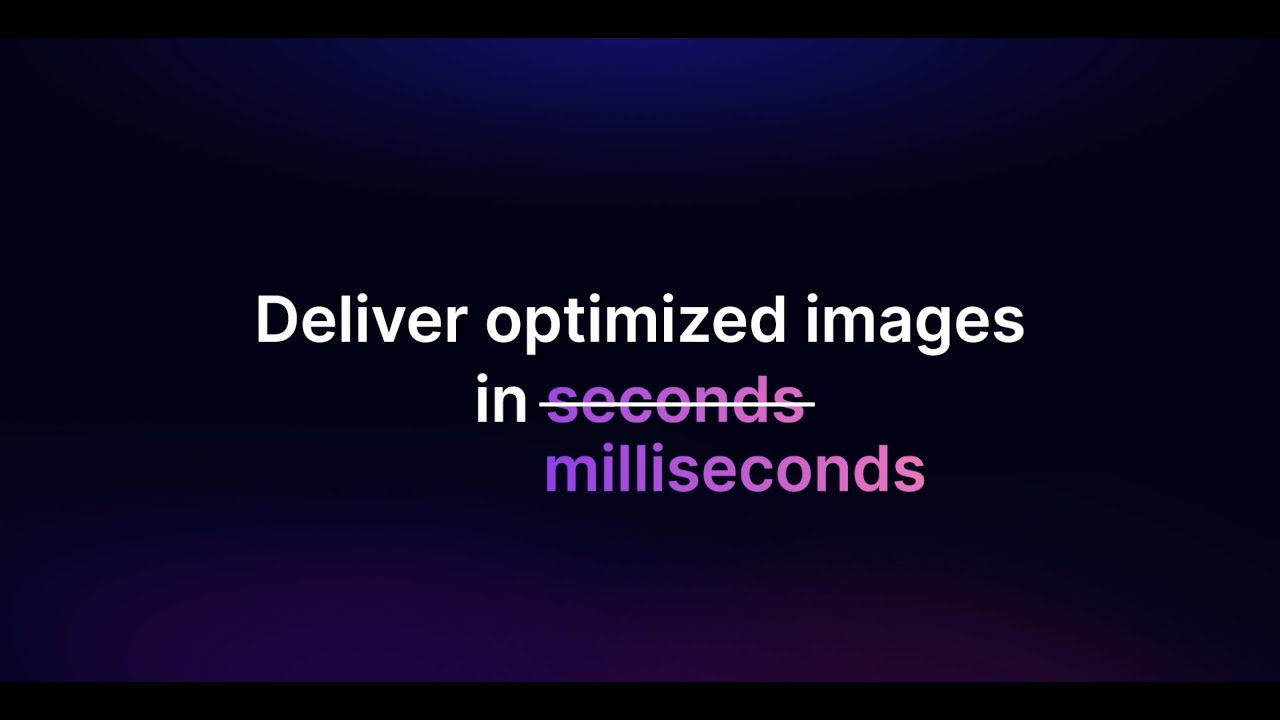
Video Overview 🎬

What are the key features? ✨

  • Bulk image transformation: You can resize, compress, and enhance multiple photos quickly - saving you a lot of time and effortโ€‹โ€‹.
  • Efficient image management: PixelBin offers an easy way to organize, tag, and find your images. Whether you have a few photos or thousands, it will help you keep them all neat and easy to accessโ€‹โ€‹.
  • Optimization: This feature makes your website load faster by reducing the size of your images without losing quality.
  • Responsive image delivery: PixelBin ensures that your images look good on any device by adjusting their size and format to fit different screens perfectly.
  • Digital Asset Management (DAM): It provides a central place to store all your digital images, making it easier to manage and use them across different projects.

Who is it for? 🤔

PixelBin is designed for those who need to manage, transform, and optimize digital images for various online platforms. Its targeted market includes e-commerce businesses that require high-quality product images, digital marketing professionals looking to optimize images for social media and advertising, web developers and designers seeking efficient ways to handle images for websites, and online publishers or content creators who need to manage large libraries of digital assets. This broad appeal makes PixelBin attractive to anyone from individual creators to large enterprises aiming to enhance their digital presence through optimized visual contentโ€‹โ€‹โ€‹โ€‹.

Examples of what you can use it for 💡

  • Optimize and transform product images in bulk to ensure they load quickly and look great on your e-commerce website
  • Enhance the visuals of property listings by adjusting the size, quality, and format of images to ensure potential buyers see high-quality photos
  • Use PixelBin to manage and optimize images of hotels, destinations, and travel packages
  • Automatically adjust and optimize images for different social media platforms to ensure they meet each platform's requirements
  • For blogs, news sites, or any other online publication, PixelBin can help in managing a large library of digital assets

Pros & Cons ⚖️

  • A true time save when you need to manage a ton of images
  • Especially handy for online stores with many products
  • Offers an API to allow developers to make their apps better
  • There are many AI-powered image editors out there, not sure PixelBin is the best

FAQs 💬

What is PixelBin?
PixelBin is an AI-powered platform for image transformation and optimization. It lets users store, edit, and deliver high-quality images quickly, with tools for things like background removal and upscaling.
What key features does PixelBin offer?
Key features include AI-based edits like removing watermarks or backgrounds, batch processing for multiple images, real-time optimization, and a built-in CDN for fast delivery. It supports formats such as JPEG, PNG, and WebP.
Is there a free version of PixelBin?
Yes, PixelBin has a free forever plan with limited credits for basic use. New users get initial credits to try features like editing a few images.
What file formats does PixelBin support?
PixelBin handles input and output in JPEG, PNG, and WebP formats. Images up to 25 MB can be uploaded, though larger files take longer to process.
How does PixelBin handle image optimization?
It uses AI to compress images, convert formats for web speed, and apply transformations on the fly. This reduces file sizes while keeping quality high, improving site load times.
Can PixelBin integrate with other tools?
PixelBin offers APIs and SDKs for easy integration with apps, websites, or platforms like Node.js and React. It connects to external storage without needing uploads.
What makes PixelBin different from tools like Cloudinary or Imgix?
PixelBin focuses more on AI-driven edits like smart cropping and watermark removal, while being lighter for small teams. Cloudinary handles broader media types, and Imgix emphasizes URL-based processing.
How secure is PixelBin for my images?
PixelBin uses TLS encryption, firewalls, and role-based access controls. It complies with standards to protect data, and images are processed on secure servers without sharing.
What support options are available with PixelBin?
Support varies by plan, including email, chat, or calls. Free users get community forums and docs, while paid plans offer direct help.
How do credits work in PixelBin?
Credits power features like AI edits - one credit per basic transformation. They reset monthly on subscription plans, or you can buy more as needed.

Ready to try PixelBin?

Real-time image transformations, optimizations, and digital asset management

Visit PixelBin ↗
PixelBin alternatives 🔗

  1. Imagen Imagen Generates photorealistic images from detailed text prompts
  2. Black Forest Labs Black Forest Labs Generates high-quality images from text prompts with precision and speed
  3. Stable Diffusion Stable Diffusion Generates high-quality images from text prompts with versatile styles
  4. Adobe Express Adobe Express Creates on-brand content with AI-driven design and video tools
  5. Adobe Firefly Adobe Firefly Generates images, videos, audio, and vectors using AI.
  6. Freepik AI Freepik AI Creates AI images and videos with fluid motion, detailed textures, and synced audio up to 1080p
Share
PixelBin screenshot enlarged
Promote PixelBin
light badge
Copy Embed Code
dark badge
Copy Embed Code
neutral badge
Copy Embed Code
Best AI Tools

Discover the best AI tools for any use case

Explore
  • Tool Categories
  • AI Use Cases
  • AI Events
  • AI News
  • Saved Tools
Company
  • About Us
  • Contact Us
  • Media & Partnerships
  • Suggest a Tool
Legal
  • Privacy Policy
  • Terms of Service
Copyright © 2026 Best AI Tools 415 Mission Street, 37th Floor, San Francisco, CA 94105