logo-darklogo-darklogo-darklogo-dark
  • Tool Categories
    • 🎨Art & Creative Design505
    • 🏢Business Management644
    • 💻Coding & Development515
    • 👮Detection83
    • 🧠General Use727
    • 🏥Health & Wellness55
    • 📷Image & Photo Analysis100
    • 🖼️Image Generation & Editing618
    • 📐Interior & Architectural Design37
    • 🎓Learning & Education483
    • ⚖️Legal & Finance90
    • 🎭Lifestyle & Entertainment236
    • 📢Marketing & Advertising627
    • 🎧Music & Audio138
    • 👔Office & Workplace1,014
    • 🔬Research & Data Analysis372
    • 👥Social Media245
    • 🎥Video Generation & Editing426
    • 👧🏻Virtual Companion135
    • 🎤Voice Generation & Editing381
    • ✍️Writing & Editing808
    • All Categories
    • AI Use Cases
  • News
  • Events
    • Academic Conferences
    • Developer Conferences
    • Expos / Trade Shows
    • Industry Summits
    • Workshops / Training
    • All Events
    • Past Events
  • Saved Tools
  • Suggest a Tool
✕
Home › General Use › Chatbot› Tars
Tars

Tars

Automates conversations to boost engagement and streamline workflows

I was playing a bit with Tars, and let me tell you, it’s like assembling a conversational Lego set — fun, intuitive, but you might fumble a few pieces at first. The drag-and-drop builder is a breeze, letting me whip up a lead-gen chatbot in under an hour. I picked a template for e-commerce, customized it to ask for customer preferences, and linked it to a Google Sheet to capture responses. The process felt like sketching a flowchart that talks back. I was genuinely surprised by how polished the bot looked on my test site, guiding users with a friendly nudge rather than a clunky form.

Tars shines with its flexibility. The Gambit system, where you design conversation branches, is like scripting a choose-your-own-adventure story. I loved how I could add a star-rating input to gather feedback without coding. The platform’s integration with Zapier meant I could pipe data to my CRM with a few clicks, which is a lifesaver for streamlining workflows. Compared to Landbot, which has a sleek interface but fewer templates, Tars feels more robust for businesses needing scale. The AI Agent Marketplace was a delightful find — imagine grabbing a pre-made agent for LinkedIn profile analysis or invoice automation. It’s like finding a bonus level in a game.

But it’s not all smooth sailing. I hit a snag trying to customize a complex flow — rearranging Gambits took some trial and error, and I wished for a more detailed tutorial. Pricing, while not outrageous, feels geared toward bigger players, which might sting for startups. Unlike Botpress, which leans heavily into open-source customization, Tars keeps things proprietary, so you’re locked into their ecosystem. Still, the analytics dashboard gave me clear insights into user drop-off points, which helped me tweak my bot for better engagement.

The support team was a pleasant surprise. I fired off a question about WhatsApp integration, and they responded within hours with actionable tips. If you’re dipping your toes in, start with a simple bot, test it on a single channel, and use the analytics to refine it. Don’t overcomplicate your first flow — keep it tight and build from there.

Visit Tars ↗
Categories
🧠 General
💬 Chatbot
🏢 Business
🎧 Customer Service
📢 Advertising
🎯 Lead Generation 🚀 Marketing 🛍️ Sales Assistant
💻 Coding
🚀 Landing Page Building

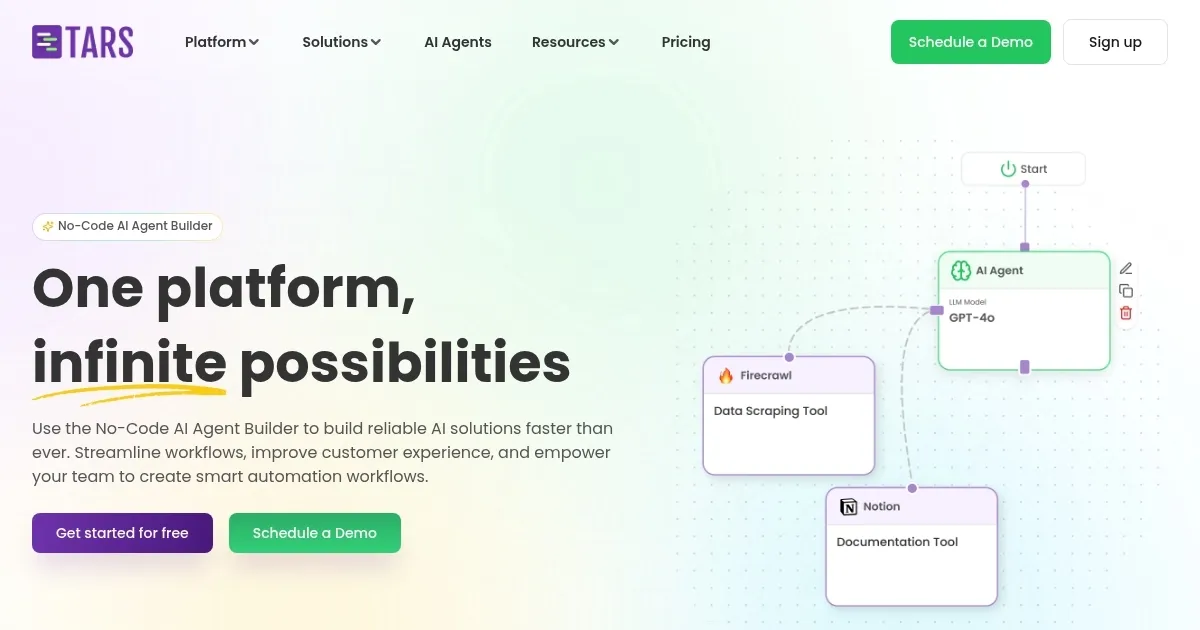
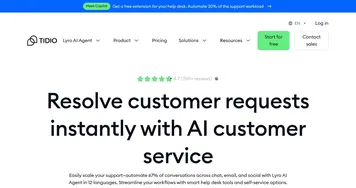
Homepage Screenshot 📸

Tars screenshot

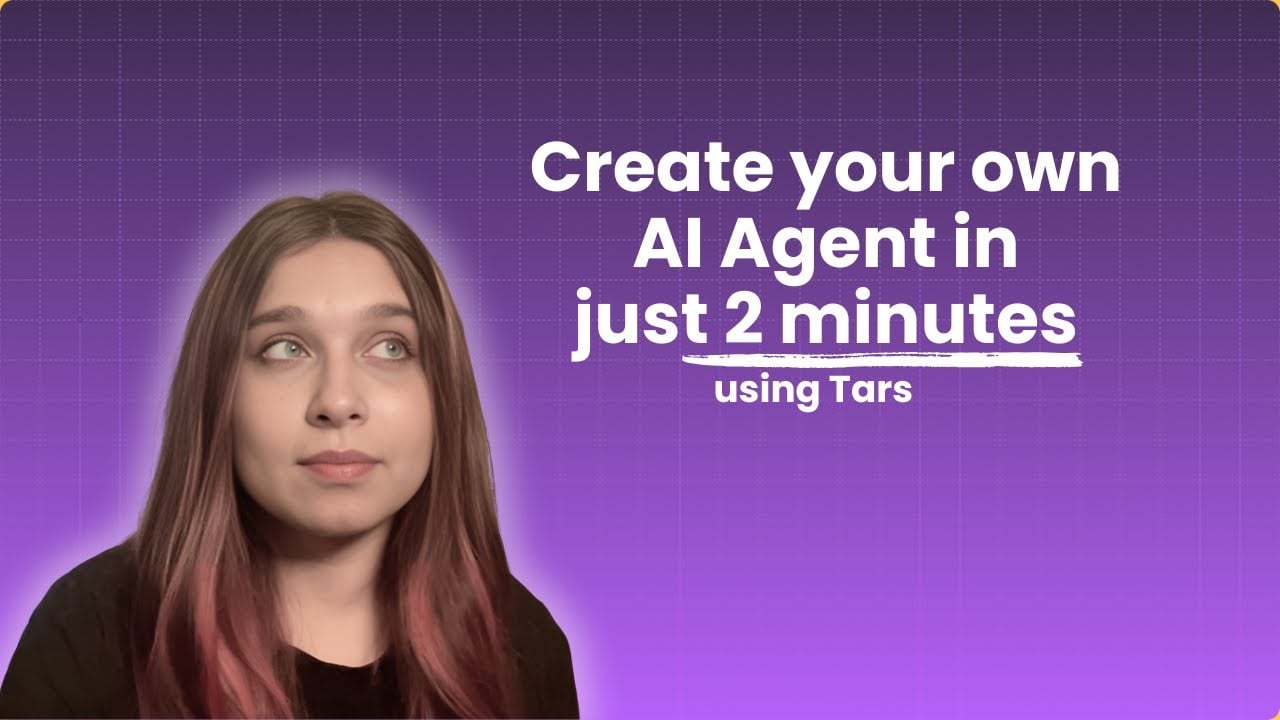
Video Overview 🎬

What are the key features? ✨

  • Drag-and-Drop Builder: Create custom chatbot flows without coding.
  • Template Library: Access over 2,000 pre-built templates for various industries.
  • Gambit System: Design conversational branches for dynamic user interactions.
  • Integrations: Connect with tools like Google Sheets, Zapier, and Slack.
  • AI Agent Marketplace: Use pre-built agents for tasks like LinkedIn automation.

Who is it for? 🤔

Tars is ideal for businesses of all sizes, from startups to enterprises, looking to automate customer interactions and workflows without coding expertise. Marketing teams, customer service departments, and e-commerce brands benefit most, as do industries like finance and education needing scalable, conversational solutions.

Examples of what you can use it for 💡

  • Marketing Manager: Uses Tars to create a lead-gen chatbot for capturing prospect details on a website.
  • Customer Support Lead: Deploys a Tars bot to handle common inquiries, reducing call volume.
  • E-commerce Owner: Implements a Tars agent to recommend products based on user preferences.
  • HR Manager: Builds a Tars bot to guide employees through policy compliance questions.
  • Sales Team Leader: Automates LinkedIn content creation with a Tars AI agent for prospect outreach.

Pros & Cons ⚖️

  • Easy no-code builder
  • Extensive template library
  • Multi-channel support
  • Learning curve for complex flows
  • Proprietary platform limits

FAQs 💬

What is Tars used for?
Tars automates customer interactions and workflows with no-code AI chatbots and agents.
Do I need coding skills to use Tars?
No, Tars offers a drag-and-drop builder for easy chatbot creation.
Can Tars integrate with my CRM?
Yes, Tars connects with CRMs via Zapier and other integrations.
Does Tars support WhatsApp?
Yes, Tars bots work on WhatsApp and websites with the same design.
Is Tars secure?
Tars complies with SOC 2, GDPR, ISO, and HIPAA for data security.
How many templates does Tars offer?
Tars provides over 2,000 templates for various industries.
Can Tars handle complex workflows?
Yes, the Gambit system supports dynamic conversation flows.
Is Tars suitable for small businesses?
Yes, but pricing may favor larger businesses with bigger budgets.
What is the AI Agent Marketplace?
A library of pre-built agents for tasks like LinkedIn automation.
How do I get started with Tars?
Sign up, choose a template, and use the builder to customize your bot.

Ready to try Tars?

Automates conversations to boost engagement and streamline workflows

Visit Tars ↗

Tars alternatives 🔗

  1. ChatGPT ChatGPT All-round AI assistant generating human-like responses to user queries and tasks
  2. Gemini Gemini Generates responses from text, images, audio, and video inputs using advanced multimodal AI
  3. Claude Claude Assists users in reasoning, coding, writing, and analyzing data with advanced AI models
  4. Grok Grok Delivers witty, real-time AI responses with advanced reasoning and image generation
  5. DeepSeek DeepSeek Delivers advanced AI models for coding and reasoning at low costs
  6. Perplexity Perplexity Delivers cited AI answers from web searches instantly
Share
Tars screenshot enlarged
Promote Tars
light badge
Copy Embed Code
dark badge
Copy Embed Code
neutral badge
Copy Embed Code
Best AI Tools

Discover the best AI tools for any use case

Explore
  • Tool Categories
  • AI Use Cases
  • AI Events
  • AI News
  • Saved Tools
Company
  • About Us
  • Contact Us
  • Media & Partnerships
  • Suggest a Tool
Legal
  • Privacy Policy
  • Terms of Service
Copyright © 2026 Best AI Tools 415 Mission Street, 37th Floor, San Francisco, CA 94105