
Veo by Google DeepMind


Veo is a video generation tool developed by Google DeepMind that converts text or image prompts into high-quality videos with native audio. It delivers realistic visuals, precise camera controls, and consistent character rendering, making it a standout for creators.
Veo excels in crafting scenes with lifelike physics, like a muddy off-road rally or a serene ice cave with echoing drips. Its ability to integrate sound, from sizzling vegetables to roaring oceans, sets it apart from competitors like Sora or Runway. Veo’s partnership with filmmakers like Darren Aronofsky’s Primordial Soup underscores its professional-grade potential.
Key features include camera controls for precise zooms and pans to ensure your vision translates clearly. Outpainting expands video frames seamlessly, ideal for fitting different screen sizes. Character consistency keeps figures like a dancing monster identical across scenes, a feature Stable Video struggles to match. Adding or removing objects, like inserting a torch or erasing a spaceship, integrates naturally with proper shadows and interactions. The SynthID watermark ensures responsible use, marking videos as AI-generated to address concerns related to privacy and copyright.
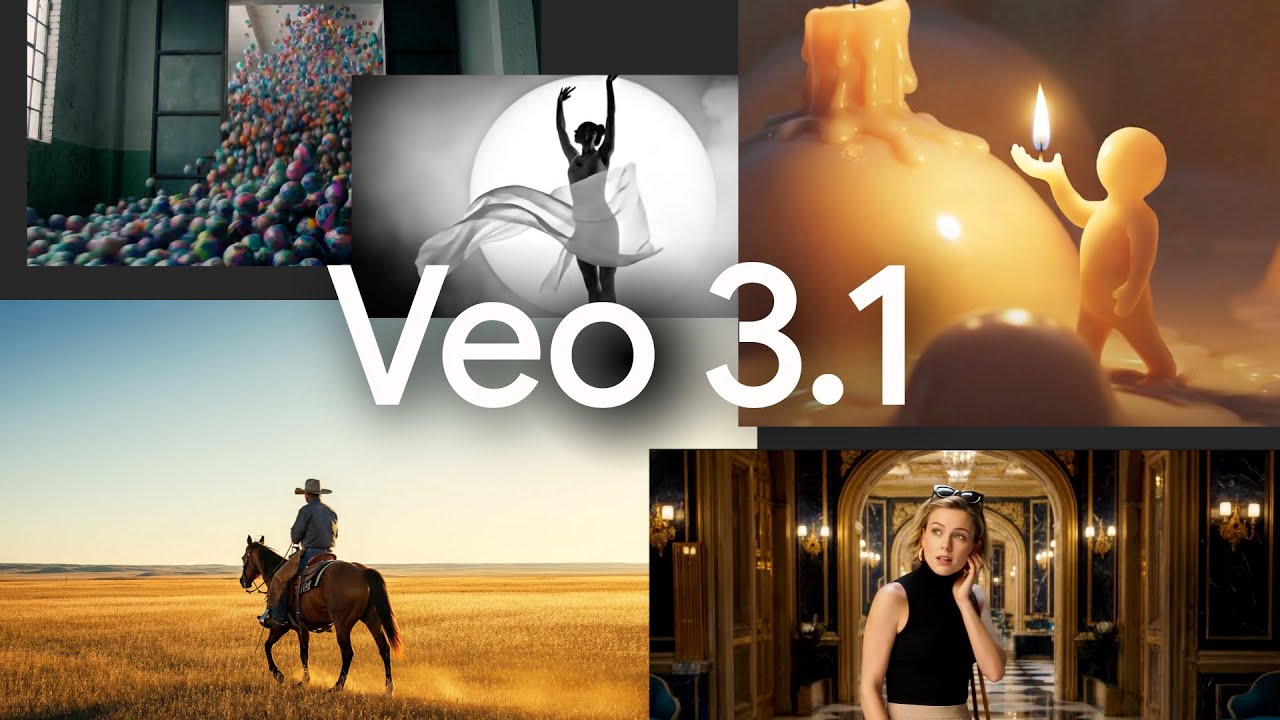
Veo’s strengths shine in creative control. You can guide scenes with reference images, ensuring your aesthetic, from origami dioramas to painterly 2D animations, comes through vividly. The tool supports complex prompts, like a wax figure in a glowing landscape or a violinist in a baroque hall, with audio that enhances immersion. Compared to Pictory, which prioritizes simplicity, Veo offers deeper customization, thus appealing to creators who want hands-on control. Its cloud-based platform runs smoothly, requiring no heavy local hardware, a plus for accessibility.
However, audio synchronization for short dialogue can falter, producing slightly off-sync speech that disrupts immersion. Complex prompts may require multiple adjustments to perfect, as the tool can misinterpret specific details, such as lighting or object placement. Unlike Lumen5, which is more beginner-friendly, Veo’s advanced features demand some learning, which could frustrate novices. Still, its interface is intuitive, guiding users through the creation of prompts and the use of features.
The tool’s pricing, available through Google DeepMind’s platform, aligns with industry standards for premium AI tools, offering flexible plans that compete with Runway or Stable Video. Also, the ability to extend clips or create transitions between frames adds versatility, making Veo ideal for dynamic storytelling.
For best results, start with clear and detailed prompts and use reference images to solidify your style. Experiment with camera controls to add cinematic flair, and test audio features to ensure sync. Tweak prompts if the results fall short, and leverage outpainting for flexible framing. Veo rewards patience, so take time to explore its features and refine your creations.
Video Overview ▶️
What are the key features? ⭐
- Camera Controls: Precisely dictate zooms, pans, or tracking shots for cinematic precision.
- Outpainting: Expands video frames seamlessly to fit various screen sizes or shapes.
- Character Consistency: Maintains character appearance across multiple scenes or actions.
- Native Audio: Generates synchronized sound effects, ambient noise, or dialogue.
- Object Manipulation: Adds or removes objects with realistic shadows and interactions.
Who is it for? 🤔
Examples of what you can use it for 💭
- Indie Filmmaker: Creates short films with realistic physics and native audio for immersive storytelling.
- YouTube Creator: Produces engaging vlogs with dynamic transitions and consistent character visuals.
- Animator: Crafts 2D animated scenes with painterly styles for unique, artistic projects.
- Marketer: Generates promotional videos with tailored aesthetics using reference images.
- Educator: Develops vivid, interactive visuals for teaching complex concepts with audio.
Pros & Cons ⚖️
- Realistic visuals with lifelike physics
- Native audio enhances immersion
- Precise camera and object controls
- Seamless frame expansion via outpainting
- Audio sync issues with short dialogue
- Learning curve for advanced features








