Lumen5
Transforms text into engaging videos automatically
Lumen5 is an AI-powered video creation platform that quickly and easily turns text, blogs, or scripts into engaging social media videos. It utilizes natural language processing to analyze content and automatically suggest scenes, visuals, and music. The tool targets marketers, businesses, and creators who need fast production without advanced editing skills. Key strengths include its drag-and-drop interface and integration with stock libraries from Getty and Shutterstock.
Core features stand out for efficiency. The AI Script Composer imports articles and generates a storyboard with timed scenes. Transcript-based editing lets users highlight text to swap media or adjust timing precisely. Automated captions improve accessibility, and voiceover options support multiple languages. Branded templates ensure consistent styling with logos and colors. These elements combine to produce videos optimized for platforms like YouTube or Instagram in under ten minutes typically.
In comparison, Lumen5 holds its own against similar tools. It focuses on text-to-video conversion, differing from InVideo, which emphasizes template variety for broader editing. Versus Synthesia, Lumen5 prioritizes stock footage over AI avatars, better suited for non-personalized content. Pictory rivals in script handling but offers more filler-word removal; Lumen5 counters with stronger media matching. General pricing includes a free plan with limits, followed by pro tiers for HD and no watermarks, which are often more budget-friendly for small teams than competitors’ enterprise options.
Users appreciate the speed and simplicity, noting higher engagement from repurposed content. Surprises include seamless mobile editing for on-the-go tweaks and analytics for performance tracking. However, some report limited font choices and occasional irrelevant AI suggestions, requiring manual fixes. Video length caps on basic plans may frustrate users with longer formats, although upgrades address this issue.
Technical details reveal solid backend support, with cloud rendering for 1080p exports and role-based permissions for teams. Integrations with social channels streamline sharing. For those new to video, the tutorials guide setup effectively. Overall, it strikes a balance between automation and control, ensuring reliable and consistent output.
Practical advice: Start with the free tier on a short blog post to test the workflow, then upgrade if team collaboration or premium media features fit your needs. Focus prompts on clear key phrases for better AI results, and always preview before export to catch mismatches early.
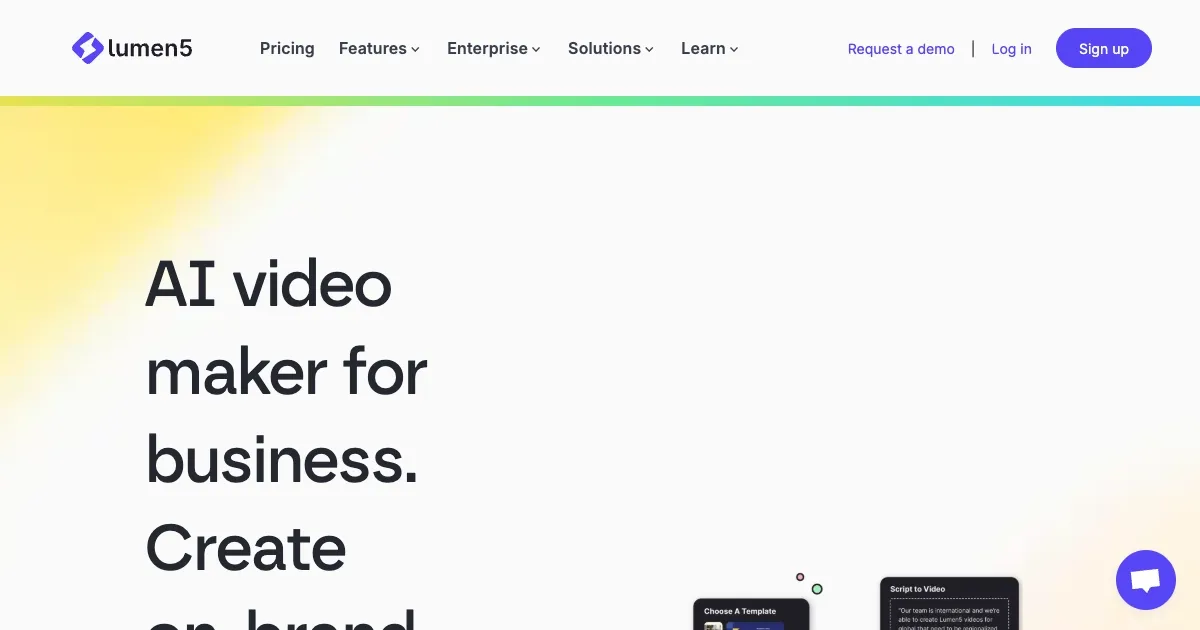
Homepage Screenshot 📸
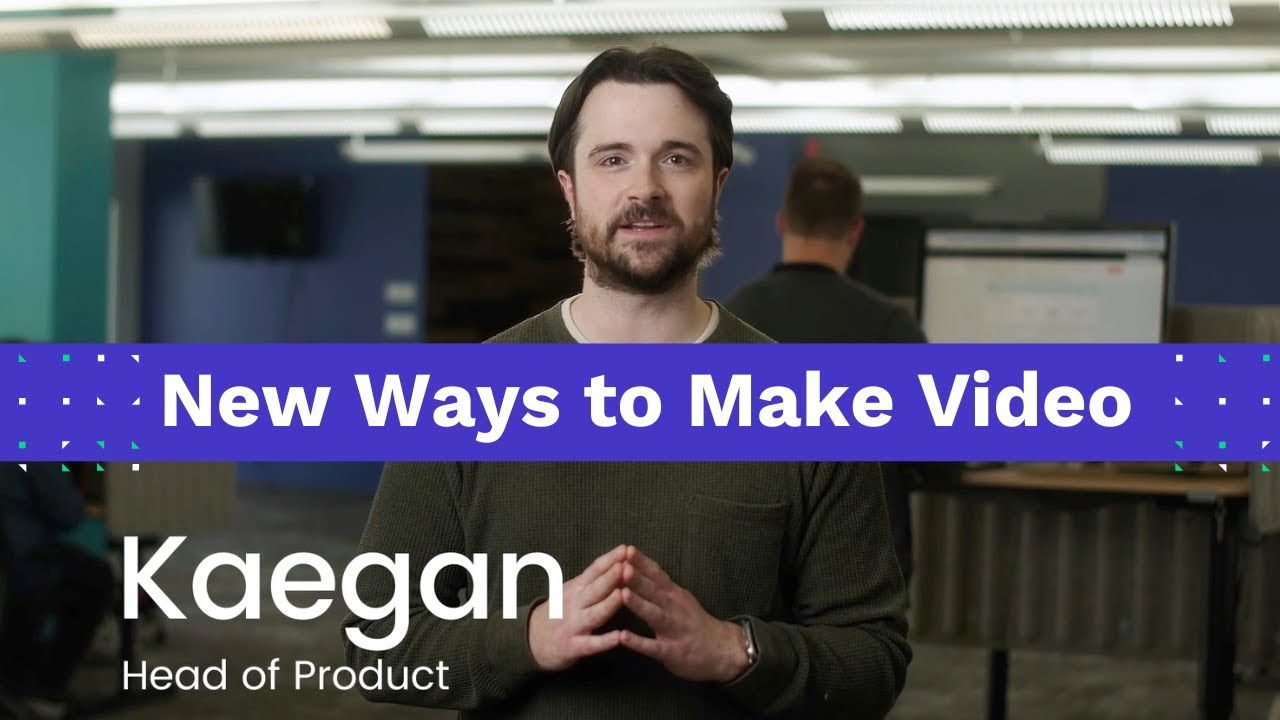
Video Overview 🎬
What are the key features? ✨
- AI Script Composer: Imports text or blogs and auto-generates a storyboard with suggested scenes and visuals.
- Media Library: Provides access to millions of stock images, videos, and music tracks from premium sources like Getty Images.
- Transcript-Based Editing: Allows precise adjustments by highlighting words in the script to swap media or timing.
- Branded Templates: Enables custom styles with logos, colors, and fonts for consistent brand videos.
- Automated Captions: Generates and syncs subtitles automatically to enhance accessibility and engagement.
Who is it for? 🤔
Examples of what you can use it for 💡
- Digital Marketer: Converts weekly blog articles into short promotional videos for LinkedIn and Twitter to increase traffic.
- Small Business Owner: Creates product highlight reels from descriptions to share on Instagram, engaging local customers.
- Educator: Transforms lesson notes into animated explainers for online courses, simplifying complex topics for students.
- Content Creator: Repurposes podcast transcripts into visual summaries for YouTube, expanding audience reach.
- Social Media Manager: Generates team update videos from email newsletters, keeping followers informed effortlessly.
Pros & Cons ⚖️
- Fast video creation
- Easy drag-and-drop
- Vast media library
- AI automation saves time
- Limited customization
- Watermarks on free plan
FAQs 💬