VideoStew
Transforms text into professional videos using AI-driven editing and templates
I gave VideoStew a whirl for a day, and I must confess that it’s like finding a shortcut through a maze you didn’t know existed. This AI-powered editor, cooked up by Tubloo in Seoul, feels like it was designed by someone who gets how intimidating video editing can be. I started with a blog post URL, tossed it into the Text-to-Video feature, and — poof! — a draft video appeared, complete with visuals, narration, and jaunty background music. It’s not Hollywood, but it’s polished enough to make you look like you know what you’re doing. The interface, a dead ringer for PowerPoint, had me dragging and dropping slides like a kid with a new toy.
The stock media library is a playground. Millions of videos, images, and tracks, all copyright-free, ready to jazz up your project. I slapped together a YouTube Short in under 10 minutes, using a template optimized for vertical video. The AI voiceovers? Shockingly good. I picked a “joyful” background track, and it gave my clip a vibe that screamed “share me.” The Flux image generation tool was a fun surprise, letting me create custom visuals that matched my brand’s colors. But, and there’s always a but, the rendering took longer than I’d hoped on the free trial, and the export options felt a tad limited for my taste.
Stack it up against Runway or VEED, and VideoStew’s simplicity is its superpower. RunwayML is a beast for advanced AI editing, but it’s overkill for quick social media clips. Veed.io plays nice with teams but lacks the same intuitive snap. VideoStew’s cloud-based setup means I could edit from my ancient laptop without a hitch, and the real-time preview kept me from second-guessing every change. Still, I hit a wall with the rendering cap on the free plan — fine for dabblers, less so for content machines.
The collaborative features caught me off guard. I shared a project link with a colleague, and we tweaked a promo video together, no sweat. The magic resizing for platforms like TikTok is a time-saver, though I’d love more control over subtitle styles. For a tool in beta, it’s impressively polished, but I did notice a slight lag when previewing heavier projects.
Try VideoStew if you’re a beginner or a busy marketer. Use the free trial to play with the TTV feature and templates. If you’re creating social media content, lean on the stock library and AI voices to save time. Just don’t expect to edit a feature film. Keep your projects simple, and you’ll be grinning at the results.
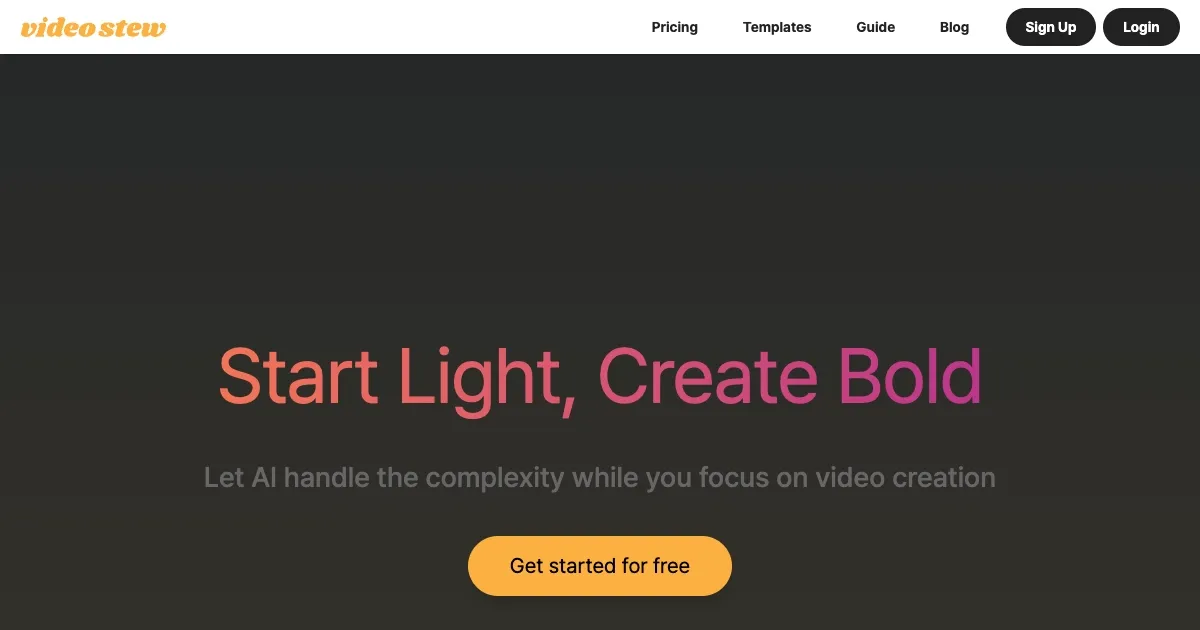
Homepage Screenshot 📸
Video Overview 🎬
What are the key features? ✨
- Text-to-Video (TTV): Converts text, voice, or blog URLs into video drafts automatically.
- Wizard Mode: Generates quick video drafts using AI for easy customization.
- Stock Media Library: Offers millions of copyright-free videos, images, and music tracks.
- Flux Image Generation: Creates custom visuals to match your content or brand.
- Magic Resizing: Optimizes videos for various platforms with a single click.
Who is it for? 🤔
Examples of what you can use it for 💡
- Content Creator: Turns long YouTube videos into short, engaging clips for TikTok or Instagram.
- Marketer: Creates promotional videos from blog posts for social media campaigns.
- Educator: Produces tutorial videos with AI voiceovers and text overlays for online courses.
- Small Business Owner: Crafts branded company PR videos using customizable templates.
- Podcaster: Converts podcast episodes into visual snippets with subtitles for social media.
Pros & Cons ⚖️
- Easy-to-use, PowerPoint-like interface.
- Vast library of copyright-free assets.
- Templates optimize for social media platforms.
- Rendering limits on lower plans.
- Limited advanced editing tools.
FAQs 💬
Ready to try VideoStew?
Transforms text into professional videos using AI-driven editing and templates
Visit VideoStew