DiagramGPT by Eraser
Generates technical diagrams from natural language or code prompts.
DiagramGPT is an AI-enabled tool that lets you generate technical diagrams from code or plain language prompts.
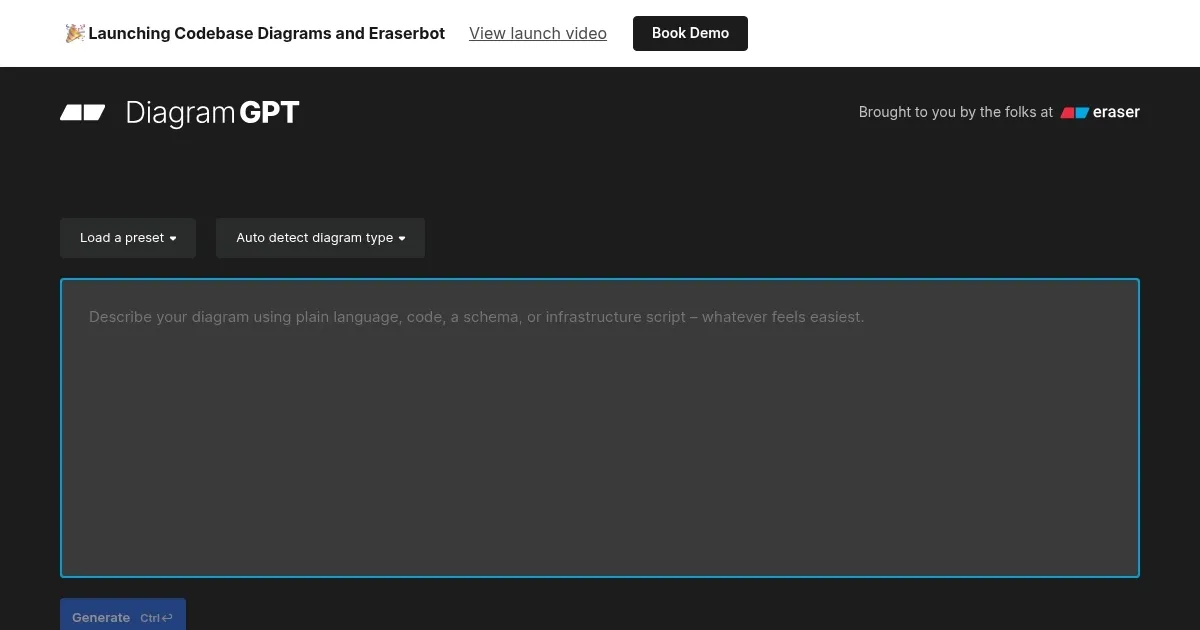
Powered by OpenAI’s GPT tech, it lets you start quickly by selecting one of the presets, or browse the use case video library for more inspiration. Alternatively, you can start from scratch and generate a new diagram from your data or from a text prompt.
Once created, diagrams can be edited using the diagram-as-code syntax.
At the moment, DiagramGPT supports 4 diagram types, including flow charts, entity relationship diagrams, cloud architecture diagrams, and sequence diagrams.
The tool also offers an API to its paid customers, who also get the option to opt out of sharing their data. DiagramGPT may use it for the purpose of improving the product.
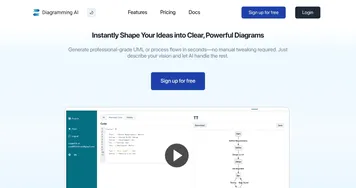
Homepage Screenshot 📸
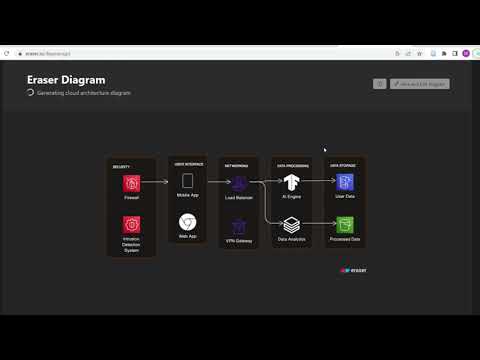
Video Overview 🎬
What are the key features? ✨
- AI Diagram Generation: Creates diagrams from natural language prompts or code snippets using GPT-4.
- Specific Diagram Types: Supports flow charts, entity relationship diagrams, cloud architecture diagrams, and sequence diagrams.
- Diagram-as-Code Editing: Generates editable code syntax for easy modifications in Eraser.
- Cloud Service Icons: Includes accurate icons for major cloud providers in architecture diagrams.
- Integration with Eraser: Seamless saving and collaboration within the Eraser whiteboard platform.
Who is it for? 🤔
Examples of what you can use it for 💡
- Software Architects: Generate cloud architecture diagrams from descriptions of infrastructure components.
- Database Designers: Create entity relationship diagrams by describing tables and relationships.
- Developers: Build sequence diagrams to visualize object interactions in code flows.
- Technical Writers: Produce flow charts for documenting processes or user journeys.
- Engineering Teams: Quickly sketch ideas during meetings or brainstorming sessions.
Pros & Cons ⚖️
- Generate diagrams with ease
- Fast start with one of the presets or examples
- API access (for paid customers)
- Only 4 diagram types available at the moment
FAQs 💬
Ready to try DiagramGPT?
Generates technical diagrams from natural language or code prompts.
Visit DiagramGPTDiagramGPT alternatives 🔗