Imgex
Transform text into stunning AI-generated art in seconds
I’m no artist (far from what), but I’ve always wanted to create something visually spectacular, and Imgex makes that dream feel within reach. This platform, found at imgex.ai, is like a magic wand for turning fleeting ideas into vivid, high-resolution images. You type a description — say, ‘a neon-lit cyberpunk city at dusk with flying cars’ — and in moments, Imgex’s AI churns out a visual that could hang in a gallery. It’s not just about speed, though, it’s about accessibility. Whether you’re a graphic designer or someone who can barely sketch a stick figure, Imgex’s intuitive interface welcomes you with open arms. The platform’s design is clean, almost playful, guiding you through the process without overwhelming you with jargon or complex menus.
What sets Imgex apart is its suite of tools, like Text to Image, which translates your words into visuals with uncanny precision, and AI Style Presets, which let you tweak the aesthetic — think watercolor, 3D render, or anime. I was blown away by how detailed the outputs are, high-resolution images that capture textures and lighting with a finesse that feels almost human. The AI Image Extender is another gem, letting you expand an image beyond its original borders, which is perfect for creating seamless backgrounds or tweaking compositions. And for those who want to get experimental, the Face Swap and Magic Edit tools offer a playful way to remix visuals, though they can feel a bit gimmicky if you’re aiming for professional-grade work.
That said, Imgex isn’t flawless. The prompt system works best in English, and if you’re using another language, you’ll need to rely on the Translate feature, which can sometimes muddle nuanced descriptions. I’ve also heard grumbles on platforms like Reddit about occasional slow processing times during peak usage, which can disrupt the creative flow. Compared to competitors like Leonardo AI or Canva’s Magic Media, Imgex holds its own with its user-friendly vibe and robust community support, but it lacks the deep collaboration features that Leonardo offers for teams or Canva’s broader design ecosystem. Still, Imgex’s focus on individual creators and its freemium model make it a compelling choice, especially if you’re just dipping your toes into AI art.
The community aspect is a pleasant surprise, a vibrant hub where creators share tips and showcase their work. It’s not just a tool, it’s a playground for inspiration. Pricing-wise, Imgex offers a free tier that’s generous enough to get started, with paid plans unlocking more credits and priority processing. It feels competitive, though Leonardo’s API scalability might edge out for enterprise users. One quirky delight? The AI Image to Prompt Generator, which reverse-engineers an image into a text description, sparking new ideas when you’re stuck.
If you’re looking to dive in, start with a simple prompt and play with the AI Style Presets to get a feel for the range. Experiment with detailed descriptions to push the AI’s limits, and don’t shy away from the community forums for inspiration. Imgex is a tool that rewards curiosity, so let your imagination run wild.
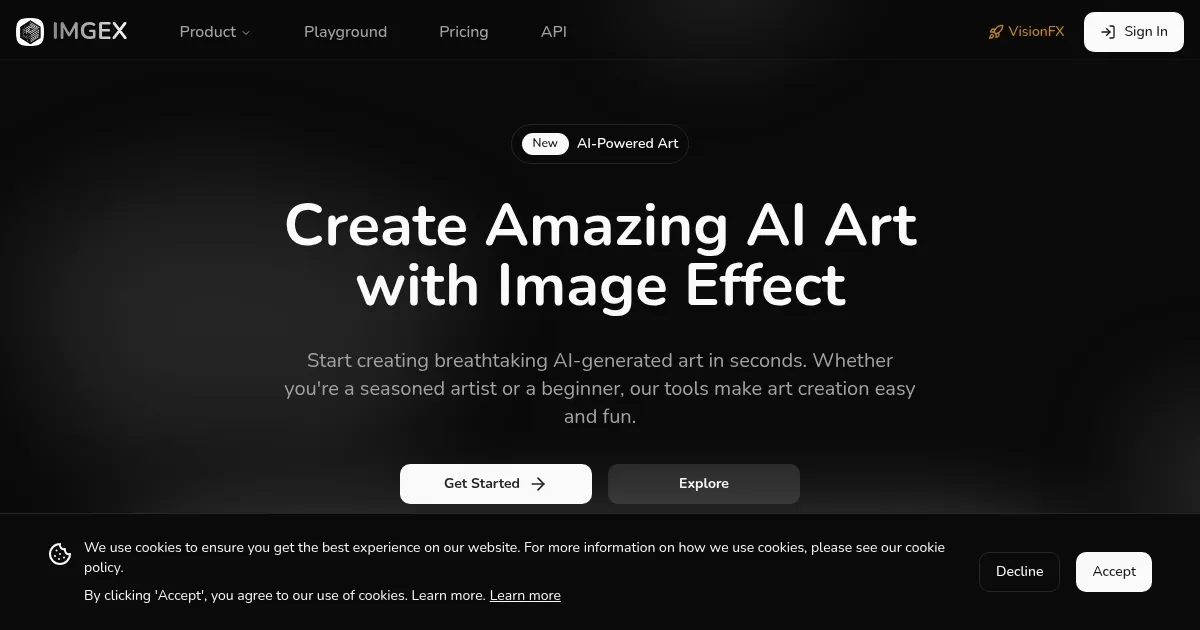
Homepage Screenshot 📸
What are the key features? ✨
- Text to Image: Converts text prompts into high-resolution AI-generated images.
- AI Style Presets: Offers curated artistic styles to enhance image generation.
- AI Image Extender: Expands images beyond original borders with seamless detail.
- Face Swap: Allows users to swap faces in images for creative edits.
- AI Image to Prompt Generator: Transforms images into text prompts for further creation.
Who is it for? 🤔
Examples of what you can use it for 💡
- Graphic Designer: Creates unique visuals for client branding with AI Style Presets
- Hobbyist Artist: Generates fantasy landscapes from text prompts for personal projects
- Social Media Manager: Produces eye-catching images for posts using Text to Image
- Content Creator: Expands existing images with AI Image Extender for video backgrounds
- Marketing Professional: Uses Face Swap to create engaging promotional visuals
Pros & Cons ⚖️
- High-quality, detailed image outputs
- Free tier with generous access
- Active community for inspiration
- Occasional slow processing times
FAQs 💬
Imgex alternatives 🔗