Kombai
Converts Figma designs into clean, high-quality frontend code instantly
Let’s talk about something that’s quietly revolutionizing the way developers and designers bridge the gap between mockups and live websites: Kombai. This AI-powered tool takes your Figma designs and, with a single click, spits out clean, usable frontend code — HTML, CSS, React, you name it. No tedious handoff, no endless back-and-forth, just code that’s ready to roll. It’s like having a super-smart assistant who speaks both design and dev fluently, and I’m here for it.
What makes Kombai stand out is its ability to understand UI designs like a human would. You don’t need to preprocess your Figma files, tag elements, or fuss with auto-layout. Kombai’s ensemble of deep learning and heuristic models dives into your design, figures out the logical structure, and generates code with sensible divs, flexbox layouts, and even JavaScript for dynamic components. The result? Code that’s not just functional but clean, with human-readable component names and no hardcoded dimensions cluttering things up. I tested it with a complex dashboard design, and the output was impressively close to what a seasoned frontend developer might write, minus the coffee-fueled all-nighter.
For email marketers, Kombai for Email is a game-changer. It converts Figma designs into HTML that works across all major email clients, including the notoriously finicky Outlook. The code follows email-coding best practices, ensuring high deliverability and responsiveness. This alone could save hours of tweaking to make sure your newsletter doesn’t look like a jumbled mess in Gmail or Yahoo. Plus, Kombai’s form element generation handles inputs, validations, and dynamic values with ease, which is a boon for interactive web components.
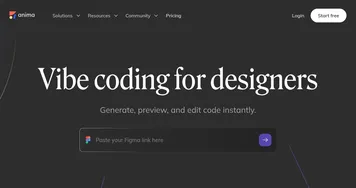
That said, it’s not flawless. Kombai’s still in research preview, so expect occasional hiccups. Some users on Reddit noted that while it excels at straightforward designs, highly customized layouts with intricate animations might need manual tweaks post-generation. It’s also desktop-only for now, relying on Chromium-based browsers, which could frustrate mobile-first workflows. Compared to competitors like Anima or Monday Hero, Kombai’s strength is its no-prep-needed approach, but Anima offers more robust animation support, and Monday Hero caters better to mobile app devs. Still, Kombai’s pricing — free for individual developers during preview, with enterprise plans for teams — feels like a steal for the time it saves.
The surprise? Kombai’s indexing and search tools. These let it dig through your codebase to reuse existing components, making it feel like it’s learning your project’s style. It’s not perfect yet, but it’s a glimpse into a future where AI doesn’t just generate code but adapts to your workflow. My advice: Start with simple designs to get a feel for Kombai’s output, then scale up to complex projects. Experiment with its Tailwind CSS or MUI Base outputs to match your stack, and don’t be afraid to tweak the code for those last-mile customizations. It’s a tool, not a replacement for your brain, so use it to amplify your productivity, not outsource your creativity.
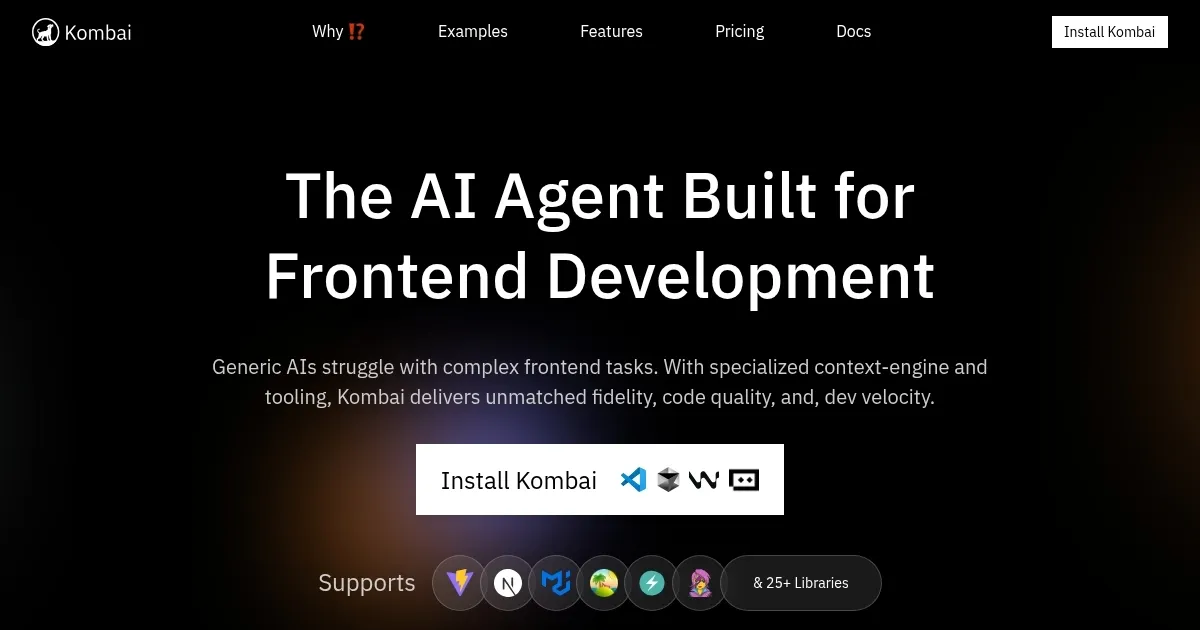
Homepage Screenshot 📸
What are the key features? ✨
- Design-to-Code Conversion: Transforms Figma designs into HTML, CSS, and React code with one click.
- Email HTML Generation: Produces email-optimized HTML compatible with major clients like Outlook.
- Form Element Generation: Creates functional form components with inputs and validations.
- Code Preview and Auto-Fix: Allows code preview and automatic error correction before integration.
- Library Compatibility: Supports vanilla CSS, Tailwind CSS, and MUI Base for flexible outputs.
Who is it for? 🤔
Examples of what you can use it for 💡
- Frontend Developer: Uses Kombai to convert Figma designs into React components for rapid prototyping.
- Email Marketer: Generates Outlook-compatible HTML email code from Figma designs for campaigns.
- UI/UX Designer: Tests design feasibility by converting mockups into functional code without coding skills.
- Startup Team: Accelerates web development by integrating Kombai’s clean code into their tech stack.
- Freelancer: Streamlines client projects by quickly turning Figma designs into responsive web code.
Pros & Cons ⚖️
- Converts designs to code instantly.
- Supports multiple CSS frameworks.
- Free for individual developers.
- Logical DOM and clean JS.
- Desktop-only, no mobile support.
- Complex animations need tweaks.
FAQs 💬
Ready to try Kombai?
Converts Figma designs into clean, high-quality frontend code instantly
Visit Kombai