Anima
Converts Figma designs into clean, functional React, HTML, Vue, or Tailwind code effortlessly
I spent two days with Anima, and it was like meeting a new coworker who’s brilliant but occasionally forgets where they parked their car. Anima’s pitch is simple: take your Figma designs, wave a digital wand, and poof — cleanTypically, you get React, HTML, Vue, or Tailwind CSS code that’s ready to roll. I plugged it into Figma, uploaded a simple landing page design, and within minutes, I had a functional React component. It felt like magic, but the kind that requires a bit of cleanup afterward.
The Anima Playground feature is where things get wild. It’s like a sandbox where your Figma designs morph into live web apps. I tweaked a button’s hover state, and it updated in real-time on a browser preview. The code was clean, leveraging Material UI standards, and it ran smoothly in CodeSandbox. But, I’ll admit, when I tried a more complex design with nested components, the output needed some manual love to get the spacing just right. Anima’s Smart Code Optimizer helped, stripping out redundant code, but it’s not a mind-reader.
Compared to Framer, which leans heavily into animations, or TeleportHQ, which focuses on low-code development, Anima stands out for its Figma-native integration. It’s more designer-friendly than TeleportHQ but less animation-focused than Framer. The pricing, though, can sting. The free plan is limited, and the Pro plan, while feature-rich, feels like a premium investment. I suspect small startups might hesitate, especially when free tools like Figma’s Dev Mode offer basic code export options.
What caught me off guard was the Figma-to-email HTML feature. I tested it with a newsletter design, and the resulting code worked flawlessly in Outlook. A pleasant surprise! But the tool’s reliance on proper Figma setup — Auto Layout is a must — can trip you up if your design’s a mess. I learned that the hard way.
Give Anima a spin if you’re a designer who wants to impress developers. Start simple, use Auto Layout, and experiment with Playground. It’s not perfect, but it’s a time-saver that sparks joy in the grind of design-to-code. Just don’t expect it to animate like Pixar.
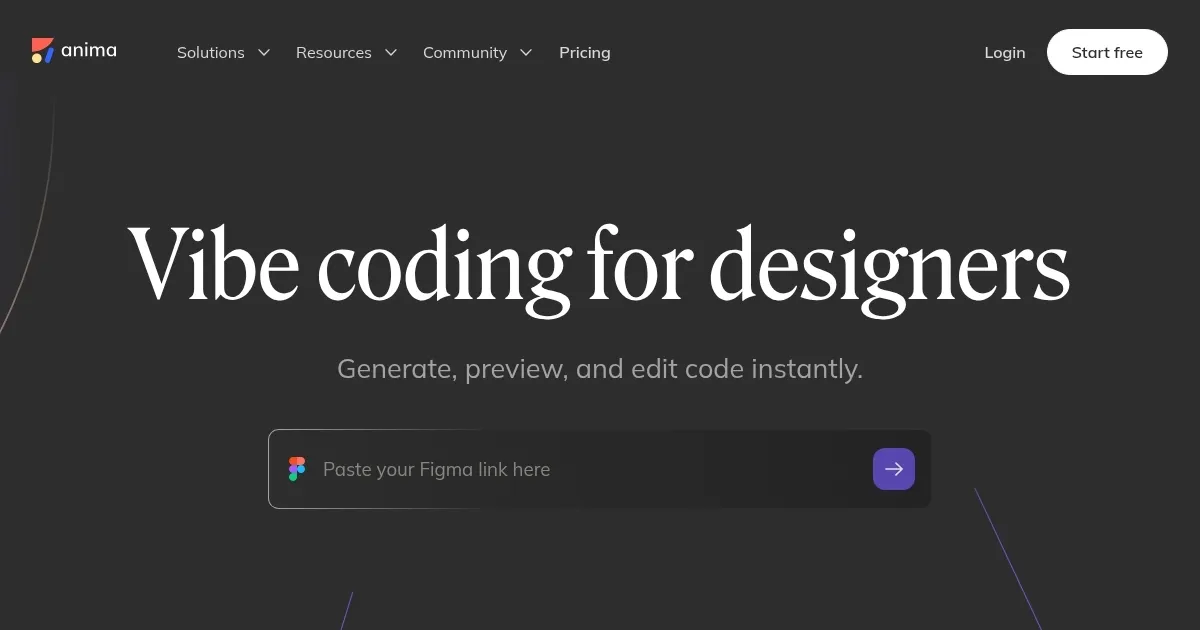
Homepage Screenshot 📸
Video Overview 🎬
What are the key features? ✨
- Anima Playground: Turns Figma designs into live web apps without a dev environment.
- Smart Code Optimizer: Uses visual analysis to streamline and clean up generated code.
- Figma-to-Code Export: Converts designs into React, HTML, Vue, or Tailwind CSS code.
- UI Library Support: Generates code for Material UI, Ant Design, and shadcn components.
- Figma-to-Email HTML: Creates responsive email templates for major email clients.
Who is it for? 🤔
Examples of what you can use it for 💡
- UI Designer: Converts Figma prototypes into responsive HTML for client previews.
- Front-End Developer: Generates clean React components for faster development.
- Product Manager: Builds live web apps via Anima Playground for user testing.
- Marketing Team: Creates email-compatible HTML from Figma newsletter designs.
- Startup Founder: Publishes websites directly from Figma to launch MVPs quickly.
Pros & Cons ⚖️
- Clean, production-ready code
- Supports multiple UI libraries
- Rapid prototyping with Playground
- Pricing may deter freelancers
- Complex designs need tweaks
FAQs 💬
Ready to try Anima?
Converts Figma designs into clean, functional React, HTML, Vue, or Tailwind code effortlessly
Visit Anima