LinkedRadar
Automates LinkedIn lead generation with AI-driven messaging and email finding
LinkedRadar is an LinkedIn automation tool that wants to make your networking smarter, faster, and safer. I think it’s fair to say it delivers, mostly, by blending AI-driven tools with a knack for mimicking human behavior. This isn’t just another clunky automation bot, it’s a thoughtful system that feels like a personal assistant who’s had one too many espressos. The tool focuses on LinkedIn lead generation, offering features like automated connection requests, mass messaging, and a nifty email finder that scours multiple channels to dig up contact info. What’s not to like about saving hours on prospecting? Well, let’s dig in.
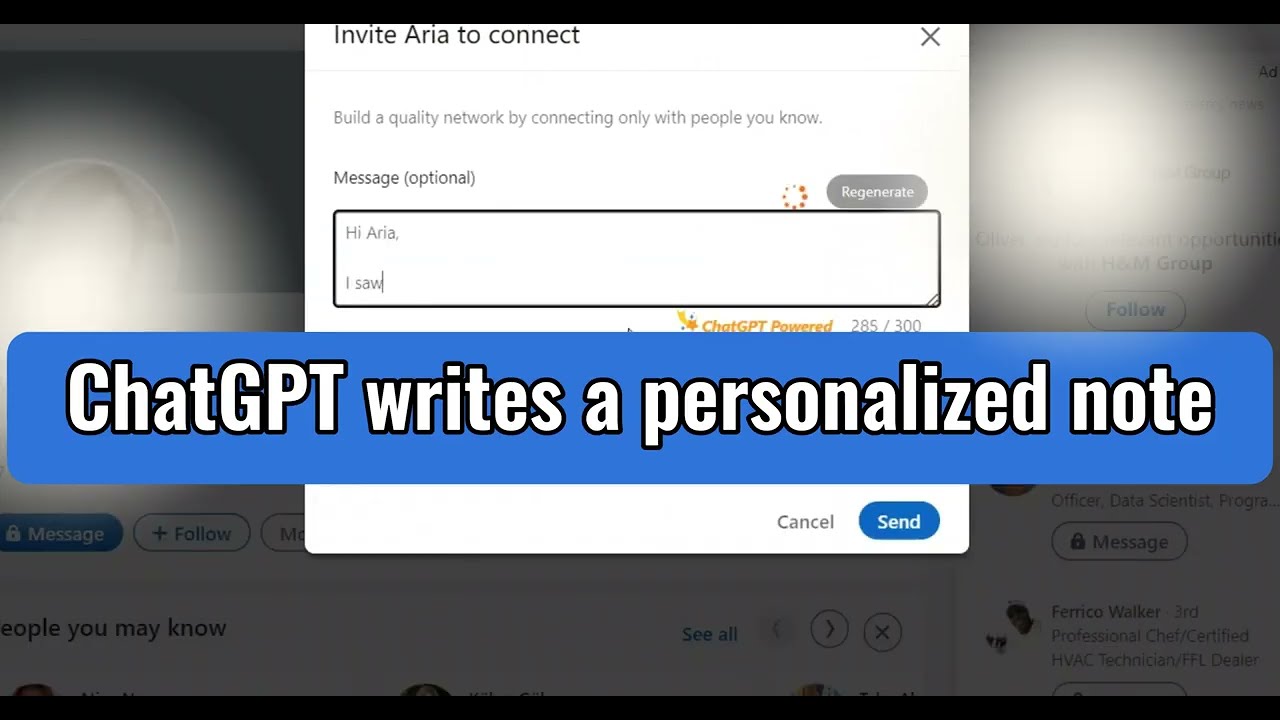
The star of the show is the AI Connect feature, which uses GPT-4 to craft personalized invitation messages based on a prospect’s profile. Imagine typing a quick keyword, hitting a button, and watching a tailored icebreaker appear, ready to charm your next client. It’s fast, and the messages feel human, not like they were churned out by a robot in a hurry. The Multi-Channel B2B Email Finder is another gem, pulling email addresses from various sources to ensure accuracy, and it comes with over 60 business email templates that let you whip up persuasive emails in seconds. For anyone juggling a busy schedule, these features are a godsend, cutting down the grunt work of LinkedIn outreach.
But it’s not all smooth sailing. The user interface, while functional, could use a polish, it’s a bit clunky and doesn’t always feel intuitive, especially for newcomers. Some users on forums like Trustpilot have grumbled about the tool feeling like it’s still in development, with occasional glitches in the automation flow. I think this critique holds water, you might find yourself wrestling with the interface when you just want to get things done. Compared to competitors like Expandi or Zopto, which boast slicker dashboards, LinkedRadar lags a bit in user experience. Still, its focus on safety, using stable country-based IPs and randomized delays to mimic human actions, gives it an edge for those worried about LinkedIn’s watchful algorithms.
What might surprise you is the LinkedIn Scraper And Viewer, which lets you pull thousands of prospect profiles with a single keyword or URL, presenting data like names, titles, and companies in a clean, at-a-glance format. It’s like having a supercharged research assistant who never sleeps. The tool’s CRM features, with tagging and list creation, also make organizing leads a breeze, though some users wish for deeper reporting capabilities. Pricing-wise, LinkedRadar offers a free tier and affordable paid plans, making it more accessible than heavyweights like Phantombuster, which can feel overkill for smaller teams.
For those diving into LinkedIn automation, start with the free trial to test the AI Connect and email finder, they’re the heart of the tool. Play with the templates, tweak the settings to match your outreach style, and keep an eye on the daily limits to stay safe. If the interface frustrates you, check out the tutorials on their site, they’re surprisingly helpful.
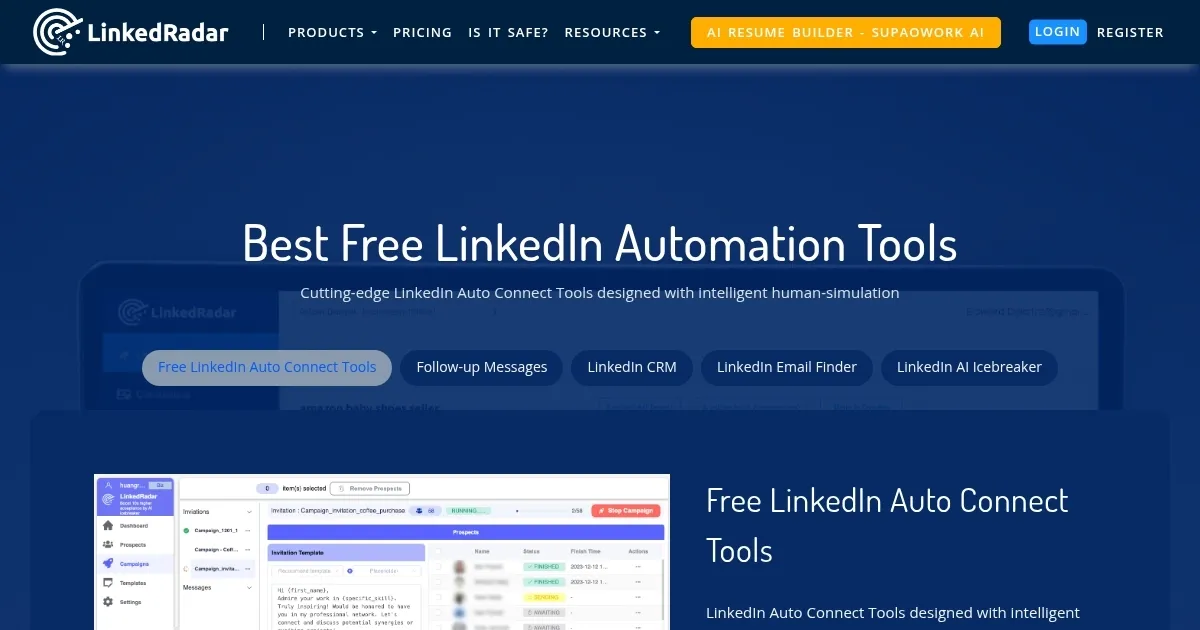
Homepage Screenshot 📸
Video Overview 🎬
What are the key features? ✨
- AI Connect: Generates personalized LinkedIn invitation messages using GPT-4 based on prospect profiles.
- Multi-Channel B2B Email Finder: Sources accurate email addresses from multiple channels for outreach.
- LinkedIn Scraper And Viewer: Extracts prospect data like names and titles from thousands of profiles with one keyword.
- Automated Messaging: Sends mass messages to first connections with customizable templates for high response rates.
- CRM Tools: Organizes leads with tagging and list creation for streamlined management.
Who is it for? 🤔
Examples of what you can use it for 💡
- Sales Manager: Uses AI Connect to send personalized LinkedIn invitations to potential clients, boosting acceptance rates.
- Freelancer: Leverages the Multi-Channel B2B Email Finder to source client emails for targeted pitches.
- Marketing Team Lead: Employs the LinkedIn Scraper And Viewer to gather prospect data for campaign planning.
- Small Business Owner: Utilizes automated messaging to send bulk follow-ups to first connections, saving time.
- Recruiter: Organizes candidate leads with CRM tools for efficient hiring outreach.
Pros & Cons ⚖️
- AI-driven personalized messaging
- Accurate multi-channel email finder
- Efficient prospect data scraping
- Occasional automation glitches
- Limited reporting features
FAQs 💬
Ready to try LinkedRadar?
Automates LinkedIn lead generation with AI-driven messaging and email finding
Visit LinkedRadarLinkedRadar alternatives 🔗