
OneTake

OneTake AI is an autonomous video editing tool that processes raw footage into professional presentations using AI automation. It handles transcription, noise removal, and visual enhancements through a single-click Magic Button interface. The platform supports uploads from various sources including YouTube and Zoom recordings. Core processing includes structured transcriptions that identify key points and add titles. Audio features remove background noise and filler words like “ums” and coughs. Video outputs include customizable styles, transitions, and color palettes.
Key functionalities cover content generation and repurposing. Users generate scripts and ideas via an AI agent that learns from prior content. The tool extracts viral moments for shorts suitable for TikTok, Instagram Reels, and YouTube Shorts. It converts horizontal videos to vertical formats without quality loss. Audio exports create podcasts in MP3 format normalized to -16dB standards. Hosting options include the OneTake Player for embedding with unlimited views and no watermarks on paid plans.
Translation capabilities enable multilingual dubbing with voice cloning and lip-syncing. Supported languages exceed 115, including English, Spanish, French, and Hindi. Premium plans allow up to six languages per video with context-aware accuracy. The conversational editing mode permits script adjustments through chat interactions. On-screen teleprompter aids recording with speed controls and pauses. Content import automates pulls from channels for initial edits.
Pricing structures range from free to premium tiers. The free plan limits edits to 30 minutes monthly with watermarks. Occasional plan at 20 dollars monthly permits one hour of edits up to 60 minutes without watermarks. Pro plan at 39 dollars monthly supports three hours up to 120 minutes, adding shorts generation and white-label hosting. Premium at 449 dollars monthly offers unlimited edits and two hours of translation. Yearly billing reduces costs, such as Occasional to 10 dollars monthly.
Competitors include Descript for audio-focused editing and Opus Clip for shorts creation. Descript provides overdub voice synthesis but lacks OneTake’s visual dubbing depth. Opus Clip excels in clip extraction at lower costs for social media but misses full video translation. Runway offers generative tools for creative effects, though it requires more manual input than OneTake’s automation. VEED suits quick social edits but falls short in advanced audio restoration. For users prioritizing ease and multilingual support, OneTake provides balanced functionality. Test the free tier with a short clip to evaluate fit before committing to paid access.
Video Overview ▶️
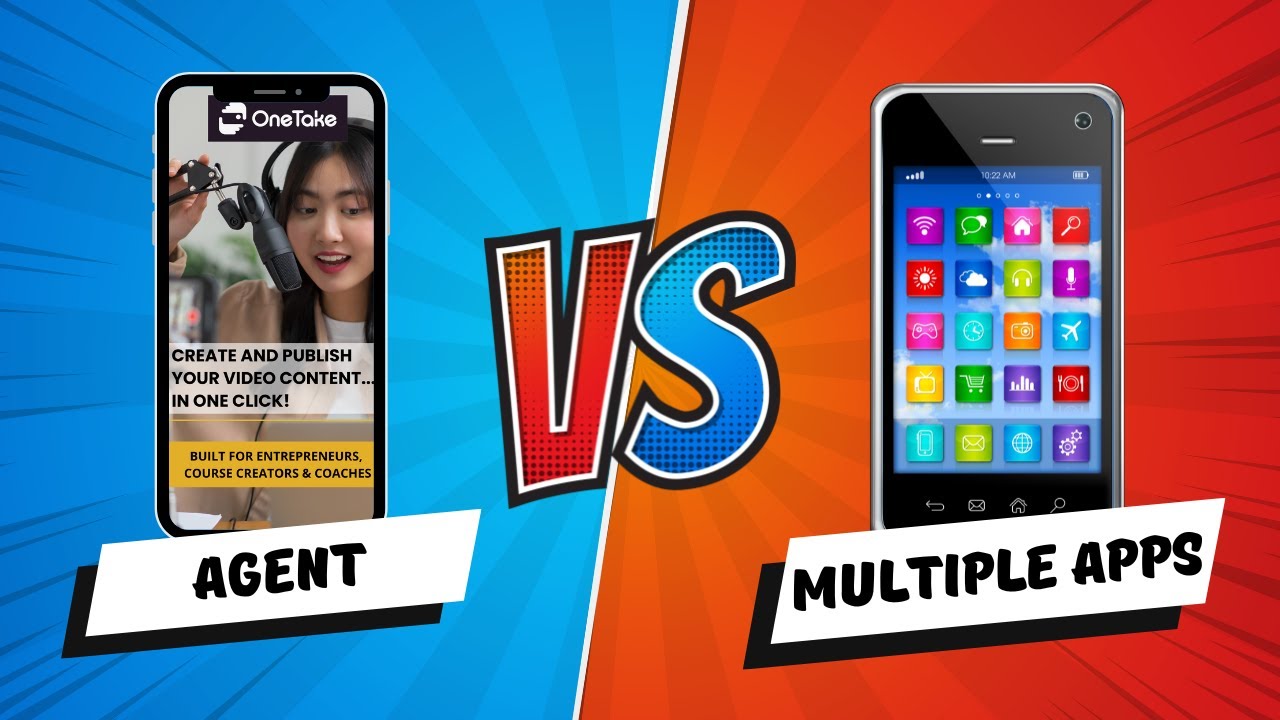
What are the key features? ⭐
- Magic Button: Automates full video editing with titles, transitions, and animations in one click.
- Hyper-Realistic Translation: Clones voice and lip-syncs for dubbing in over 115 languages.
- Audio Cleanup: Removes noise, fillers, and enhances voice for studio-quality sound.
- Shorts Extraction: Identifies viral moments from long-form content for social media clips.
- Conversational Editing: Allows script and edit adjustments via natural chat interactions.
Who is it for? 🤔
Examples of what you can use it for 💭
- Course Creator: Converts raw lecture recordings into engaging online modules with subtitles and highlights for better student retention.
- YouTube Marketer: Edits vlogs automatically, adding transitions and music to boost viewer engagement and channel growth.
- Podcast Host: Transforms video episodes into clean audio files ready for Spotify distribution, saving post-production hours.
- Social Media Manager: Extracts short clips from webinars for Instagram Reels, driving traffic back to full content.
- Global Business Owner: Dubs product demos in multiple languages to reach international audiences without reshooting.
Pros & Cons ⚖️
- One-click automation
- Multilingual dubbing
- Noise removal pro
- Easy customization
- Rendering lags
- Transcription errors








