logo-darklogo-darklogo-darklogo-dark
  • Tool Categories
    • 🎨Art & Creative Design505
    • 🏢Business Management644
    • 💻Coding & Development515
    • 👮Detection83
    • 🧠General Use727
    • 🏥Health & Wellness55
    • 📷Image & Photo Analysis100
    • 🖼️Image Generation & Editing618
    • 📐Interior & Architectural Design37
    • 🎓Learning & Education483
    • ⚖️Legal & Finance90
    • 🎭Lifestyle & Entertainment236
    • 📢Marketing & Advertising627
    • 🎧Music & Audio138
    • 👔Office & Workplace1,014
    • 🔬Research & Data Analysis372
    • 👥Social Media245
    • 🎥Video Generation & Editing426
    • 👧🏻Virtual Companion135
    • 🎤Voice Generation & Editing381
    • ✍️Writing & Editing808
    • All Categories
    • AI Use Cases
  • News
  • Events
    • Academic Conferences
    • Developer Conferences
    • Expos / Trade Shows
    • Industry Summits
    • Workshops / Training
    • All Events
    • Past Events
  • Saved Tools
  • Suggest a Tool
✕
Home › Voice Generation & Editing › Podcast› AutoPod
AutoPod

AutoPod

Automates video editing, clip creation, and jump cuts in Adobe Premiere and DaVinci Resolve

AutoPod is an AI-powered plug-in for Adobe Premiere Pro and DaVinci Resolve (beta) that automates video podcast editing tasks. It streamlines multi-camera editing, social media clip creation, and jump cut generation for content creators. Designed for editors, it integrates directly into Premiere Pro and DaVinci Resolve, supporting up to 10 cameras and microphones.

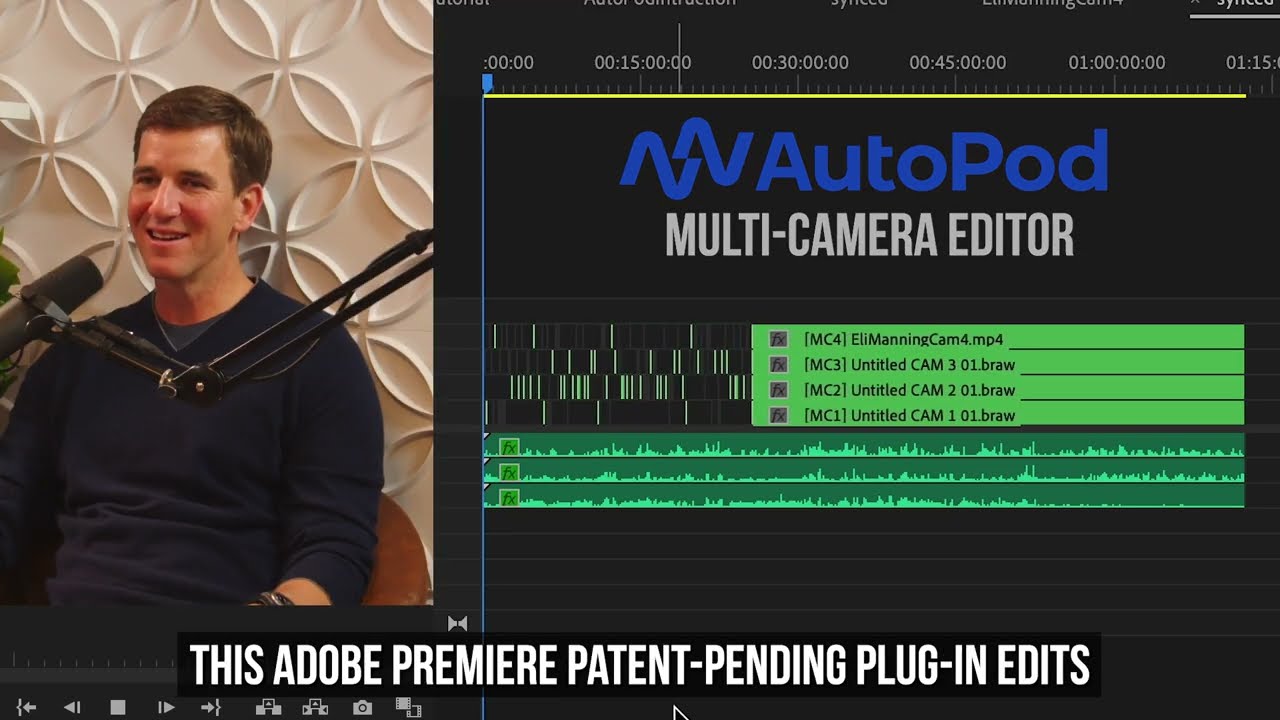
The Multi-Camera Editor automatically syncs audio and video, switching between camera angles based on speaker dialogue. It supports solo shots, two-shots, three-shots, and wide angles, creating a sequence without manual input. The Social Clip Creator generates clips in aspect ratios like 1920×1080, 1080×1350, and 1080×1920, with options for auto-reframe, watermarks, and end pages. The Jump Cut Editor detects silences below a set decibel level (e.g., -45 dB) and removes them to improve pacing. All features are accessible via the Extensions menu in Premiere Pro or Scripts menu in DaVinci Resolve.

AutoPod requires separate audio tracks for each speaker and doesn’t support single-camera or single-speaker setups. Some users report overly aggressive jump cuts, requiring manual adjustments. Billing issues, such as charges after cancellation, have been noted in recent Trustpilot reviews. The license is tied to one computer, which may limit flexibility.

Compared to Descript, which focuses on text-based editing, or Opus Clip, which prioritizes social media content, AutoPod is tailored for multi-camera workflows in professional editing software. Its pricing appears competitive, and a 30-day free trial is available.

To use AutoPod effectively, start with the free trial, ensure your audio tracks are clean, and adjust decibel settings carefully to avoid abrupt cuts. Check billing details to prevent unexpected charges.

Visit AutoPod ↗
Categories
🎤 Voice
🎙️ Podcast
🎧 Music
🎚️ Audio Editing 🎛️ Audio Enhancing 🔇 Noise Cancellation
🎥 Video
✏️ Video Editing

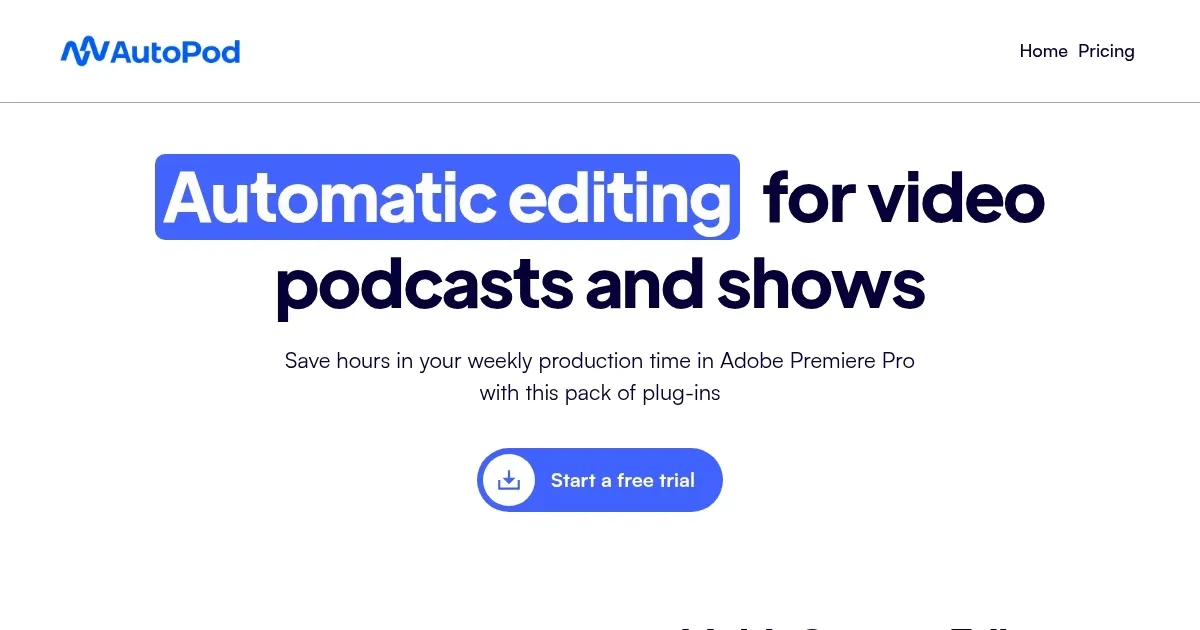
Homepage Screenshot 📸

AutoPod screenshot

Video Overview 🎬

AutoPod - Video Overview

What are the key features? ✨

  • Multi-Camera Editor: Automatically syncs and edits up to 10 cameras and microphones based on speaker dialogue.
  • Social Clip Creator: Generates social media clips in multiple aspect ratios with auto-reframe and watermark options.
  • Jump Cut Editor: Removes silences below a set decibel level to enhance video pacing.
  • Adobe Premiere Pro Integration: Seamlessly works within Premiere Pro’s Extensions menu for streamlined editing.
  • DaVinci Resolve Support (Beta): Extends automation features to DaVinci Resolve users via the Scripts menu.

Who is it for? 🤔

AutoPod is ideal for video podcasters, YouTubers, and small content creation teams who use Adobe Premiere Pro or DaVinci Resolve and need to streamline multi-camera editing. It suits creators managing multiple camera angles and microphones, particularly those producing long-form content like interviews or talk shows, as well as short social media clips. Solo editors or small teams with limited time for manual editing will find its automation features valuable, though it’s less suited for single-camera setups or beginners unfamiliar with professional editing software.

Examples of what you can use it for 💡

  • Video Podcaster: Uses Multi-Camera Editor to sync and edit footage from multiple angles for a polished episode.
  • YouTube Content Creator: Creates TikTok-ready clips with Social Clip Creator for quick social media sharing.
  • Talk Show Editor: Employs Jump Cut Editor to remove silences and keep audience engagement high.
  • Marketing Professional: Generates branded social clips with watermarks for consistent campaign visuals.
  • Freelance Editor: Automates multi-camera syncing to handle client projects more efficiently.

Pros & Cons ⚖️

  • Automates multi-camera editing
  • Creates social clips quickly
  • Integrates with Premiere Pro and DaVinci Resolve (beta)
  • License tied to a single computer

FAQs 💬

What is AutoPod?
AutoPod is an AI-powered plug-in for Adobe Premiere Pro and DaVinci Resolve that automates video podcast editing tasks.
Does AutoPod work with single-camera setups?
No, AutoPod requires multiple cameras and separate audio tracks for each speaker.
Is there a free trial available?
Yes, AutoPod offers a 30-day free trial for new users to test its features.
Which platforms does AutoPod support?
It integrates with Adobe Premiere Pro and DaVinci Resolve (beta) on Mac and Windows.
Can I switch computers with my license?
Yes, but you must manually transfer the license via AutoPod’s website.
How does the Social Clip Creator work?
It generates clips in various aspect ratios, with options for auto-reframe and watermarks.
What if I encounter bugs in DaVinci Resolve?
Contact support@autopod.fm for assistance with the beta version.
Does AutoPod support solo speakers?
No, it’s designed for multi-speaker setups with separate audio tracks.
How do I install AutoPod?
Download from AutoPod’s website, install, and activate with a license key in Premiere Pro or DaVinci Resolve.
Are there known billing issues?
Some users report charges after cancellation, so monitor your subscription closely.

Ready to try AutoPod?

Automates video editing, clip creation, and jump cuts in Adobe Premiere and DaVinci Resolve

Visit AutoPod ↗

AutoPod alternatives 🔗

  1. ElevenLabs ElevenLabs Generates lifelike, expressive AI voices for diverse applications
  2. NotebookLM NotebookLM Transforms uploaded documents into interactive AI-powered research assistants
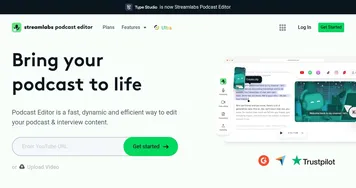
  3. Streamlabs Podcast Editor Streamlabs Podcast Editor A podcast editing solution that transcribes audio and video to text for easy edits and repurposing content
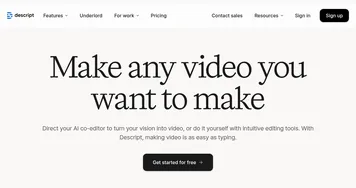
  4. Descript Descript Transforms video editing with AI-driven text-based tools and automated design
  5. Riverside Audio & Video Transcription Riverside Audio & Video Transcription An AI service that generates high-accuracy audio and video transcription in multiple languages.
  6. Murf Murf Converts text to lifelike speech for various applications
Share
AutoPod screenshot enlarged
Promote AutoPod
light badge
Copy Embed Code
dark badge
Copy Embed Code
neutral badge
Copy Embed Code
Best AI Tools

Discover the best AI tools for any use case

Explore
  • Tool Categories
  • AI Use Cases
  • AI Events
  • AI News
  • Saved Tools
Company
  • About Us
  • Contact Us
  • Media & Partnerships
  • Suggest a Tool
Legal
  • Privacy Policy
  • Terms of Service
Copyright © 2026 Best AI Tools 415 Mission Street, 37th Floor, San Francisco, CA 94105