FireCut
Automates video editing tasks like silence removal and caption generation
I gave FireCut a spin for a couple of days, and let me tell you, it’s like having a caffeine-fueled assistant who never blinks. As someone who’s wrestled with Adobe Premiere Pro’s quirks, I was curious if this AI plugin could really cut through the editing grind. Spoiler: it’s pretty slick, though it’s not without a few stumbles. FireCut nestles right into Premiere’s interface, popping up under the Extensions menu like a friendly neighbor. I dove in with a podcast clip, and the results? A mix of “whoa, that’s cool” and “okay, needs a nudge.”
First up, the Silence Remover. I uploaded a 10-minute clip, hit the button, and poof — awkward pauses vanished in seconds. It felt like magic, though I noticed it snipped a bit too aggressively in spots, clipping the start of a sentence. Adjusting to the “Advanced” setting helped, but it’s not a set-it-and-forget-it deal. The Auto Zoom feature was a pleasant surprise, adding dynamic flair to my talking-head footage. It’s not perfect; one zoom landed on my forehead instead of my face, which had me chuckling. Still, it saved me from manually keyframing zooms, which is a win.
The Multicam tool caught my eye for podcast editing. I fed it two camera angles, and it auto-switched based on who was speaking. It’s a time-saver, no doubt, but the cuts felt mechanical, like a metronome. I had to tweak the timing to keep things lively. Chapter Detection, though, was a standout. It broke my clip into neat segments and generated intro slides — basic, but clean. The captioning tool was the real star, spitting out accurate subtitles in English and Spanish for my test clips. Compared to Premiere’s clunky transcription, it’s a breath of fresh air.
But it’s not all smooth sailing. The interface is intuitive, but I hit a glitch where the plugin froze mid-process, forcing a restart. And while FireCut’s pricing feels fair for its features, it’s a subscription model, which might sting compared to one-time purchases like Pictory. Competitors like AutoCut offer similar automation, but FireCut’s Premiere integration is a big plus for Adobe users. Some X users griped about customer support ghosting them, which I didn’t experience but makes me wary.
What surprised me? How much time I saved. A task that’d take me an hour was done in 15 minutes. For anyone juggling YouTube or social media content, FireCut’s a lifeline. My advice: start with the 14-day trial, test it on a small project, and play with the settings to dial in your style. It’s not perfect, but it’s a game-changer for busy creators.
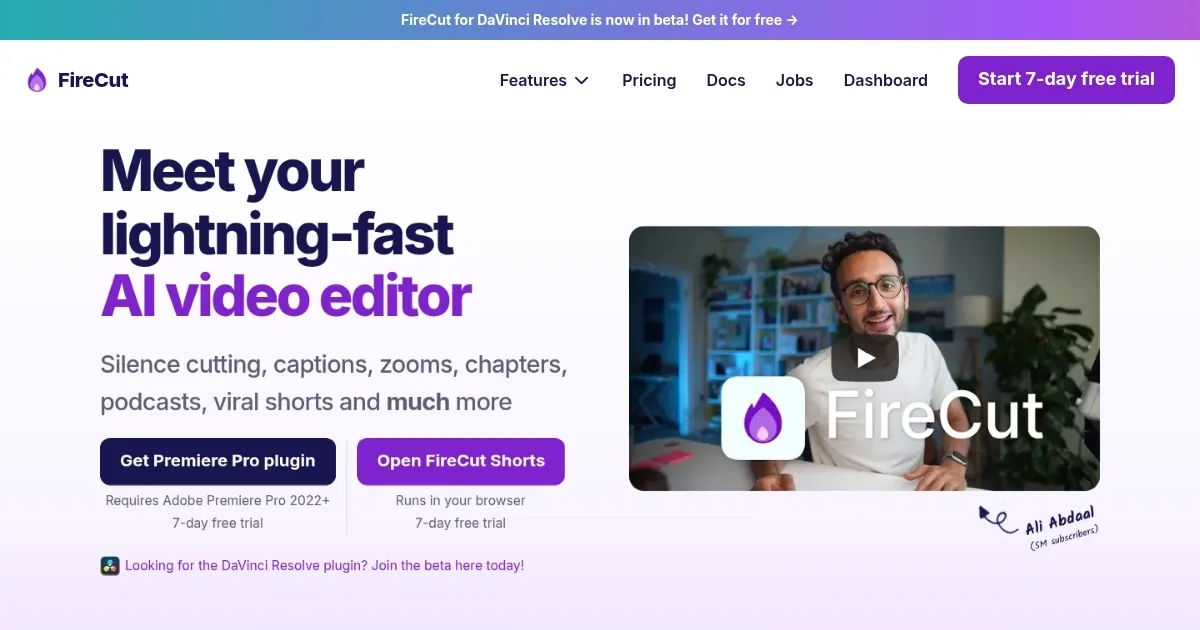
Homepage Screenshot 📸
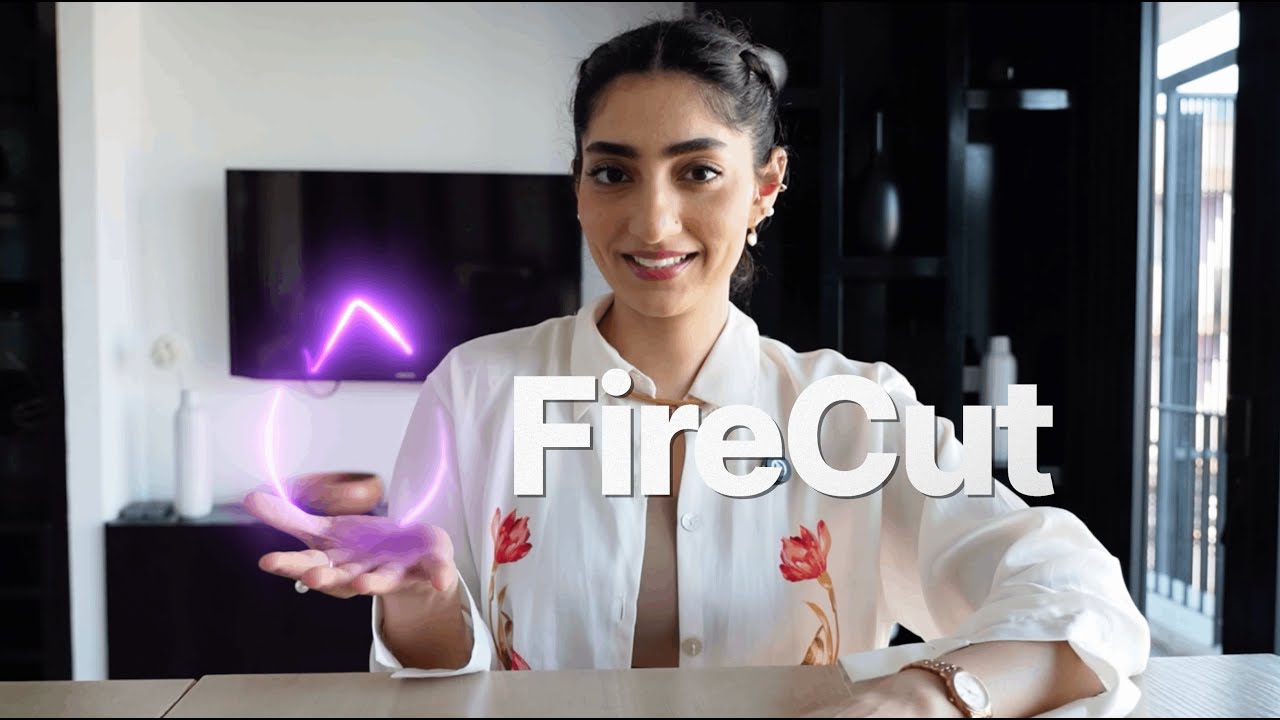
Video Overview 🎬
What are the key features? ✨
- Silence Remover: Cuts silent segments from videos with one click, streamlining footage cleanup.
- Auto Zoom: Applies dynamic zoom cuts at optimal moments to enhance visual interest.
- Chapter Detection: Automatically segments videos and generates intro slides for organized content.
- Multicam Editing: Auto-switches camera angles based on audio for seamless podcast edits.
- Caption Generation: Transcribes and adds captions in over 50 languages for accessibility.
Who is it for? 🤔
Examples of what you can use it for 💡
- YouTuber: Uses Silence Remover to trim pauses from vlogs, speeding up editing for weekly uploads.
- Podcaster: Employs Multicam Editing to auto-switch camera angles for dynamic video podcasts.
- Social Media Manager: Leverages Caption Generation to add subtitles in multiple languages for global reach.
- Video Editor: Utilizes Chapter Detection to organize long-form content with intro slides for clients.
- Content Agency: Applies Auto Zoom to enhance corporate videos, saving time on manual keyframing.
Pros & Cons ⚖️
- Saves hours on repetitive tasks.
- Supports 50+ languages for captions.
- Seamless Premiere Pro integration.
- Occasional plugin glitches.
- Limited zoom customization.
FAQs 💬
Ready to try FireCut?
Automates video editing tasks like silence removal and caption generation
Visit FireCut