PlagiarismRemover.net
An AI-driven tool that helps eliminate plagiarism from various types of content
PlagiarismRemover.net is an AI-driven tool that helps eliminate plagiarism from various types of content — including articles, essays, and research papers. By leveraging advanced algorithms, it rewrites text to ensure originality while preserving the original meaning. This makes it useful for students, educators, writers, and professionals looking to produce unique and plagiarism-free materials.
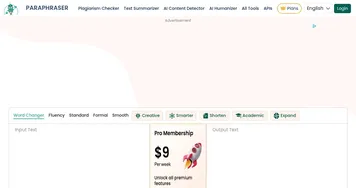
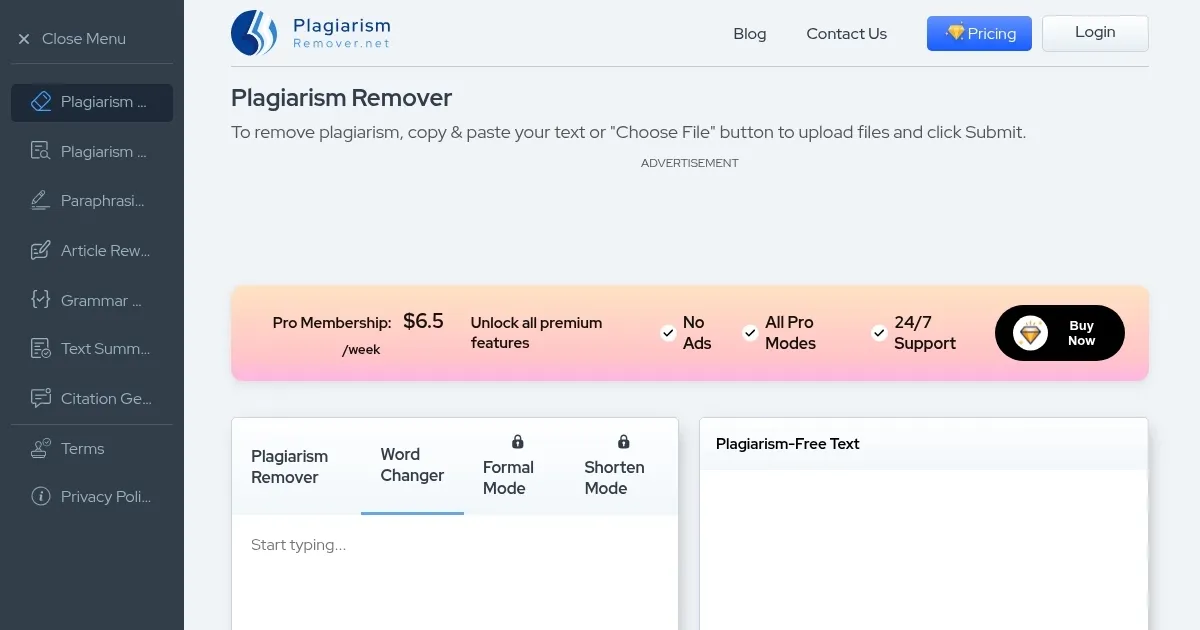
The platform offers four distinct modes: “Plagiarism Remover” focuses on eliminating duplicated content; “Word Changer” replaces specific words with suitable synonyms; “Formal” adjusts the tone to a more professional style; and “Shorten” that condenses the text without losing essential information. As a user, you can select the mode that best fits your objectives.
PlagiarismRemover.net supports more than 15 languages making it suitable for a global user base. The interface is user-friendly — users can paste their text or upload files from their devices, select the desired mode and language, and initiate the process with a click. From there, the tool provides a rewritten version of the content — which can be downloaded in .txt or .docx formats.
While the basic features are available for free, there are also premium plans for users requiring higher word limits and additional bells and whistles. These plans include faster processing speeds, access to all four modes, and an ad-free experience. This way, PlagiarismRemover.net makes its service accessible to both casual users and professionals. Check it out.
Homepage Screenshot 📸
Video Overview 🎬

What are the key features? ✨
- Multiple modes: The tool offers four distinct modes offering different rewriting needs - Plagiarism Remover, Word Changer, Formal, and Shorten.
- File upload capability: Users can directly upload files from their devices in various formats, such as .docx, .txt, and .pdf.
- Multilingual support: PlagiarismRemover.net supports over 15 languages, including English, Spanish, German, Dutch, Portuguese, Turkish, Indonesian, Russian, Japanese, and Chinese.
- Word count: The tool provides a word count feature, enabling users to easily monitor the length of their content.
- Human-level plagiarism removal: Utilizing advanced AI tech, the tool rewrites content in a way that maintains the original meaning while enhancing readability.
Who is it for? 🤔
Examples of what you can use it for 💡
- Students can use the tool to ensure their essays, research papers, and assignments are free from plagiarism
- Bloggers and content writers can refine their articles to maintain originality
- Business professionals can verify that reports, presentations, and other documents are unique
- Freelancers can deliver original content to clients
- Non-native speakers can use the tool to rephrase sentences
Pros & Cons ⚖️
- Access to basic services is free
- Simple interface for quick content processing
- Multi-language support
- Might miss subtle forms of plagiarism
Ready to try PlagiarismRemover.net?
An AI-driven tool that helps eliminate plagiarism from various types of content
Visit PlagiarismRemover.netPlagiarismRemover.net alternatives 🔗