QuizWhiz
Generates AI-powered quizzes from text, PDFs, and URLs instantly.
I stumbled onto QuizWhiz last week during a late night cram for my certification exam, you know that frantic scroll through tabs hunting for something, anything to make sense of dense policy docs. Id heard whispers on Reddit about AI quiz makers, but most felt like overhyped toys, so I was skeptical when I pasted in my first PDF. What happened next surprised me, the screen lit up with crisp multiple choice questions that nailed the key takeaways, like it had peeked into my brain and knew exactly what Id forget. In under five minutes, I had a practice set that felt tailor made, not some cookie cutter nonsense.
That initial thrill carried me through a couple hours of testing, and here’s the bit that hooked me, the scenario based questions. They threw curveballs, like What if this regulation changed tomorrow, forcing me to think on my feet rather than memorize. I laughed out loud at one, picturing bureaucrats scrambling in a dimly lit office, because the AI wove in real world flavor without me prompting it. Sure, I only tinkered for a day or so, but the export to Google Forms was seamless, letting me quiz a friend who’d been dodging my study invites. He texted back, Dude, this is actually fun, which from him is high praise.
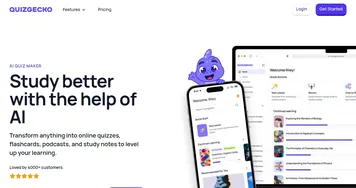
Of course, it wasn’t all smooth sailing, the free tier capped me at a handful of runs, leaving me itching for more just as momentum built, and once or twice the answers skewed simplistic, missing the nuance of legalese that makes my field tricky. Compared to Quizgecko, which layers on flashcards like a pro, QuizWhiz keeps it lean, almost too much so if you’re craving gamification like Kahoot delivers with its buzzers and leaderboards. Pricing wise, it seems gentler on the pocket for casual users like me, no aggressive upsells popping up mid flow.
The AI chat snuck up on me too, a quiet powerhouse where I typed foggy questions about compliance clauses and got back explanations that cleared the fog without jargon overload. Its like chatting with a patient mentor who’s had one coffee too many, eager but not pushy. A quick peek at recent X posts showed folks praising the progress tracker for spotting blind spots early, though one user griped about occasional repeats in question banks. That rings true from my brief spin, variety is there but could stretch further.
If you’re eyeing this for your next prep session, Id say dive in with a single document, play with the difficulty sliders, and let the self assessment guide your next move. It turned my dread into drive that night, and who knows, might just do the same for you, turning study marathons into something almost enjoyable.
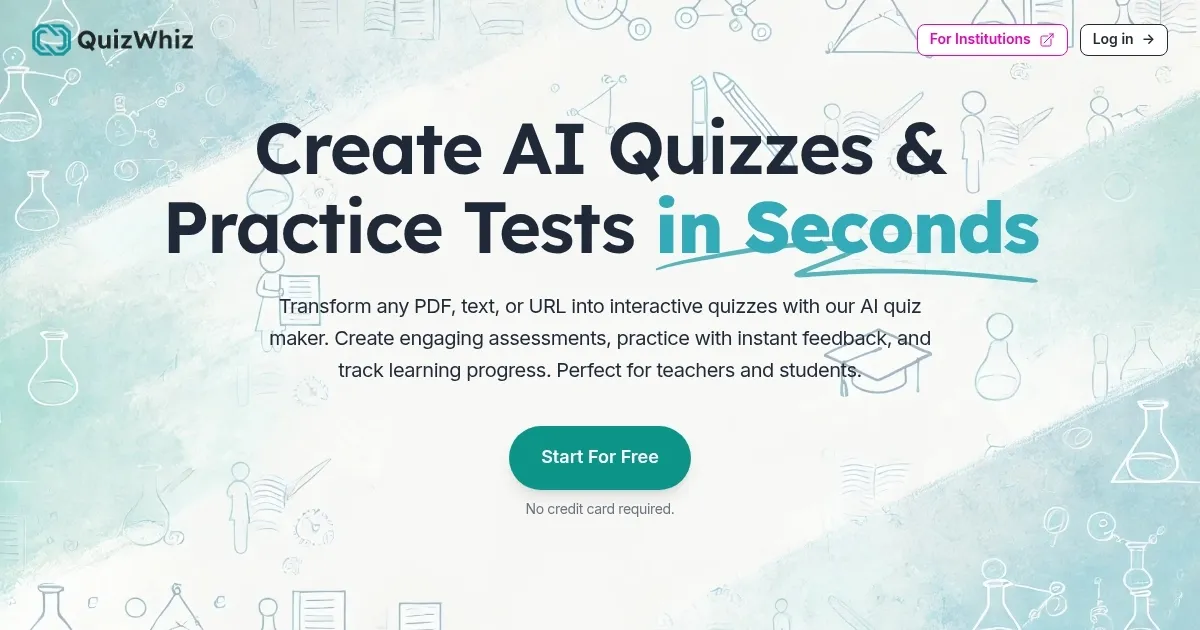
Homepage Screenshot 📸
What are the key features? ✨
- AI Quiz Generation: Creates multiple question types from text or documents in seconds.
- Study Notes Creation: Automatically summarizes and organizes input material into structured notes.
- Self-Assessment Tools: Provides practice quizzes with instant feedback and progress tracking.
- AI Document Chat: Allows interactive querying of uploaded content for explanations.
- Diagram Labeling: Generates label quizzes for images to enhance visual learning.
Who is it for? 🤔
Examples of what you can use it for 💡
- High school teacher: Uploads a chapter PDF to generate weekly quizzes for class review.
- College student: Inputs lecture notes to create personalized practice tests before exams.
- Corporate trainer: Uses URL from company policy to build compliance quizzes for employees.
- Content creator: Turns blog articles into interactive quizzes to engage newsletter subscribers.
- Homeschool parent: Creates diagram labeling quizzes from science images for hands on learning.
Pros & Cons ⚖️
- Fast quiz creation
- Customizable questions
- Free starter plan
- Easy integrations
- Limited free credits
- Occasional inaccuracies
FAQs 💬
Ready to try QuizWhiz?
Generates AI-powered quizzes from text, PDFs, and URLs instantly.
Visit QuizWhiz